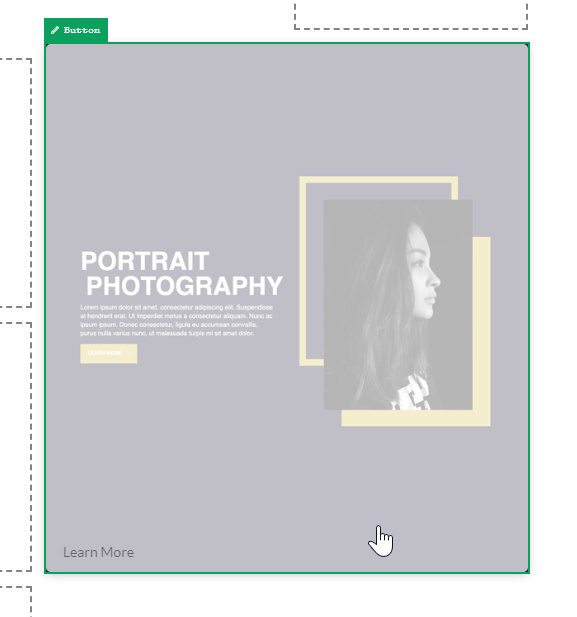
Linking Text and Image boxes

Hello,

I would like to add a link so that if a user clicks on either the image or image cells, the page redirects to the relevant page. I can’t find a “link” option in the control panel of either. I can link the text directly, but I basically want to turn the whole of the “overlapping cells” section into a clickable hotspot.

https://cyberch.com/business-category/

Thanks a lot

Jon
Hey Jon,

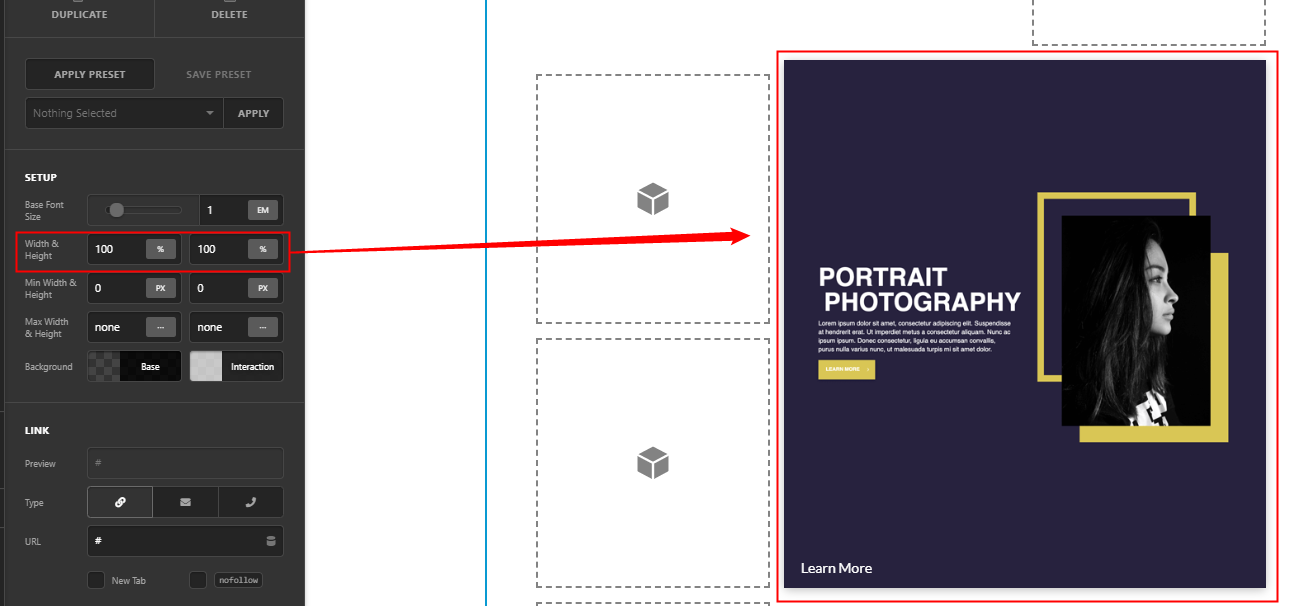
What you can do for your case is replace the Text element with a Button element and expand the button to the full width and height of the cell to cover it. You can do that by setting the Width and Height of the button to 100%. In the following screenshots, the image is the background of the cell and the element inside the cell is a Button with a transparent background.

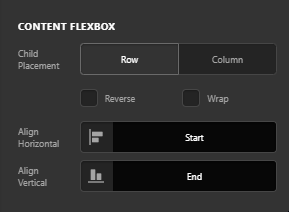
You can then position the button’s content using the Content Flexbox options.

Hope that helps.

This topic was automatically closed 10 days after the last reply. New replies are no longer allowed.