Hi there. Have a look at the attached image. One of the three front page navigation chevrons does not work. Can you see why? Thanks.
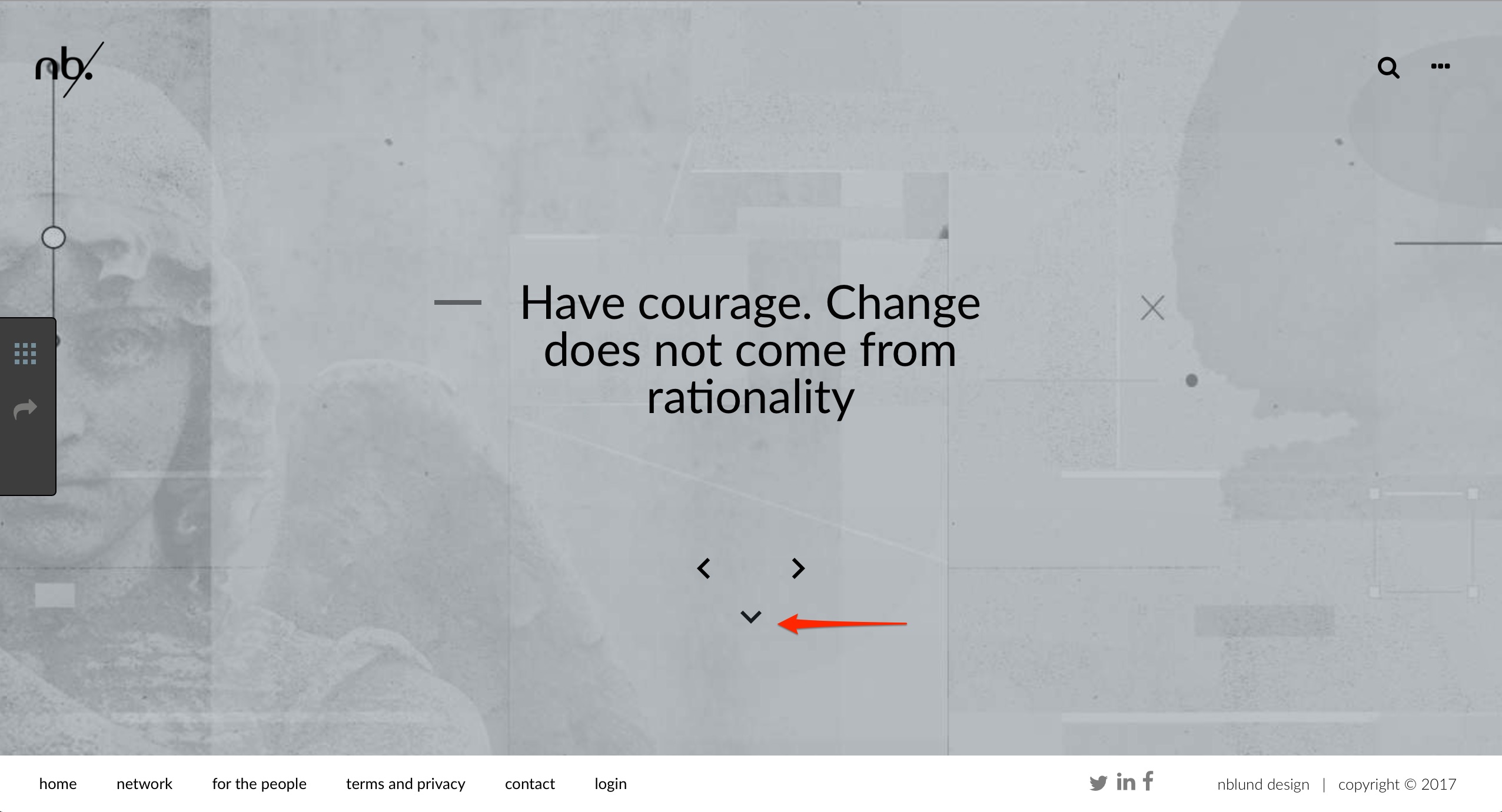
Hi there. Have a look at the attached image. One of the three front page navigation chevrons does not work. Can you see why? Thanks.
Hi There,
Upon checking they are all working.
Please clean your browser and test again.
If that does not help please let us know which browser and device you are using while experiencing the issue.
Thanks
Hi there.
This is strange. I cleared cash (wordpress and browsers), tried it in Safari, Chrome and Firefox. Neither of them worked from my Mac. However, it worked using Safari on iPhone. Any ideas?
Thanks.
It works on my end too. I do see you’re using minification and caching though. Please disable it and clear all caches then disable caching also then check again.
Thanks.
Hi there.
So, I did that. No change. I also removed the features of the caching one-by-one as well as turn off the caching as well after each change. No effect.
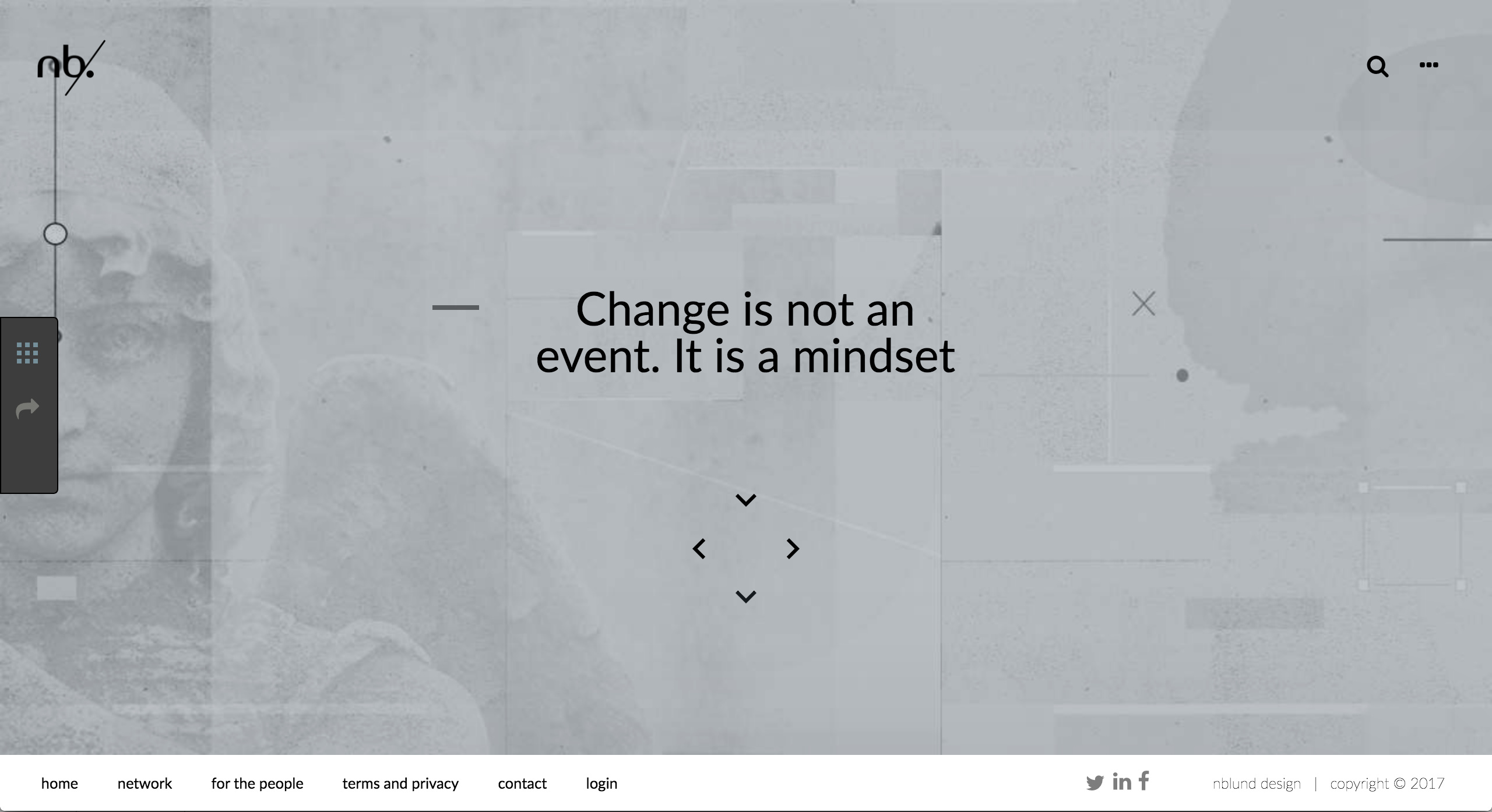
I discovered this: If I copy the chevron in Revolution Slider and put the copy (or the original) higher of in the viewport towards the center of the screen, then this copy will actually work. Replacing it again - this time lower in the viewport at the original place - makes is dysfunctional… (See image if you wish). What could this be?
Thanks
This might be depending on the screensize. What is your screen size? Since it’s working above the viewport, could you stick to that solution? If we discover something invisible covering the chevron in a smaller screen size and might require custom CSS, that would not be the optimum solution and we do not support that and also you need to maintain it yourself. Please give us your screen size anyway maybe there’s a setting to fix it.
Thanks.