Hey there!
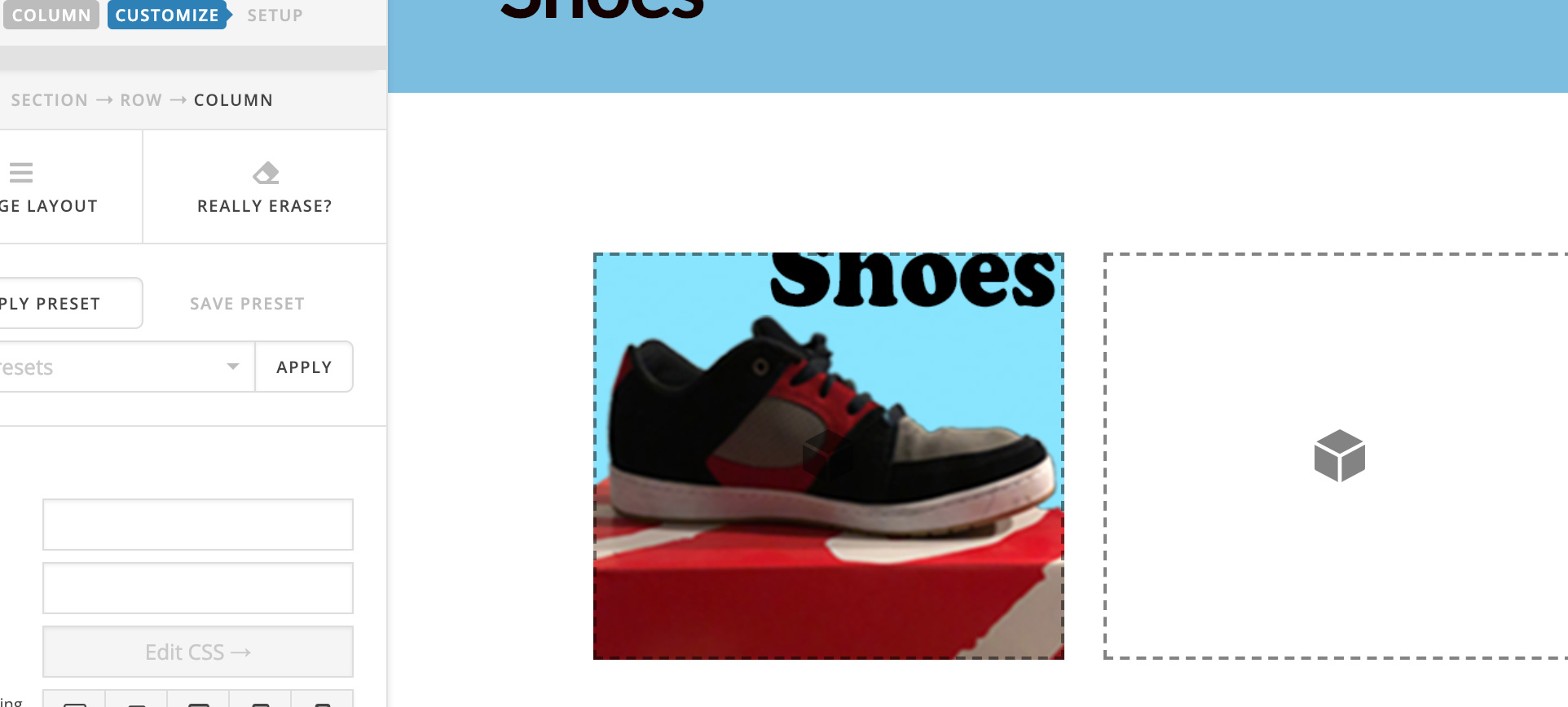
I forgot how to do this. For example, column 1, section one how do I make this image link to a page? I thought there was a spot to create link.
Here’s an example…
Thank you!
Hey there!
I forgot how to do this. For example, column 1, section one how do I make this image link to a page? I thought there was a spot to create link.
Here’s an example…
Thank you!
Figured it out! I just had to ADD IMAGE as element…not upload. Anyway, when I scroll over it, anyway the hover can say “shoes” For example, when hovering over an article it says “view post”
Thank you!
Hello Theodore,
Thanks for posting in! We’re glad you were able to figure out how to add the image with a link into your columns. On the other hand, the “view post” in the blog index and archive pages were designed on purpose. You cannot do this with the image element alone. You will need a combination of an image element, a headline element and a little css to be able to mimic the same hover effect. This method will be a little more complicated if you are not yet familiar with css and the elements in the builder.
To do this, just do the following:
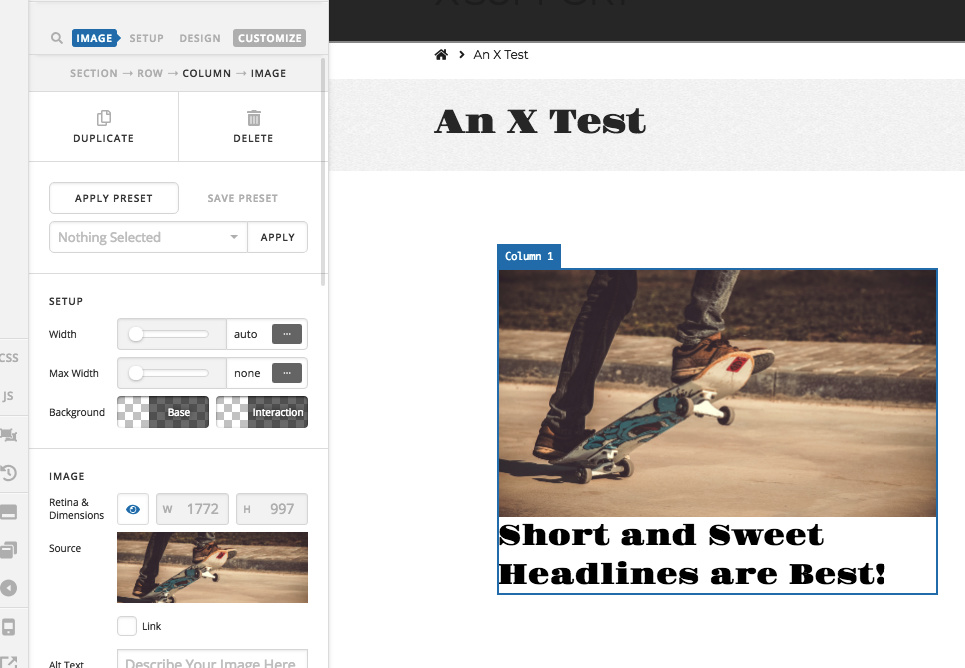
show-on-hover in the “Customize” tab of the headline element.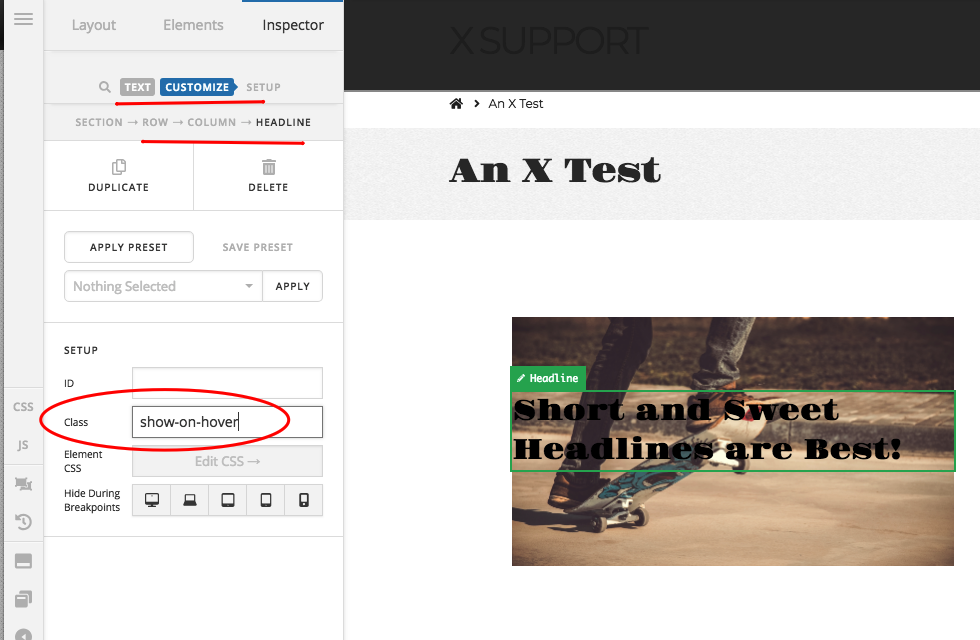
.x-column .show-on-hover {
  position: absolute;
  top: 30%;
  left: 0;

  display: table-cell;
  vertical-align: middle;

  opacity: 0;
  transition: 0.5s opacity ease;
}

.x-column:hover .show-on-hover {
  opacity: 1;
}
We would loved to know if this has work for you. Thank you.
Yes! This did work for me! Thank you so much!
You’re most welcome!
This topic was automatically closed 10 days after the last reply. New replies are no longer allowed.