Lightbox edits

Please can you let me know how to remove the border that appears on the images (both on my page and in the lightbox) and also how can we now make the image fill the container in the same way it would if I was selecting an image for a column background and choosing cover/center.

I am using image shortcode and lightbox shortcode. Thank you.
Hi there,

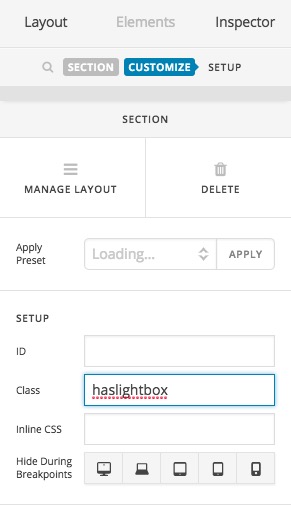
Please kindly go to the Section which contains the image and adds click on the Customize tab and adds the haslightbox class:

Then please add the CSS code below to X > Launch > Options > CSS:

.x-img, .ilightbox-holder.light {
    padding: 0;
    border: none;
    box-shadow: none;
}

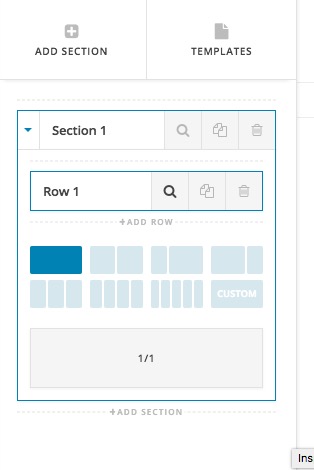
Regarding the second question, actually it is nearly impossible to force an image element to act like a background but you can make the column system of the Cornerstone to have no container and margin to have a full-width image. To do so you need to go to the Row settings of the Section in question:

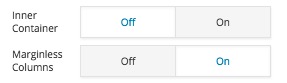
Then disable the Inner Container and enable the Marginless Columns options:

Thank you.

Thank you!

You’re welcome.

This topic was automatically closed 10 days after the last reply. New replies are no longer allowed.