Hi
After doing the second migration now, I totally ignored / forgot / missed to deactivate old license assignments. Problem is, that I cannot activate any of my licenses.
Kindly, assist please.
Kind regards
Stefan
Hi
After doing the second migration now, I totally ignored / forgot / missed to deactivate old license assignments. Problem is, that I cannot activate any of my licenses.
Kindly, assist please.
Kind regards
Stefan
Hello @UCCPro,
Thanks for asking. 
Please try to revoke and reassign the licence under licence manager section in your profile. https://screencast.com/t/5FJ28WX6n
Thanks.
Where do I revoke a license here:
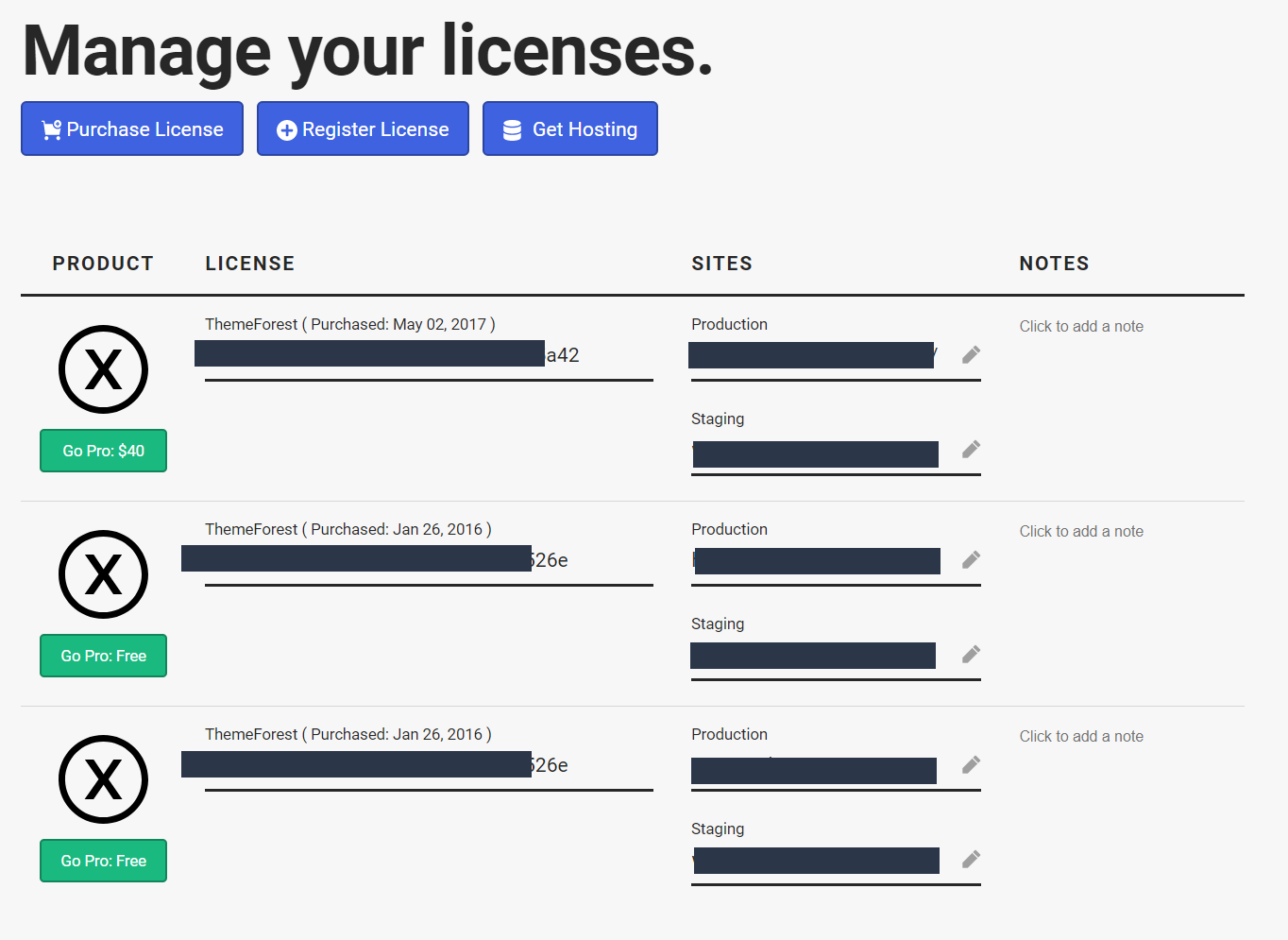
I can’t find the right option.
Hello There,
Simply go to your licenses account, https://theme.co/apex/licenses and you will be able to manage the assignments of the licenses. Click the “Pen” icon to unassign or remove the assignments for each license.
You will then go that to your site, log in to your WordPress dashboard and go to X > Overview. You can find the revoke link in the left side or in the bottom.

Hope this helps.
Hi Rue
I see your point. Unfortunately I did a migration already once before. Therefore staging is not available to me. How can I set the staging license option, when I have no chance to deactivate a previously activated license for a today no longer existing installation?
What happens to the current production system, if I deactivate the license there? Will it still show the content correctly?
How will I be able to use a staging system at any time, if I can’t deactivate the license?
Kind regards
Stefan
Hi there,
You just need to remove the staging URL assigned to your purchase code. You don’t have to revoke it if the staging is not available anymore. Then just validate it again to your new staging.
You don’t have to remove your production URL from your purchase code, just remove the staging URL since you could assign two URL in single purchase code.
Thanks!
This topic was automatically closed 10 days after the last reply. New replies are no longer allowed.