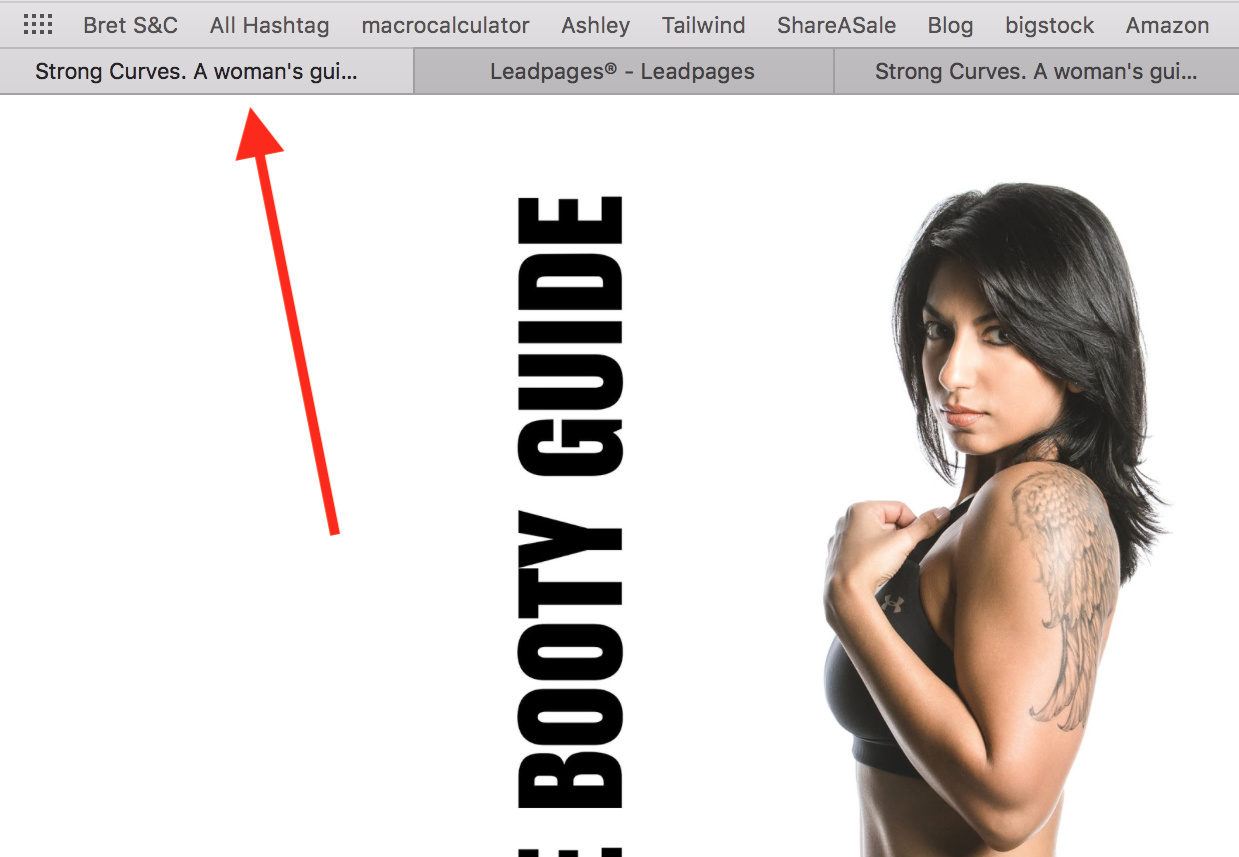
Hi team, I have 2 lead pages - one is ‘Strong Curves’ and I just created a new one called ‘Home Booty Guide’. For some reason the new Home Booty Guide featured image is showing the Strong Curves image and also the description. Bluehost tried to clear cache but didn’t work. They also said the problem was with the theme or design or a plugin and lead pages doesn’t have the option to change featured images. I can’t launch this until this is sorted. I’ve included screenshots. Would you be able to have a look please? Here is the link to my new page… if you look at the tab you’ll see it says ‘Strong Curves’. If you paste the link, the strong curves image appears: https://fitnizfury.com/Home-Booty-Guide/ 
Hi There,
You can change the socials fallback image under Theme Options > Social > SOCIAL FALLBACK IMAGE:

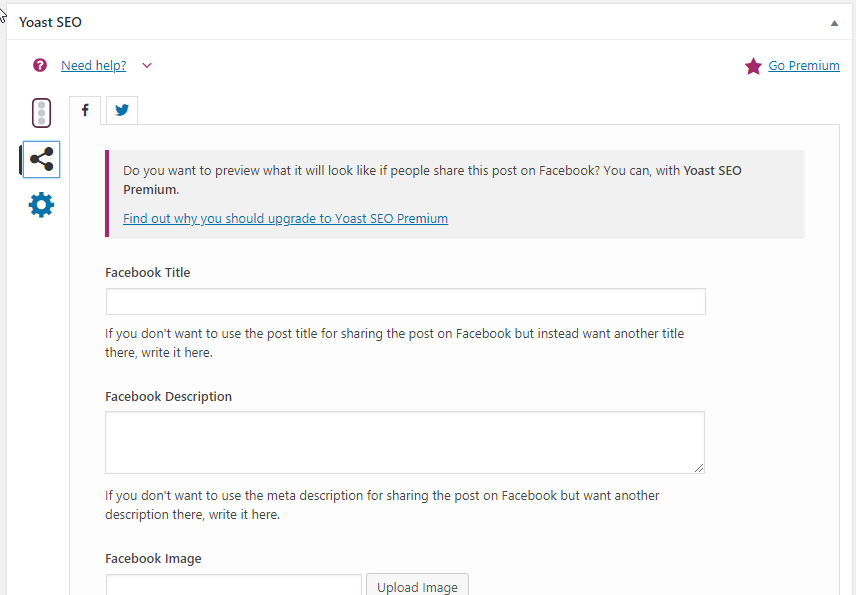
If it still doesn’t work, please use the Yoast Seo(https://wordpress.org/plugins/wordpress-seo/) plugin to change the featured image and meta description:
Hope it helps 
Resolved!! Thanks so much!!
Ramona
You are always welcome Ramona.
This topic was automatically closed 10 days after the last reply. New replies are no longer allowed.