Layout problems

Hi

Recently got X theme and here are some layout issues I am having:

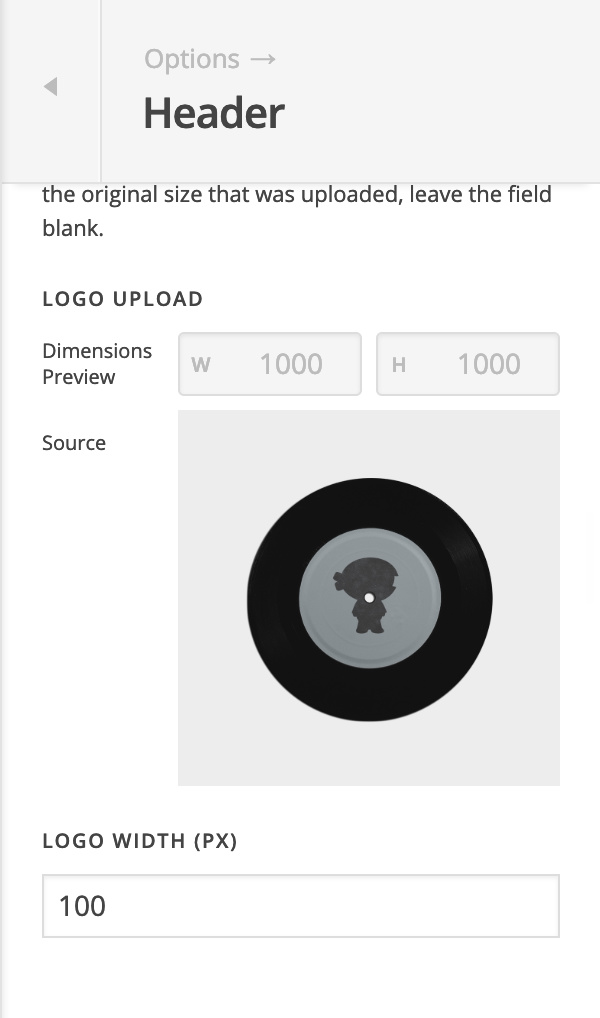
  1. The logo image is a good width but I would like to adjust the height. How could I do this?
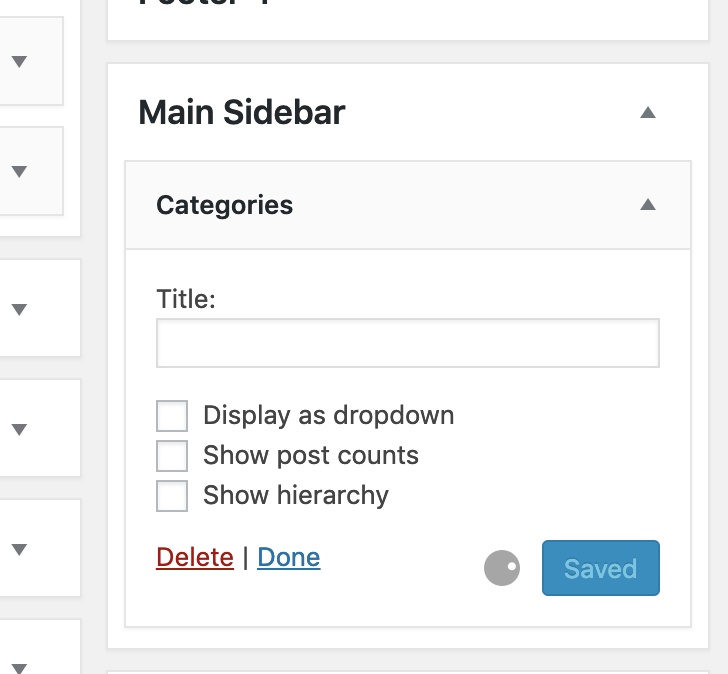
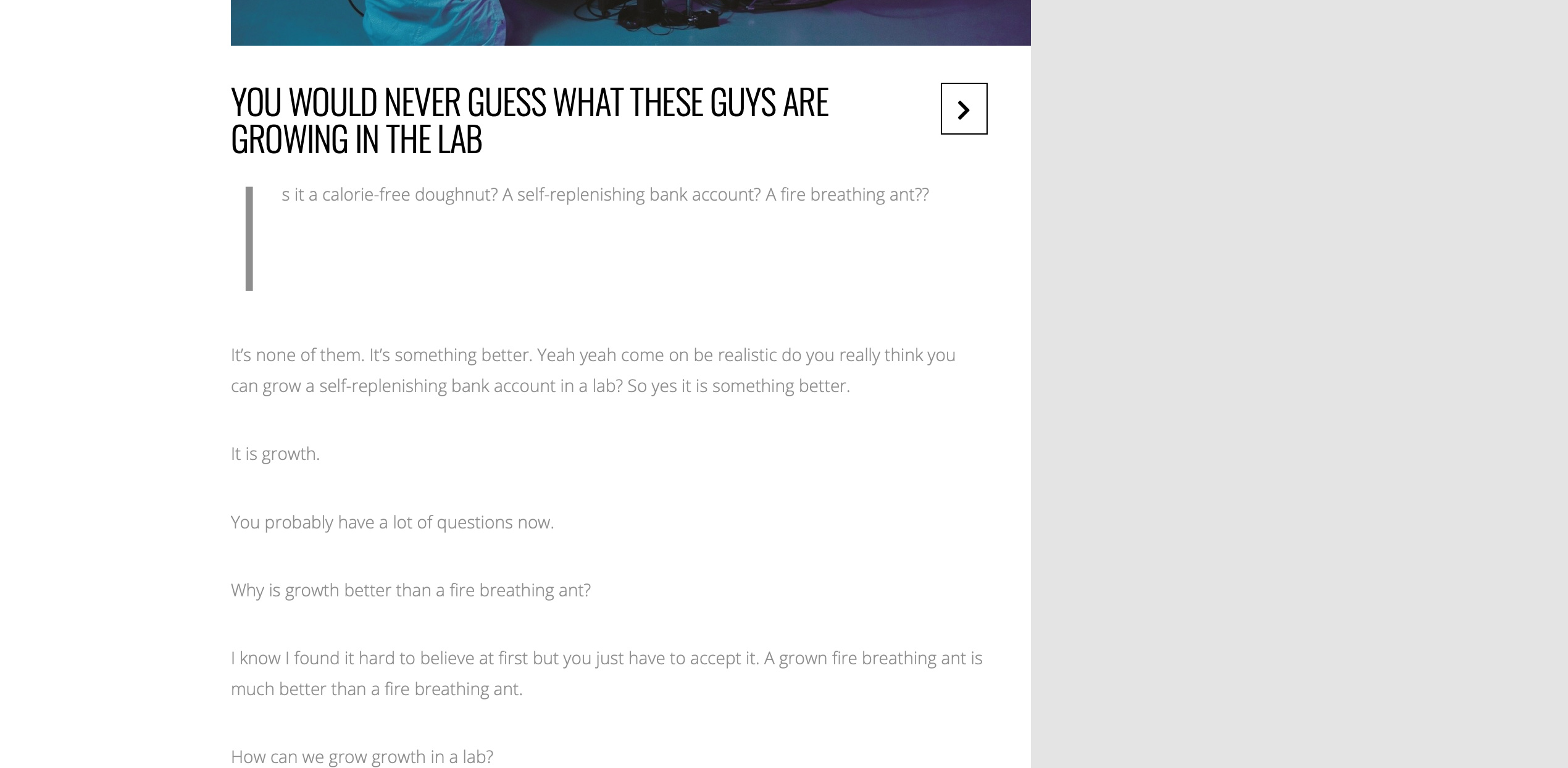
  2. I removed the default Wordpress sidebar features now there is a large gap on the right hand side of each blog post. How can I change this to add my own features?
  3. The font and alignment does not look right on blog posts. How can change this?

My site is here: https://copymecopyyou.com/copywriting-fundamentals/

Thank you
Hi Umar,

Please navigate to Theme Options > Header > LOGO – IMAGE > LOGO WIDTH (PX) change the width:

From WordPress dashboard, please navigate to Appearance > Widgets then add your widgets to main sidebar:

Can you please provide us with some screenshots?

Many thanks.

Hi Thai,

If you read my message closely I was asking about the height and not the width. How can I change the height? It is way too big on my website

Please help on the font colour and type. How can this be changed in X theme?

Hello Umar,

Generally, images adjust size proportionally. When we adjust width of the image, it’s height will adjust accordingly. If we force to adjust height only, the image will be stretch. This is the reason Thai, suggested to adjust width on previous reply. If you only want the height to adjust, please edit the actual image using photo editor like Photoshop. Cannot be done using CSS or settings. It will not look good.

To adjust font, please go to Theme Options > Typography.

Hope this helps.

This topic was automatically closed 10 days after the last reply. New replies are no longer allowed.