Lay-out elements not equal in different languages

On the home page of our site, I created two blocks of buttons, that go to other places in the website.
The Dutch language is the first language on the side.
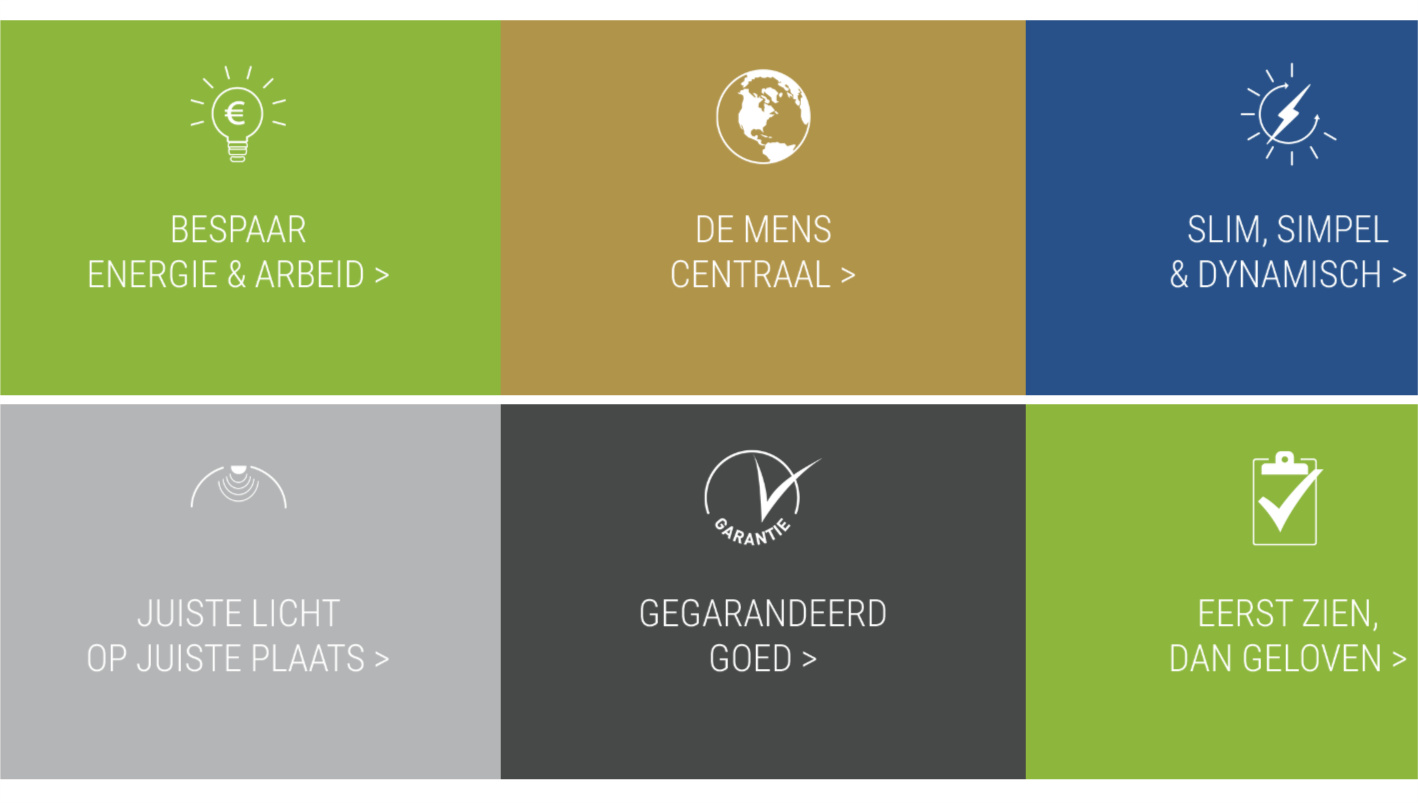
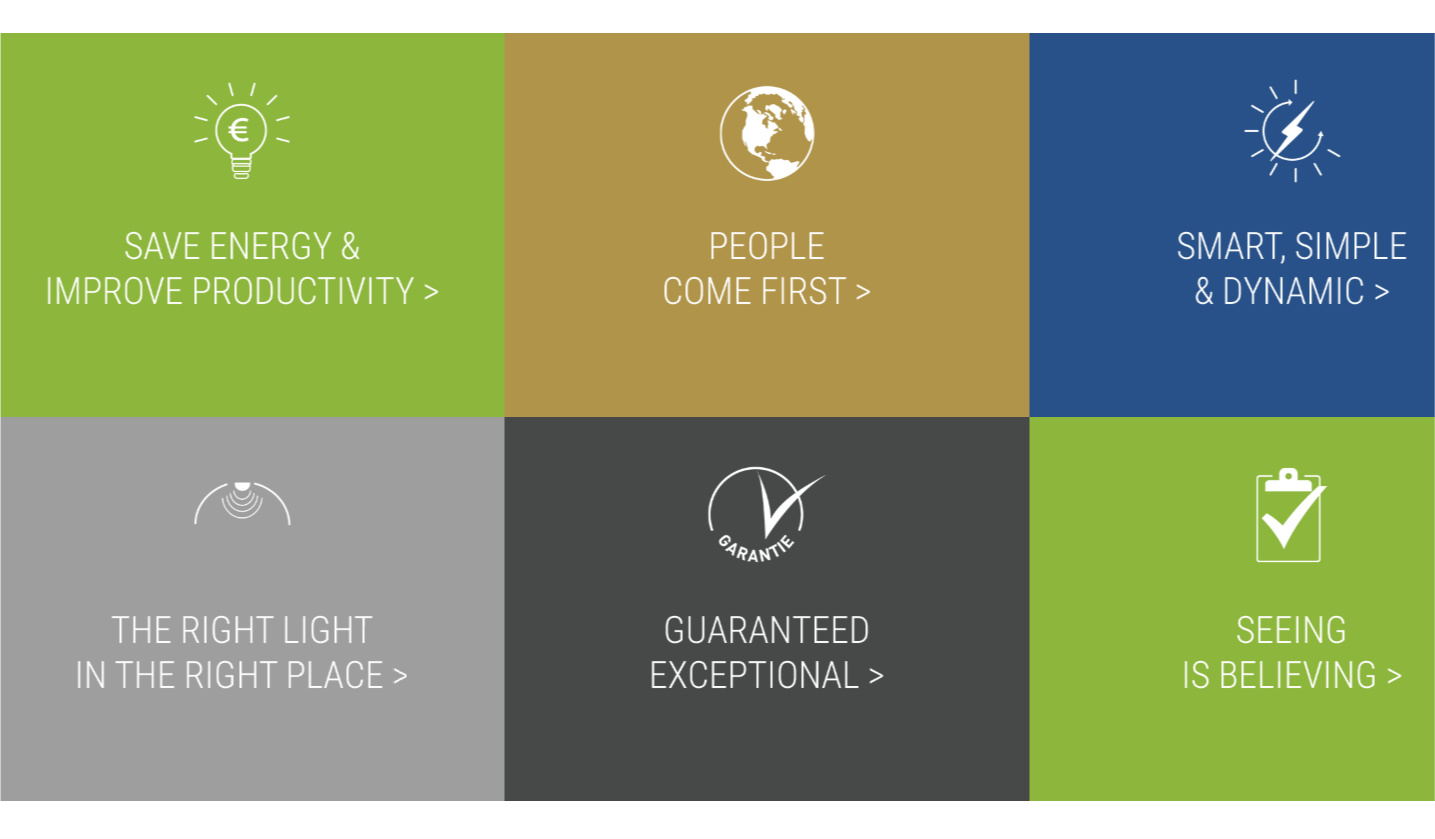
In the English language, the blocks the blocks look good (stuffed to eachother). In the Dutch language there is a white space between the upper Row and the lower Row.
I see that the Column is a bit higher than the button itself. The button is a transparant png - and the background color is set in the button specifics.
That works well in the English language.
I can’t find where there is a difference between them.

Can you help me with this?
https://industrial.beverinnovations.com

i will send you also a secure note with info

Example Dutch:
Example Enlgish:
Hello @lvandeemter,

Thanks for writing in!

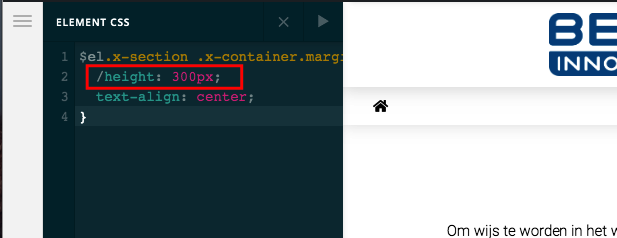
You are experiencing the issue because somewhere in the element’s inline css, you added this:

$el.x-section .x-container.marginless-columns>.x-column.x-1-3 {
    /height: 300px;
    text-align: center;
}

The correct code should be:

$el.x-section .x-container.marginless-columns>.x-column.x-1-3 {
    height: 300px;
    text-align: center;
}

The difference is the /height: 300px; is incorrect and has resulted to an issue. I went ahead and have resolved the issue already.

1 Like

Oke, thank you so much for this!
You are always a great help. :thumbsup:

Have a great day.

You’re welcome and have a great day too, @lvandeemter.

This topic was automatically closed 10 days after the last reply. New replies are no longer allowed.