Hey Guys,
Probably a silly question, but I can’t figure out where/how/what to edit in the margin at the widest screen widths on the left… This part:
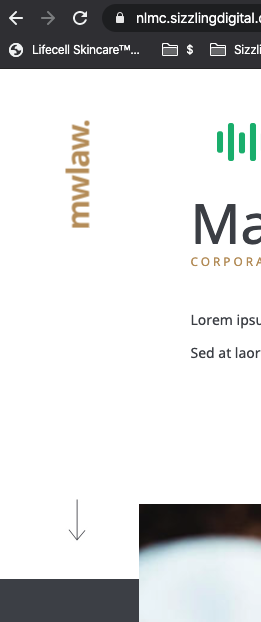
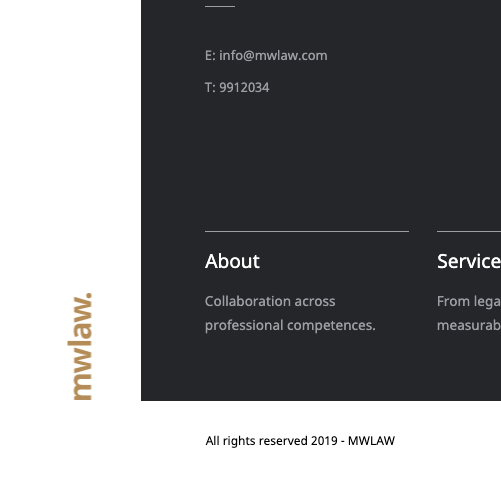
Is that a background, margin, image? Can’t figure it out…
Thanks for the help,
-Jonathan
Hey Guys,
Probably a silly question, but I can’t figure out where/how/what to edit in the margin at the widest screen widths on the left… This part:
Is that a background, margin, image? Can’t figure it out…
Thanks for the help,
-Jonathan
Hi Jonathan,
It is this block of code that is in the (min-width: 1170px) media query block:
.site {
    padding-left: calc((50vw - (1170px / 2)) + 1em);
    padding-right: 3em;
}
You can find it in Pro > Theme Options > CSS:

Hope this helps.
Got it! Thanks so much 
This topic was automatically closed 10 days after the last reply. New replies are no longer allowed.