Launch Design Cloud does not work

Greetings,

Just discovered design cloud today! Awesome feature! However, when I click the buttom I just get the “spinning wheel”. Latest update to Pro as well.

I have increased the timeout to 300 s but doesn’t help. Any other issues that might interfere? (I have not found any answer in the forum or any other place.)

Thanks in advance!

/S-A
Hello @smilingwarrior,

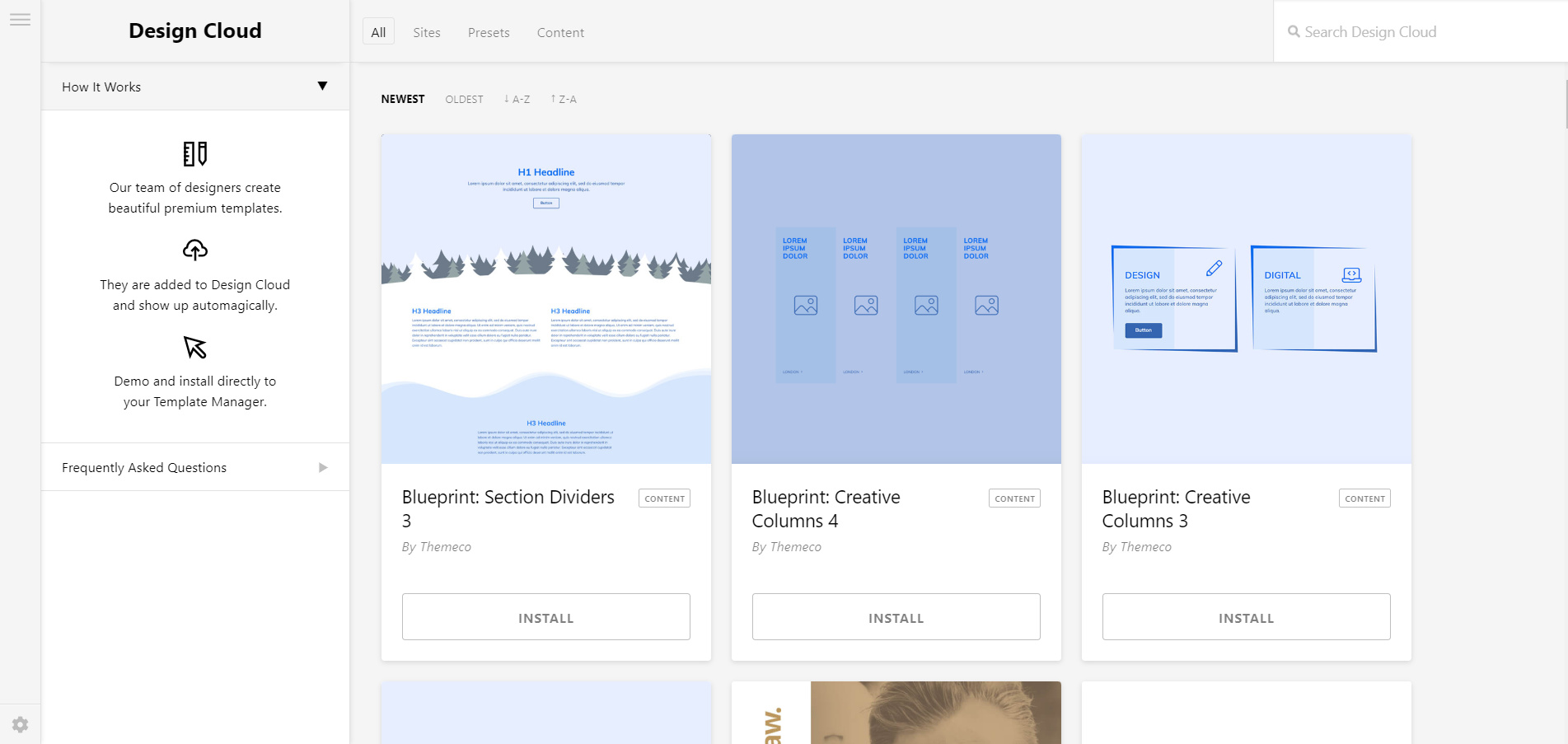
Can you give us more information about the issue you were having? Can you clarify which button. Are you able to access the design cloud homepage like this:

Or are you having issue installing a specific template? There’s no known issue yet related to this so we need much information so we can duplicate it on our setup.

If it would help and speed up investigation, please share site URL and credentials inside a secure note. Thank you.

This topic was automatically closed 10 days after the last reply. New replies are no longer allowed.

Hello @smilingwarrior,

Your Google Authenticator is still installed. It does not allow me to browse over the WP admin settings. Can you please go to Pro > Status? Copy the results and paste it in your next reply. Meanwhile, ​We recommend that you increase your memory allocated to PHP. To increase it, please edit your wp-config.php file and insert these lines:

define( 'WP_MEMORY_LIMIT', '256M' );
define( 'WP_MAX_MEMORY_LIMIT', '512M' );

You can add it before the line
/*That's all, stop editing! Happy Blogging. */

We would loved to know if this has work for you. Thank you.