Knowledge base not covering Expanded Demo-auto

I have installed Auto Expanded Demo to a brand new site. I am attempting to change pictures in background and upload logos but can not figure out how. I have searched the knowledge base but it is not where I am directed. The articles are great but do not look like what I am seeing with the Expanded Demo. All YouTube videos are with an outdated version that is not the same. Are their any tutorials with the expanded demo? The only one Themeco has is how to upload it back when they were first released with 4.1. What am I doing wrong that does not allow me to just click on the area I wish to change or find the area that I need to change?

John
Hello John,

Thanks for writing in!

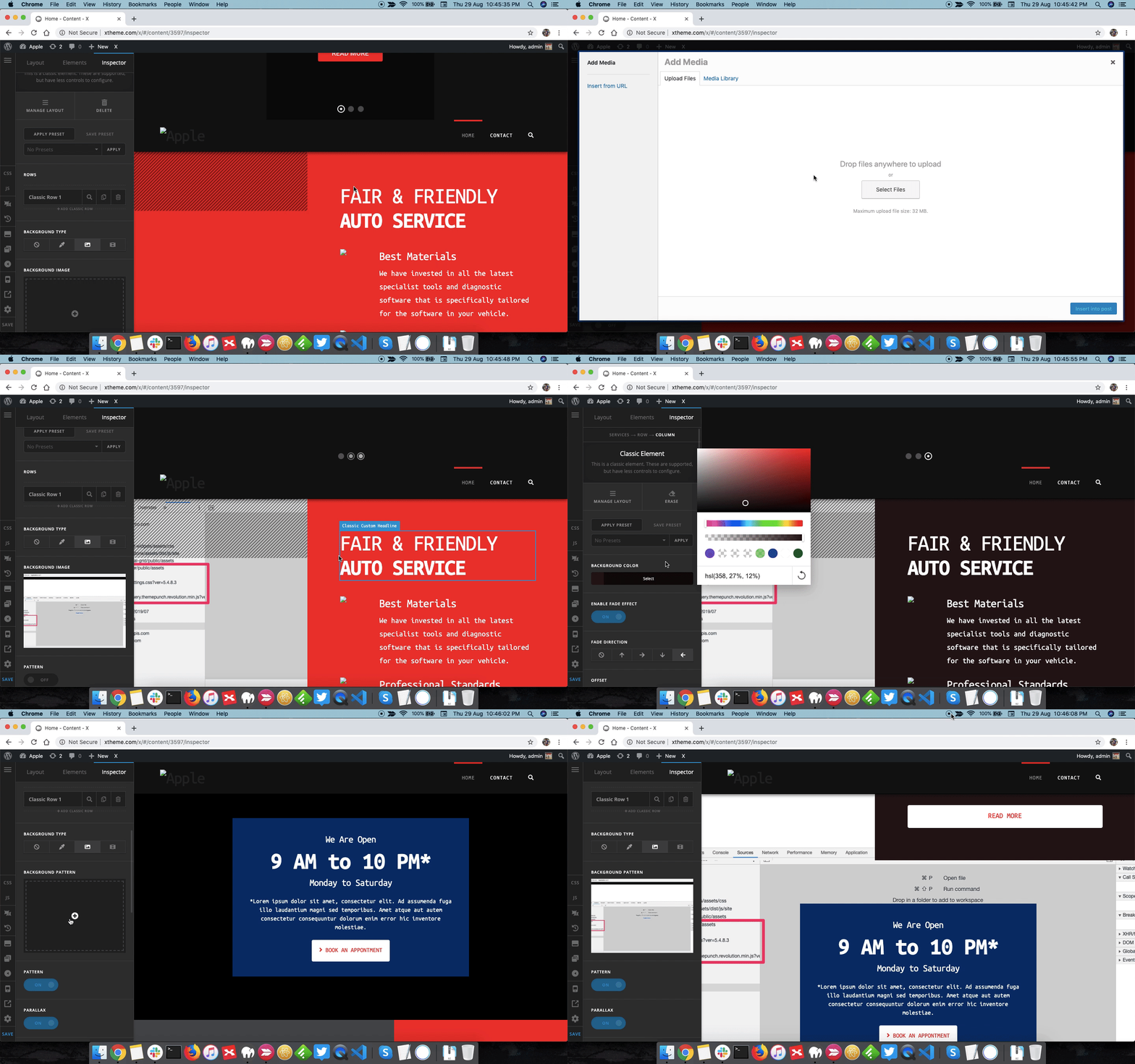
Expanded demo by default upon importing the demo contents uses classic elements. To change the background image please inspect the section and under Background Image you can change the image. Please take a look at following screencast.

Thanks.

@Prasant

Thank you so very much. The screen cast was perfect!

Next question:

How do I find the the background image for the one you first see above the header on the home page? I see its a three image slider, but I cant seem to find it. This is my first site, please forgive my ignorance…

John

Hi John,

That is the Revolution Slider, please see the following link how to set up the slide image.

Slider Revolution Responsive Setup Part 3: Background Images

Hope it helps,
Cheers!

This topic was automatically closed 10 days after the last reply. New replies are no longer allowed.