Keep the logo text fixed while scrolling

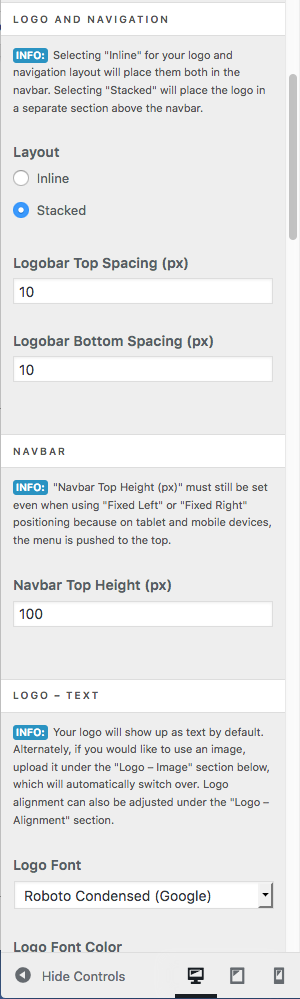
i would like to have my website name, logo text, fixed when scrolling. so that it stays at the top like the menu does when “fixed top”.

basically, when the person scrolls i want the website name and the menu to stay fixed. the menu works, but i cant get the title to stay put.

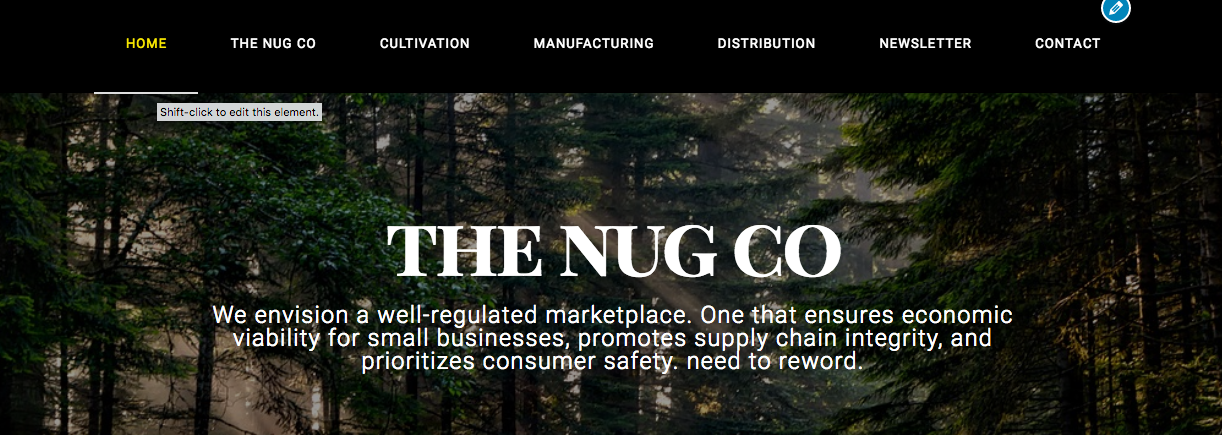
Hi @norml,

Thanks for writing in.

It should be both your menu and your logo text when using fixed top header. Or I am not understanding the situation fully. Would you mind sharing us more details of what you want to achieve and your URL so we could check your setup closer.

Thanks.

I am working through a local program for the website building.

I have the text and the menu beneath it, which is fine at the top,

but when i scroll it doesnt stay

How can I get the title and the menu to stay together at the top of the page when i scroll?

settings:
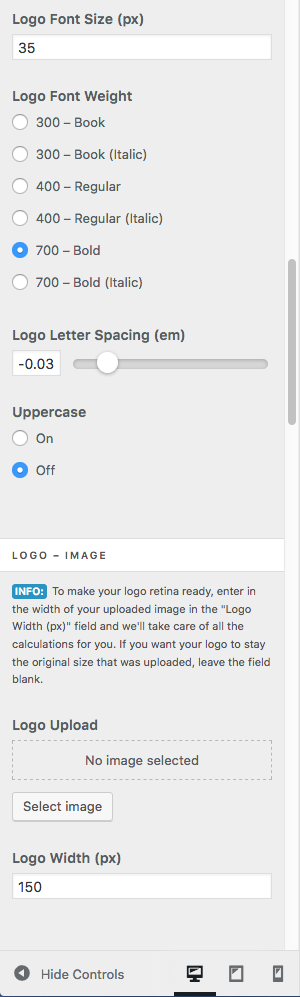
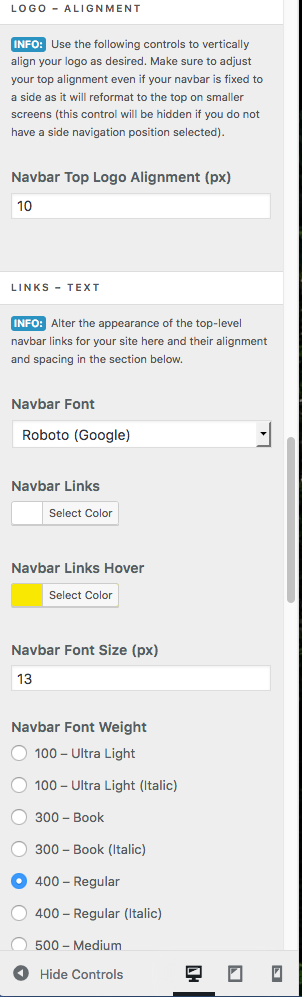
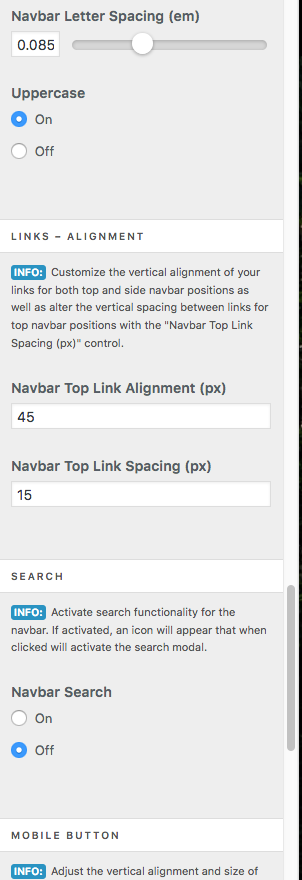
fixtop navbar position

Hi norml,

Please share a link to your web page with this issue so we can take a closer look.

Thanks.

Right now I am building it out on a local site. I have a temporary URL, but I don’t think you can grab any information from that (local site), can you?
This is the demo URL: 11575435.ngrok.io

It shouldn’t be this hard to get the logo title to stay fixed with the fixed nav menu??
It’s just a setting or CSS right?

Hi There,

Unfortunately, I can’t access that address. Please navigate to Theme Options > Header and set the NAVBAR POSITION to Static Top. Then add the following custom CSS.

.masthead-stacked {
	position: fixed;
    top: 0;
    left: 0;
    right: 0;
    z-index: 9;
}

.x-main.full {
	margin-top: 112px;
}

Take note; that the 112px there is the total height of the header. Adjust that to the actual height of your Header.

Hope it helps,
Cheers!

This topic was automatically closed 10 days after the last reply. New replies are no longer allowed.