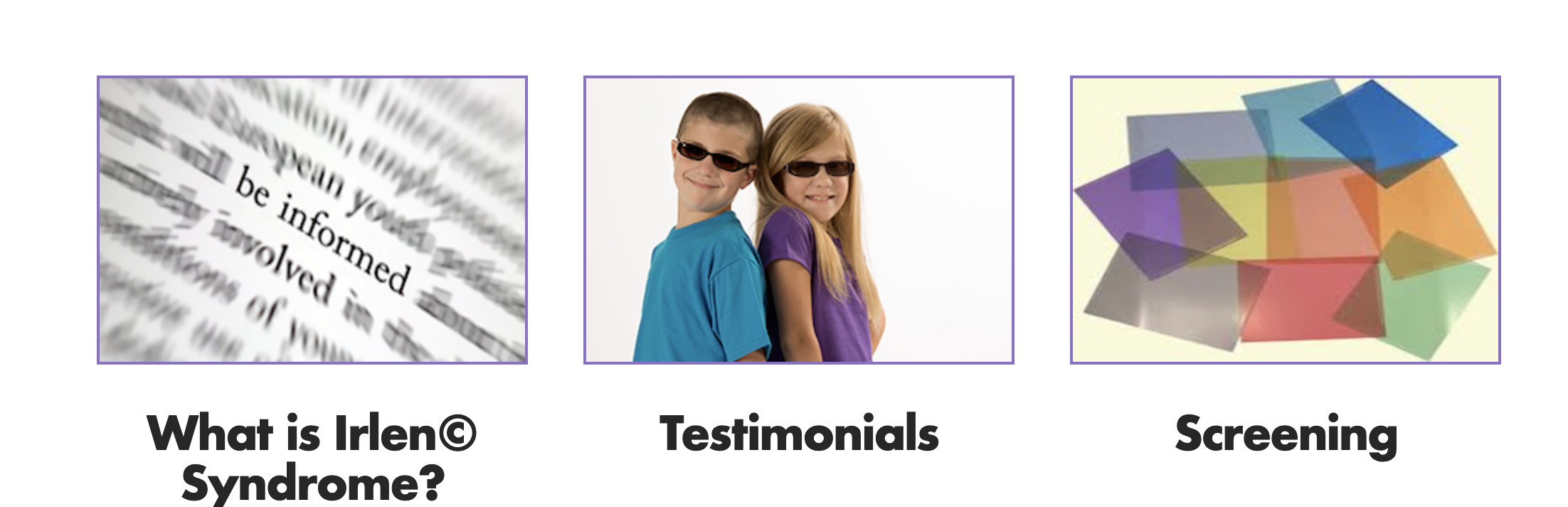
I am currently working on http://www.irlenservicesnorthwest.com/ if you look at the home page you will see 3 images with purple borders. I have resized my images to be the same but if you look closely you will see 2 white bars on the left and right hand side. I have tried to make adjustments using css but nothing seems to work. Any help would be really appricated.
Hi @sicairos.edgar,
I couldn’t see any white bars on the left & right of images:
May I know which browser & OS you’re using? I’m using MacOS Mojave & Chrome latest version.
Thank you.
Hello @sicairos.edgar,
I can see you are using a classic image element. This entire element is a block. It occupies the entire container/column. Since the image width is less that the image block width, we can see a white space. On your current setup, you do have this inline CSS:
    border: 2px solid rgb(140, 111, 202);
    background-size: cover;
    outline: none;
Now, to remove the white space, please add this line too display: inline-block; at the end of the style field of the element.
Hope this helps.
This topic was automatically closed 10 days after the last reply. New replies are no longer allowed.