Issues after updating an older site

Hello,

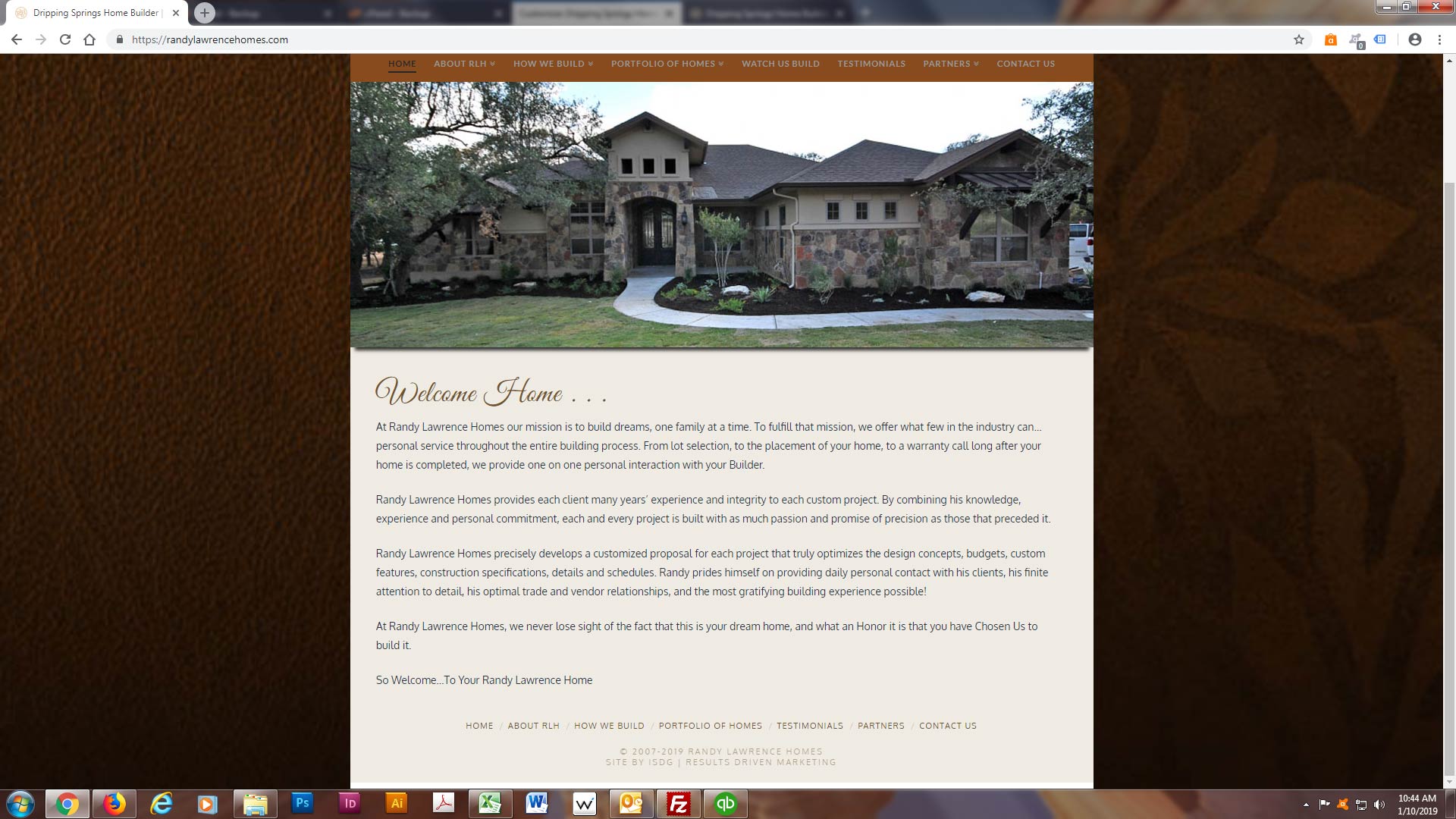
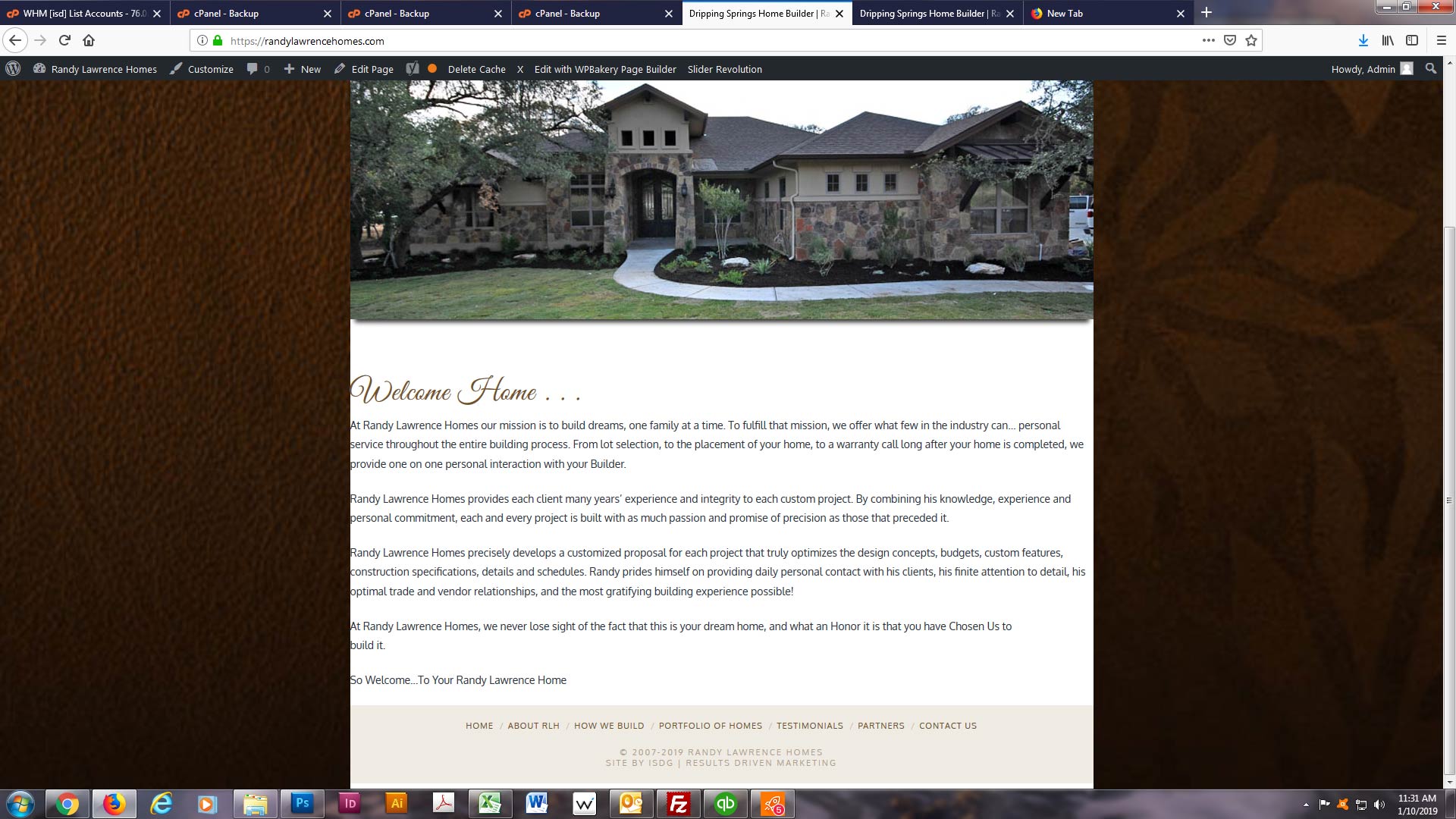
I have just updated an older site that was built with X before you added Cornerstone. I just went from X5.2.5 to X6.4.6. After the update, I have lost all of my margins and background colors. I have checked all of my plugins and they are not causing the issue and I don’t see anything in the CSS. Can you please help me get the site back to original status?

Screenshot before update:
After X Update:
Thanks in advance,
Dawn

Hello @isdg01,

Thanks for asking. :slight_smile:

Other then the content area, rest of the website seems to be working fine on my end. To fix the content area spacing, please add following CSS under X > Theme Options > CSS:

.wpb_wrapper p, .wpb_wrapper h1 {
    padding-left: 20px;
    padding-right: 20px;
}

1- I have found the proper CSS code selector using the Chrome browser Developer Toolbar: https://www.youtube.com/watch?v=wcFnnxfA70g

2- For the CSS code itself, I suggest that you get started with this tutorial: https://www.youtube.com/watch?v=yfoY53QXEnI

Thanks.

Thanks for the quick response. That fixed the margin issue, but the background color is still missing in the main content area…

Actually, on further inspection… that fixed the margin issue in Firefox but not Chrome or Explorer.

Hello @isdg01,

Thanks for updating in!

To resolve your issue, please go to WPBakery Page Builder > General Settings and enable the “Legacy X Integration” option.

We would loved to know if this has work for you. Thank you.

Update:
Since you have given the credentials already, I just logged in and went ahead to resolve it. You may need to clear your browser caches before testing your site again.

Perfect. I knew it had to be due to updating from the older version, I just didn’t see where make that particular update.
Thank you!

You’re welcome!
We’re glad we were able to help you out.

This topic was automatically closed 10 days after the last reply. New replies are no longer allowed.