Issue with embedding and html code!

I am currently trying to embed a calculator onto one of my pages. The problem is everytime I put the code in the code editor, it modifies the code by adding "< br / >"to it, causing it not to display at all. I had one of the tech guys that created the calculator try to figure out why its changing on my end and not embedding right, he was only able to tell me my editor keeps modifying the code. AHHHH lol.

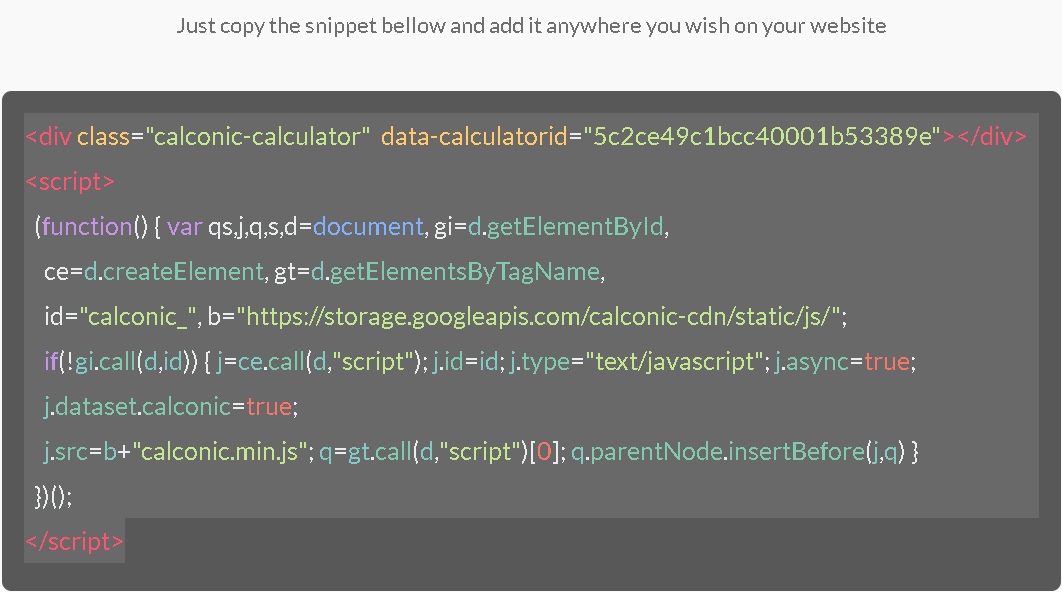
Here is the embed code they gave me…

This is what it looks like in the visual editor after I’ve pasted this code in the code editor.
Here is the link to the page

My guess is this code hasn’t been updated for the newest version of wordpress (which i cant stand the new editor)

Thank you
Hey Brian,

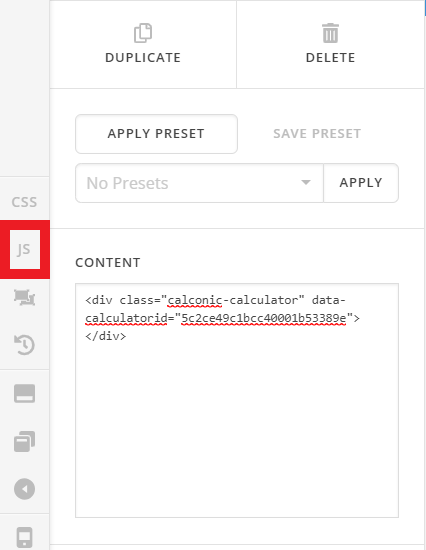
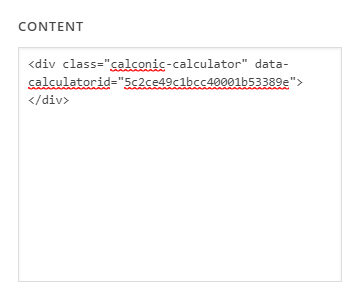
Thank you for reaching out to us. Try this, add your HTML code in a Classic Raw Content element (see screenshot)

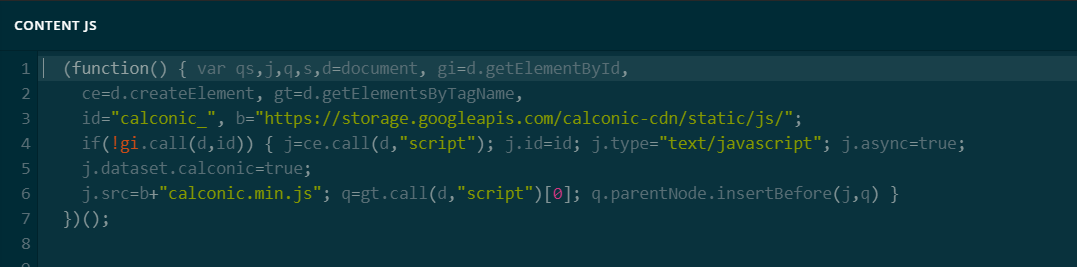
Then paste the JavaScript without the <script></script> tags in the JS section of your page in Cornerstone (see screenshots)

Don’t forget to clear all caches including your browser’s cache after adding the code. Let us know how this goes!

Sorry, I ended up figuring it out… thanks for the help guys!

Hi Brian,

We are just glad that you have figured it out a way to correct the said issue.
Thanks for letting us know!

Best Regards.

This topic was automatically closed 10 days after the last reply. New replies are no longer allowed.