Issue with editing in front end on 4.0.10 and below

Hi there,

Just wanted to let you know there seems to be an issue with the builder on my setup when trying to do the front end editing of text.

When double-clicking some of my headings and text items it will allow me to edit once, and then if I go back again to do it, the text it just selected - this is then the same across all text elements. Once this glitch happens I then lose all hover options within the builder (boxes etc when hovering over elements).

Refreshing the builder does fix this.

Thanks, Tom.
Howdy, @tomr96! Thanks for writing in and I’m sorry to hear about the issue you’re having. I have tested this using both the Headline Element and Text Element in my local installation and cannot seem to replicate this issue. I’ve added the Elements and placed content within them, then double-clicked on them multiple times in the live preview to test adding new content, removing content, formatting existing content (bold, adding color, et cetera), and each time I am still able to click into my Elements and continue using the inline editing feature in the live preview.

Could you please provide us with your login credentials using the secure note feature so that your information is hidden and we can take a look into this more closely and see what might be going on.

Cheers!

Thanks @kory.

Added the notes now for you.

Thanks, Tom.

Also just found another issue, when copying and pasting an element and then pressing undo, this doesn’t put the item back you just wrote over.

I.e. I copy my headline, paste my headline over another headline by accident, press undo, but the headline doesn’t revert back and stays the same.

Thanks, Tom.

Hello Tom,

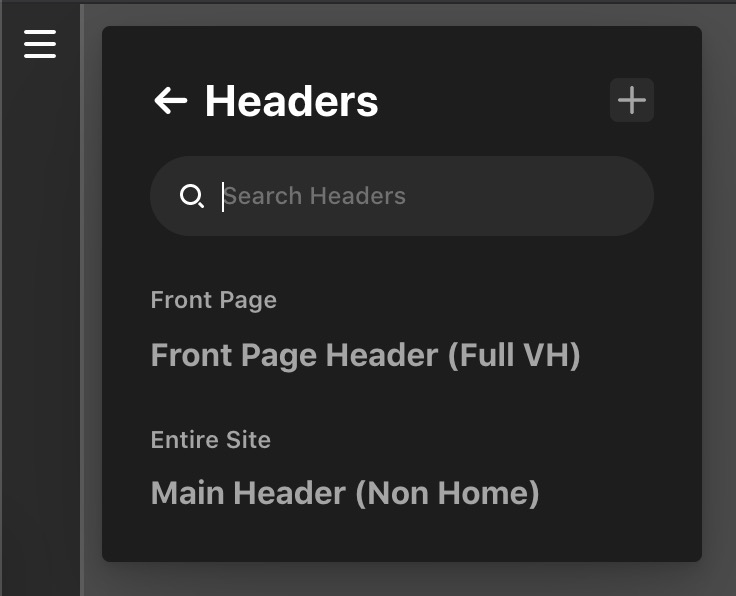
I have logged in and I could not find the header. I am only seeing this:

I have replicated the header and edited it. I am also not seeing any headline. Are you editing the header or page content? When I tested the history feature, I could not replicate any issue as well. Can you please give us the URL where you experienced these issues in your site builder?

Thank you in advance.

Sorry, it wasn’t a header issue, just an issue with my pages generally - just a mistype in the secure note.

Thanks.

Hello Tom,

I have logged in and duplicated your homepage. I cannot replicate the issue.

Please see the video screencast in the secure note below. If possible, please send us a video showing your issue from your browser as well so that we will have an idea of what is going in your browser.

Best Regards.

Thanks, I will try this for you.

Hi,

I have uploaded a video demo of this issue happening here:

https://youtu.be/Vlp1_ccbu2Y

Thanks, Tom.

Hi Tom,

Thanks for your detailed video, but unfortunately the issue is not understandable and replicated too. Can you please elaborate more or specify where you are finding the problems?

Thanks

Well, as mentioned and shown in the video the issue is with the builder stopping working and meaning the headline and text items become selectable as normal text and not able to be edited until a refresh of the builder.

Thanks.

Hello Tom,

I checked your site’s dashboard it seems that the Headline element is working fine and text element is also working fine.

Please find the screenshot in the secure note.

Thanks

No worries, the issue is still happening, but I cannot show it any more than a video.

Thanks, Tom.

Hey Tom,

You are most welcome. We will also forward this thread to our developers so that they can investigate more about your issue.

Cheers.

FYI, this is happening on another of my installs and so doesn’t seem to be just one site impacted.

Thanks, Tom.

Hi Tom,

Thanks for reaching out.

A few hours ago we have released a new version of the theme with some fixes, I would recommend you to update your theme to the latest version.

I also recommend you to do the following troubleshooting procedures.

  1. TESTING FOR THEME RELATED ISSUE
  2. TESTING FOR PLUGIN CONFLICT
  3. CHILD THEME
  4. CSS/JS CUSTOMIZATION
  5. VERSION COMPATIBILITY

Hope that helps and let us know how it goes.

Thank you.

Thanks @marc_a.

I can confirm I have upgraded to 4.0.11 on both websites and this issue is still happening.

The issue is happening on sites upgraded from v3 to v4 Pro.

Firefox and Chrome.

If you would like me to gather logs please let me know.

Thanks, Tom.

Hi Tom,

I would like to request you please provide login credentials for your site in a secure note to examine it further, including:

– WordPress Site URL & Login URL
– WordPress Admin username/password

To create a secure note, click the key icon underneath any of your posts.

Thanks

Thanks @tristup

See secure note.

Thanks, Tom.

Hi Tom,

It seems that the issue is with the permalink settings. I went ahead and reset the permalink settings and the Content builder start working. Can you please check once and let us know if the issue still exists.

Thanks
