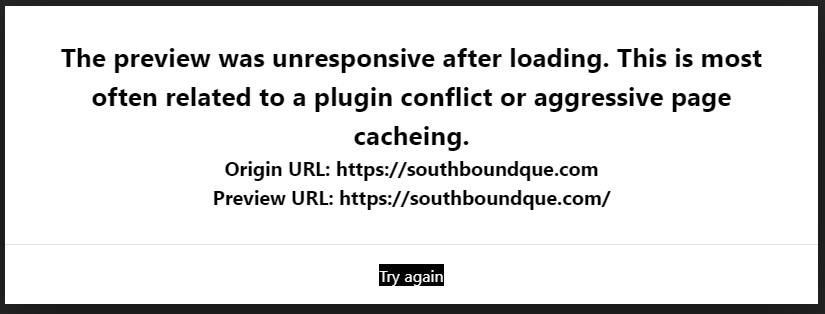
Tried several of the remedies mentioned in the support articles i found on this one within forum search. Still having issues - any ideas are appreciated. I recently updated Cornerstone, WooCommerce, and some other plugins. Was working fine maybe a week ago. I’ve cleared cache and a few other things to try and remedy:
Hi Chad,
Thank you for writing in, The preview was unresponsive after loading. This is most often related to a plugin conflict or aggressive page cacheing.
This is happening mostly because of the heavy caching on your website. Follow the steps below:
- Clear any caches, don’t just deactivate your caching plugins. An older version of the page could be stored, preventing the builder from loading
- Test for a plugin conflict as mentioned above.
- If you’re using a child theme, try switching to the parent theme to see if that makes a difference. The conflict could be in your customizations.
- If you are using a CDN system, try to disable it temporarily and check the case.
If the issue persists, please provide us login credentials in a secure note so we can take a closer look.

Cheers!
Okay - weird, after doing more digging… I can get other pages to work fine, it’s just my “Home” page I cannot edit w/ Cornerstone at this point. Is that normal/caused by same issues above? Other pages seem to be working fine. My “Home” pages is heavier with content than other pages…
Hey Chad,
If the home page is the only page having this issue, it could be a result of something else, most probably some redirects. But to be sure, after you open your home page in Cornerstone, open the browser console by usually pressing CTRL/CMD + SHIFT + J and check the messages in red. If you see an Internal Server Error related to cornerstone-endpoint, have your web host whitelist cornerstone-endpoint directory from ModSecurity or other security systems that might block it.
If there are other errors and you don’t want to provide access to your site, please screenshot the errors and post the screenshot here.
It’s best that you allow us to check the errors though so please give us the info requested by Friech previously. Specifically, give us the following:
- WordPress Login URL
- Admin level username and password.
Thanks.
Done - Added a secure note to the previous comment. Please review and confirm. I do not see any errors for cornerstone-endpoint, but I do see others. Thanks for your help!
-Chad-
Hello Chad,
Thanks for providing the information. I have logged in and investigated the issue. It turns out that the Global Settings of Slider Revolution is causing the issue.

I went ahead and disable the “Include Libraries Globally” and then the issue were resolved.

Please edit your homepage now.
1 Like
This topic was automatically closed 10 days after the last reply. New replies are no longer allowed.