Is this possible?

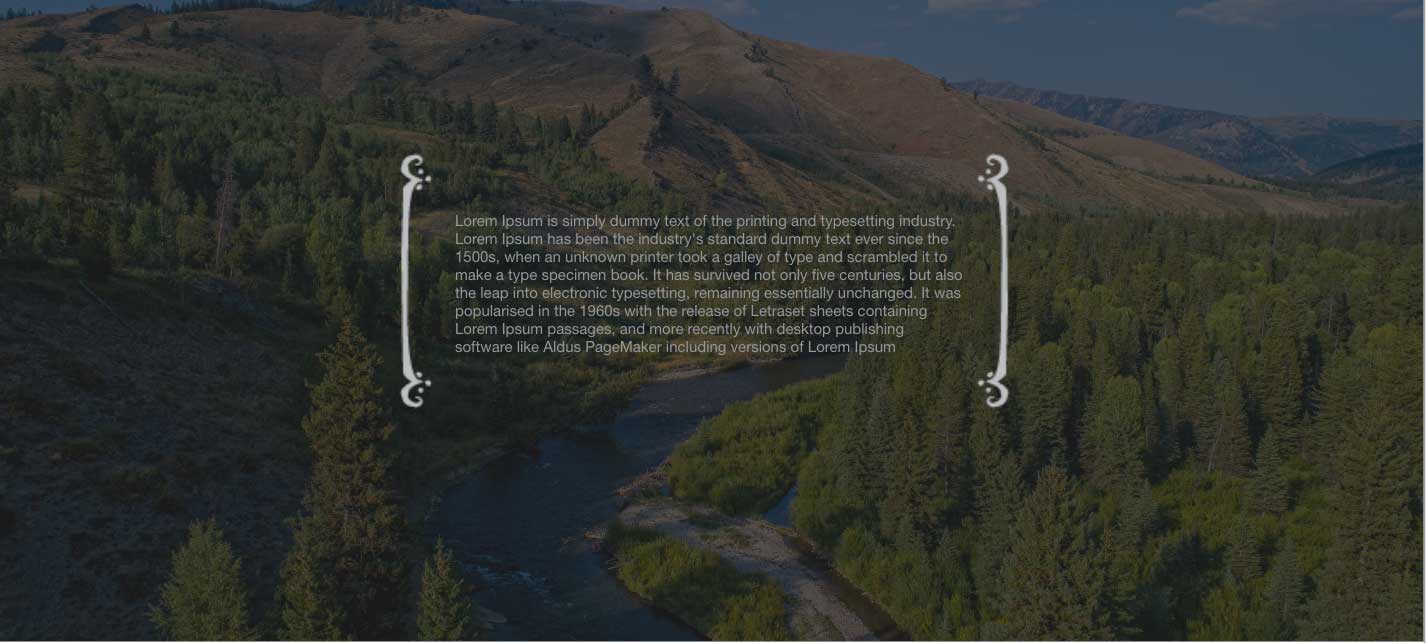
I am working on a flat design for a new site, and wondered if this is possible/how I would accomplish this look…

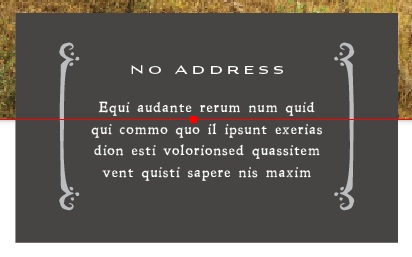
I have tried testing it on another site we have Xthemes on just to make sure it is possible before we buy another license. I tried making this section 3 columns and adding the brackets to the left and right sides, but I dont like how much space is between the brackets and the text… The second screen shot would be an alternate option.

Thanks for your help!

this
Hi There,

What I would do, I would add a background image to the column or row or add the images to text element and float them right and left. You also could add to the columns and align them to the left and right.

Those are some suggestions, if you need further help, please provide your URL

Ahh, aligning them works :slight_smile: is there a way to make them responsive to the height of the text when the browser size changes?
Hi There,

To assist you with this issue, we’ll first need you to provide us with your URL. This is to ensure that we can provide you with a tailored answer to your situation. Once you have provided us with your URL, we will be happy to assist you with everything.

Thank you.

Hi There,

As your website is still under construction, please provide the admin credentials in a secure note and also point to the specific section of the issue.

Thanks!

Hi there,

What you can do is to use the left and right bar images are the background of the column where you place the text,

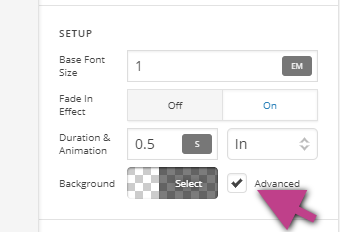
First, select the column that contains the text then enable the Advanced Background option.

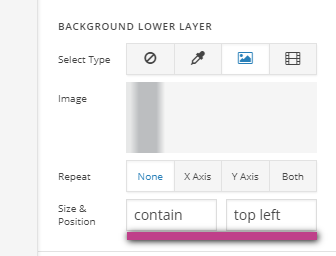
Then set the left bar image as the background lower layer and set the background size & position to contain top left.

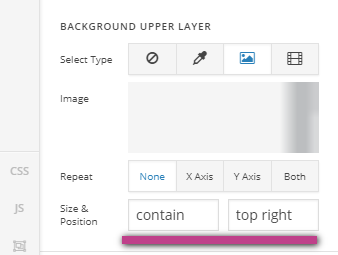
Then set the right bar image as the background upper layer and set the background size & position to contain top right.

Then lastly set the padding of the column to add some space to the text.

I have create a duplicate of one of the sections on the page you have link and set the settings as a reference.

Hope this helps.

That worked great, thanks

Glad to hear it, Cheers!