Hey @ruenel, do you have any news on this?
Hey @JvP,
Your page in Cornerstone looks empty (see screenshot in the secure note). Please record a video how we can see the issue.
Thanks.
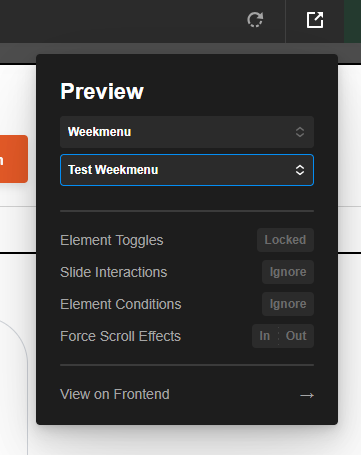
Ok, can you try it again now? You should also set the preview to the correct post type:
I suspect the Hummingbird plugin is causing the issue. Kindly clear all caches and optimizations and deactivate that plugin then test again.
Thanks.
I think it has something to do with the slider that’s in the modal.
Hey @JvP,
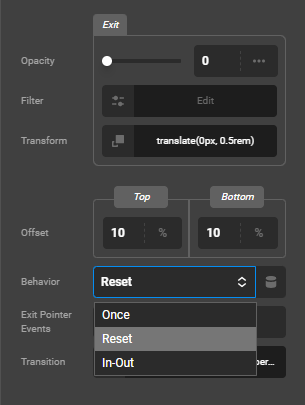
None of the Behavior options helped. I believe there’s a conflict with the Transform you applied to the Interaction. The Scroll effect doesn’t work well in Preview. I don’t see it. I only see the Interaction. Would you mind telling us what exact animation you’re looking for in Scroll maybe your setting is incorrect.
I tried tweaking the setting and the Interaction worked. That means it’s a conflict in Transform effects.
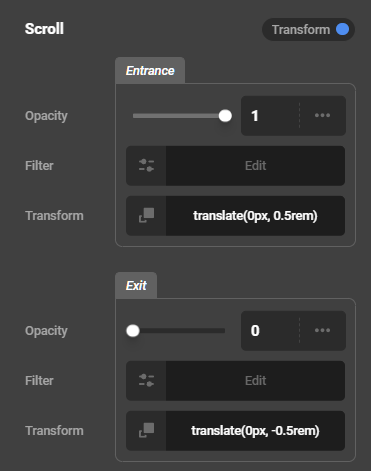
Just a very standard entry transform effect when the element scrolls into view, and a transform effect when you hover over the card, both on the Y-axis. The transforms work properly in the CS preview but they don’t on the front-end. So far I’ve noticed that it may have something to do with elements that are inside the modal. If you remove all the elements from the modal that have an effect or just disable their effects, then the card’s effects work on the front-end.
Hey @JvP,
It’s best that we test this without any 3rd party plugins so please copy your site to a staging server and provide the staging URL.
Thanks.
Hello guys
can this be related to my case as well?
How important is it that the units in the entrance and exit states match? For example when I change both units of the entrance state to px and keep the unit in the exit state rem then the transform doesn’t work on the frond-end. It seems that some combinations of em, rem and px break the transform effect on the front-end. Just something I noticed. Can you replicate that?
Hey @JvP,
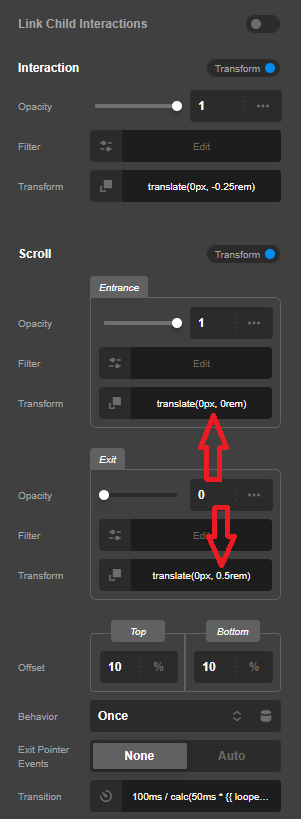
The units doesn’t matter. What matters is understanding the Transforms you are applying to the element making sure they are not conflicting with each other. To demonstrate, I have tweaked the Interaction and Scroll Transforms and they work. In the video below, you can see that the Interaction and Scroll work if Transforms don’t have conflicts.
Hey @JvP,
Your staging is down. Once it’s up, please deactivate all 3rd party plugins in there and activate the parent theme. If the issue persists, it is a conflict with transform values (not the units) as mentioned previously. For example, you set the Scroll to pull down the element while your Interaction is pulling up.
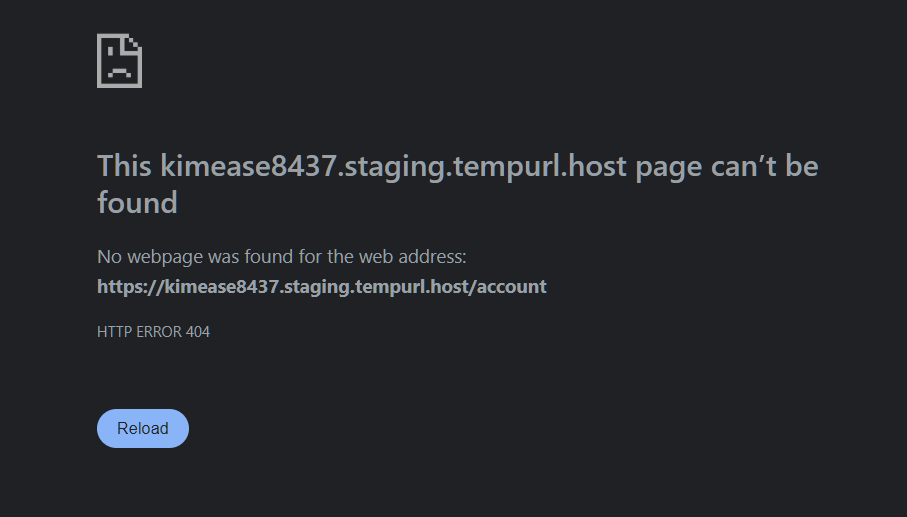
Ok, can you try again? It should be online.
It’s still down. Please review my previous message. I have mentioned that the Interaction and Scroll effects work if there’s no conflict with their transforms as you can see in my video. Please check the settings that I left in your live site page.
I understand there’s some kind of conflict since it doesn’t work.
In the meantime I have disabled the Interaction effect and instead applied Element CSS on the card to handle the transform on hover. This seems to hold up nicely so far. Now both the Scroll effect (applied with the Effects module) and the Element CSS hover transform work consistently.
Could it be some kind of race condition or stacking context issue? Especially taking into account that some transform effects on elements inside the modal were also affected, and changes to those sometimes affected the transform effects on the card itself?