Integrity Portfolio Page Layout issues

Hello,

We have been experiencing a few layout issues with the Portfolio page, if you could please help.

  1. Gaps are seen between portfolio tiles at the bottom row. It seems to be happening in the Integrity 1 demo as well.

On Integrity demo:
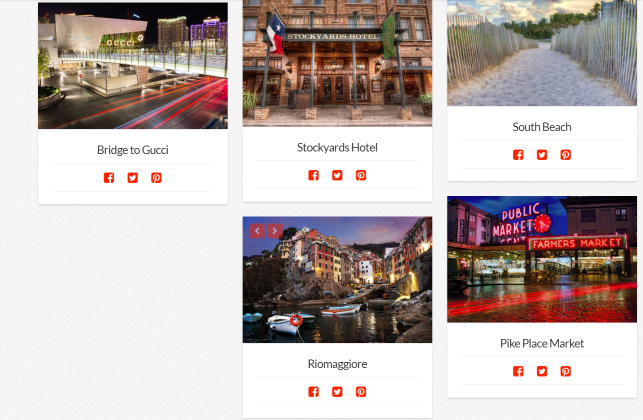
On our website

  1. The order in which the tiles are rendered is behaving differently on different browser. This is relevant to us because we what certain tiles to appear before others.

Chrome (correct order, based on date):
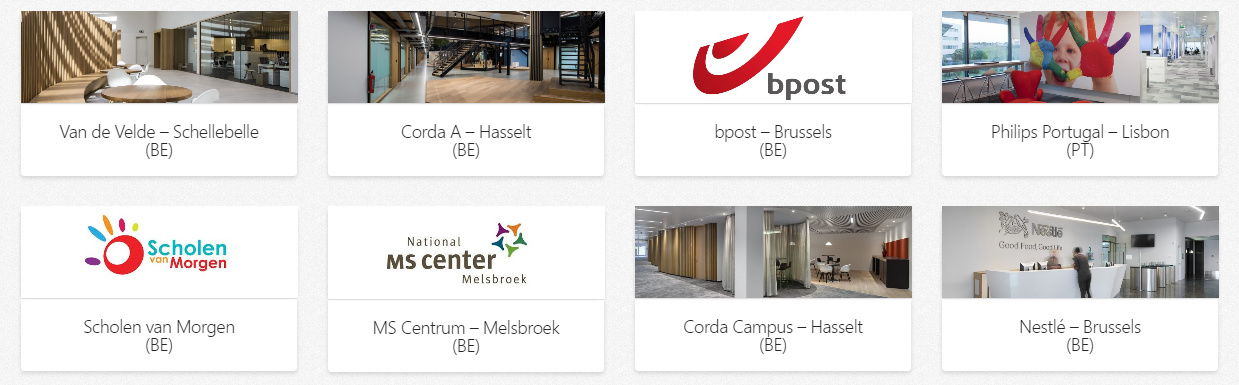
IE/Firefox:
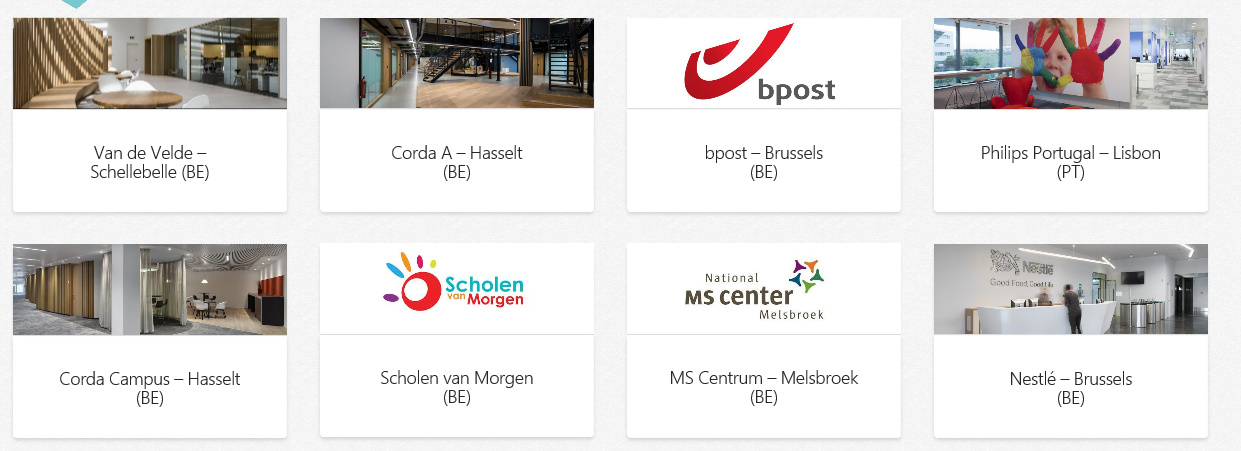
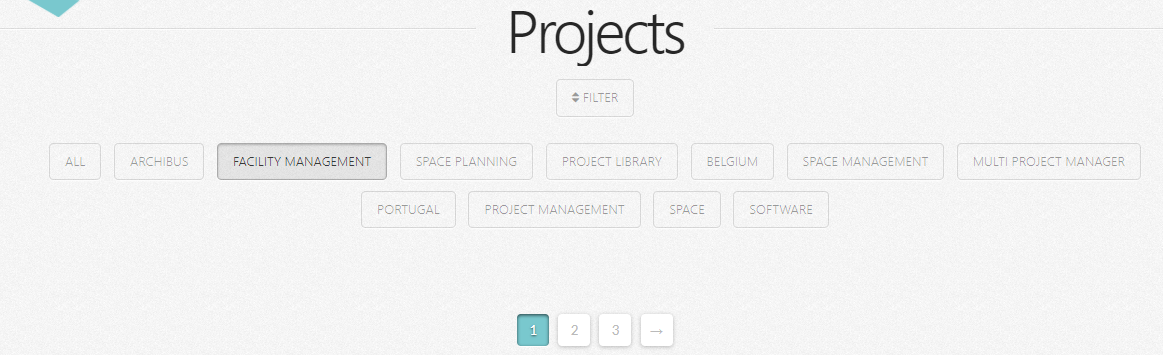
  1. We have also experienced an issue when there is more than one page and a filter is applied, rendering the first page as empty because the filtered result is found in the 2nd or 3rd page, but once we navigate to the next page the filter is lost.
Thank you

Hi @procos

1- This is how masonry layout works, in order to maintain the responsive layout, such gaps might be generated according to the browser window size, please check this screencast:

2- That might be related to differences in the way each browser react to isotope library we are using to create the masonry layout, however, we would like to take a look on you page setup, so please share a URL showing these items.

3- The filter is meant to be used to filter out the results which are already loaded, not to grab new ones. So, rendering nothing means that there is no loaded data that could be filtered right now. It doesn’t mean that there are any on the second or third page.

Thanks.

This topic was automatically closed 10 days after the last reply. New replies are no longer allowed.