Hi there,
I followed the advice in https://theme.co/apex/forum/t/move-header-logo-to-the-right/12217 and it worked but kept changing everytime I adjusted the size of the window/browser or viewed it on another device. I removed the code hoping for something that can achieve a fixed logo in the position I want to set it i.e. inline with the left side columns below. www.flowcise.com
Mark
Hi Mark,
Thanks for writing in! To swap logo and menu positions, try adding the following CSS rules into yours X -> Theme Options -> CSS area.
.x-brand.img {
    float: right;
}
#x-btn-navbar {
    float: left;
}
.x-nav-wrap.desktop {
    float: left;
}
Hope that helps.
Hi @mldarshana
Unfortunately this code just swaps my logo and menu over from right to left… It doesn’t move the logo in to the right as the code here does and I need the code to fix in the same position whichever browser size or device used.
Hi @MarkJagdev,
Please try with this custom CSS instead:
.x-navbar-inner .x-container.max.width {
    padding: 0 2.5em;
}
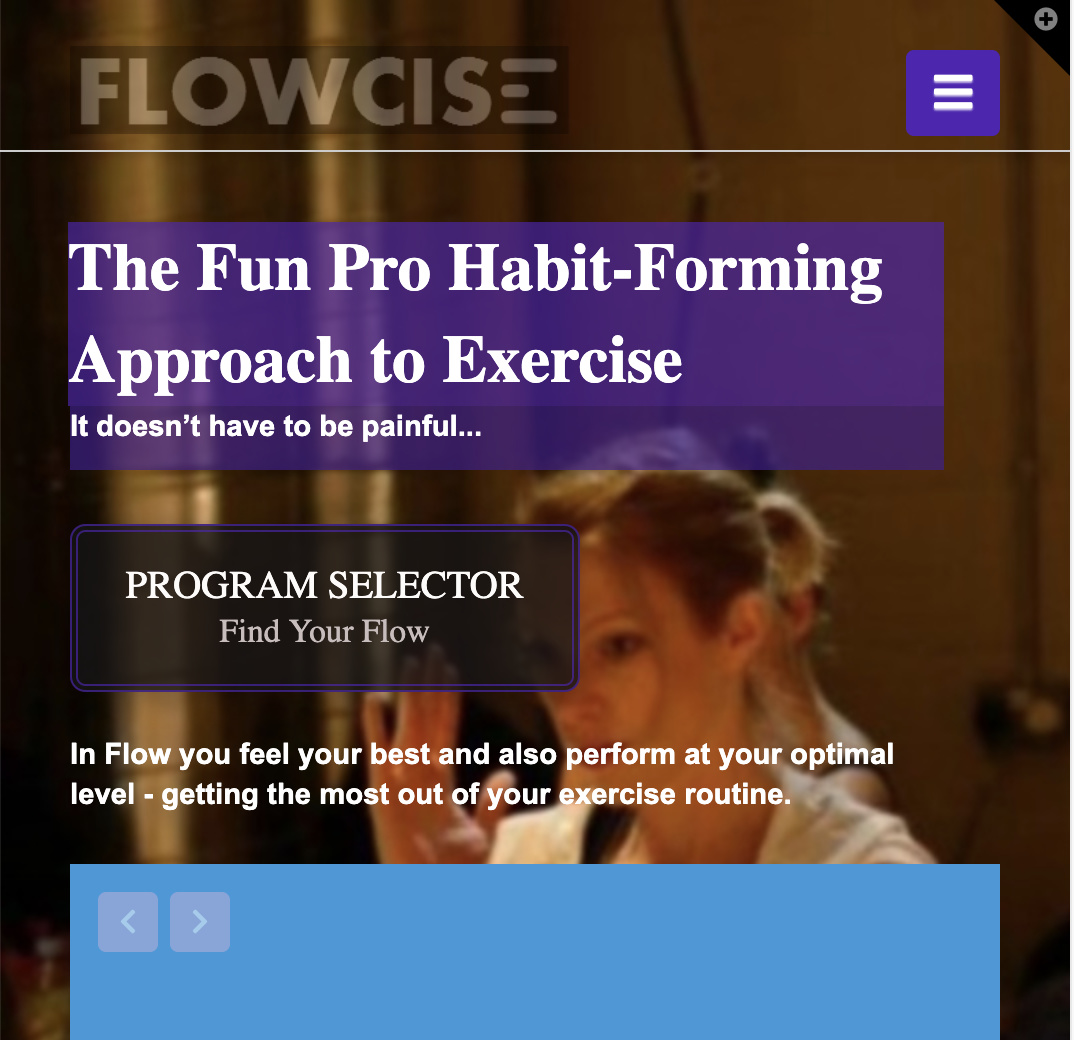
Hope it helps 
You’re welcome!
Thanks for letting us know that it has worked for you.
This topic was automatically closed 10 days after the last reply. New replies are no longer allowed.