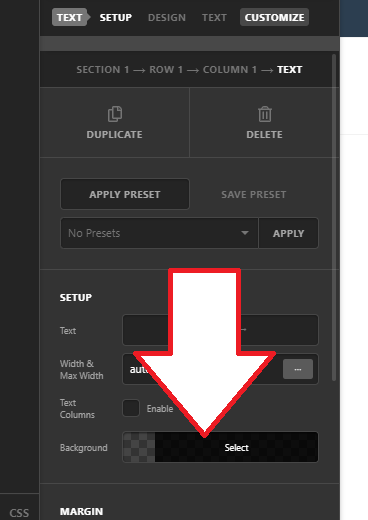
how to transparent background for the content area only?
Right now I’m using background photo and I would like to transparent the background for the content area only?
I have tried:
.page .x-main .entry-wrap {
background-color: transparent;
}
And:
.home .entry-wrap {
background: transparent;
box-shadow: none;
}
But both didn’t work.
Note, my page template is Blank - Container | Header, No Footer