Integrity blog/ Post

hello,
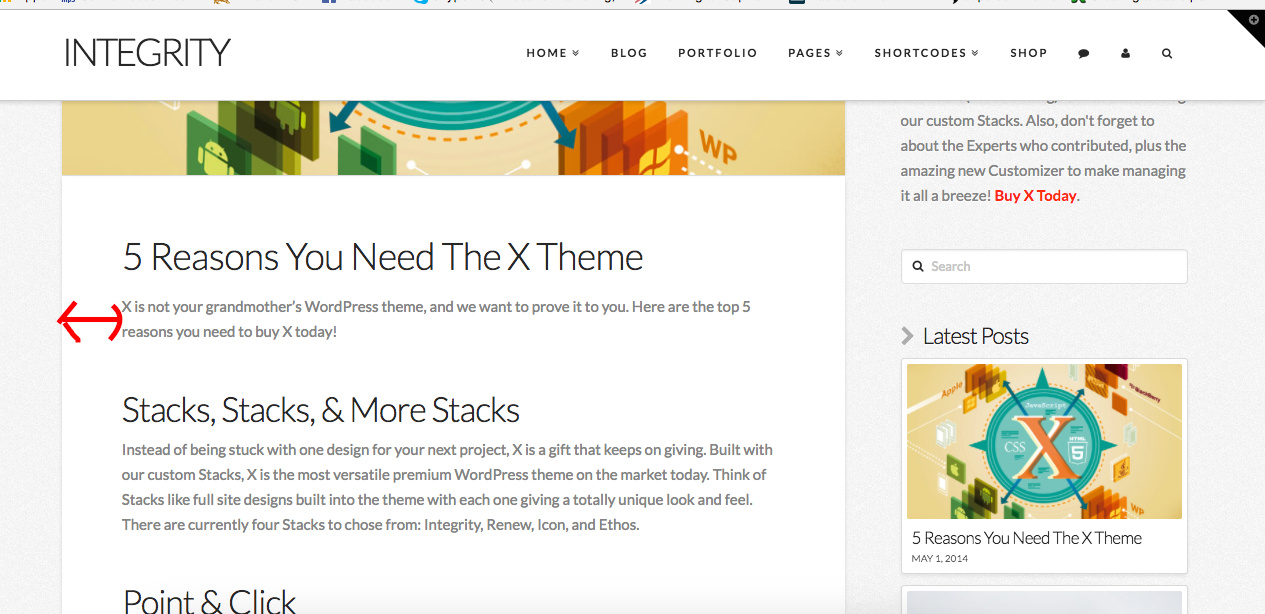
this is on of my post page from my blog, http://s2m-group.com/en/3rdpst/, I’d like to settle the body padding and the images for all my posts, so it does not take the whole screen, and I want also to delete the comment section from the posts and include the side bar with the latest posts as in here: https://theme.co/apex/forum/c/themeco/support.
I have already tried to change the site maw width and site width, but this is not what I am trying to do, what I want to change is the space between the text/ image and the border.
Thanks for your help,

Hi There,

Please try adding the following CSS under Customizer > Custom > Global CSS:

.single-post .entry-content.content,
.single-post .x-comments-area {
    width: 88%;
    margin: 15px auto;
}

Hello,
Thanks for your reply, unfortunately, in the post the image still does not fit the text (http://s2m-group.com/en/16653-2/) like in here (http://demo.theme.co/integrity-1/5-reasons-you-need-the-x-theme/)
and in the blog page (http://s2m-group.com/en/blog/) the title of the posts don’t show like in here http://demo.theme.co/integrity-1/blog/ .

thanks,

Hi There,

Please try to load your X theme instead of the child theme, if the issue is solved, please install a new version of the child theme.

Thank you