Where do I find the settings to turn off elements in the header for the Integrity 4 demo?
When I go to header, I do not see any controls to toggle on or off.
Also, where are the settings that control the fading image on the home page?
Where do I find the settings to turn off elements in the header for the Integrity 4 demo?
When I go to header, I do not see any controls to toggle on or off.
Also, where are the settings that control the fading image on the home page?
Hi There,
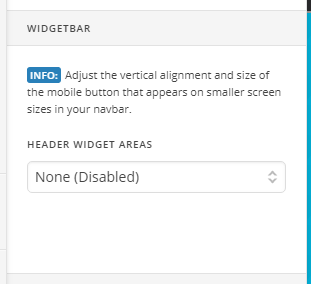
It’s under X > Theme Options > Header > WIDGETBAR > select None:
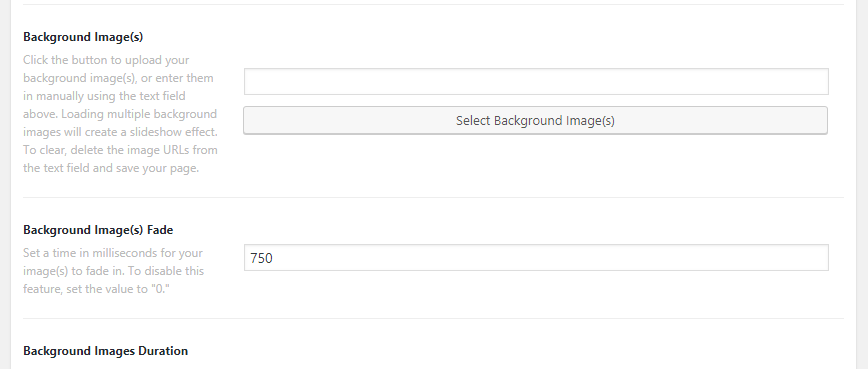
Please edit your home page then scroll down to the Page Settings option:
Hope it helps 
This topic was automatically closed 10 days after the last reply. New replies are no longer allowed.