Integrity 1 demo - some column does not show in mobile

Hi,

This is crazy.
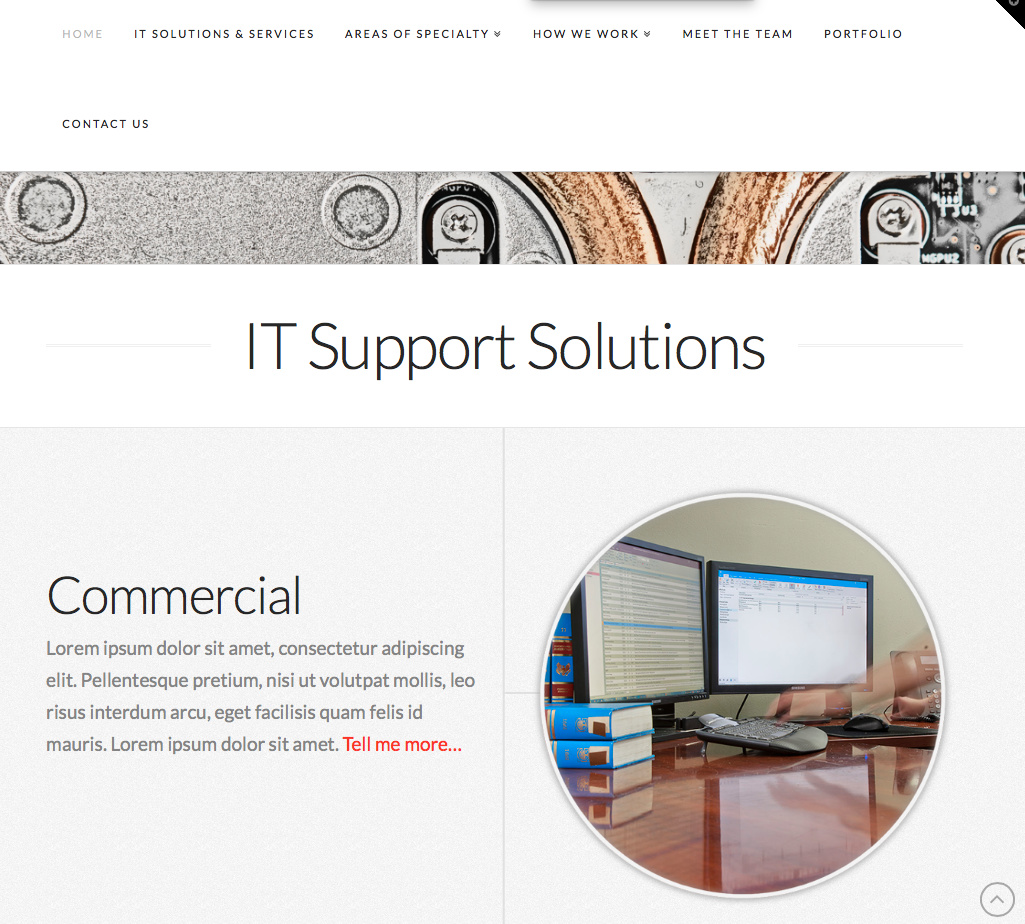
On home page. Under IT support solution, there are 4 rows below it. But when it goes to mobile view, the 4 rows disappear.
Here is the link:
http://2018.tngva.com

Desktop version
mobile version
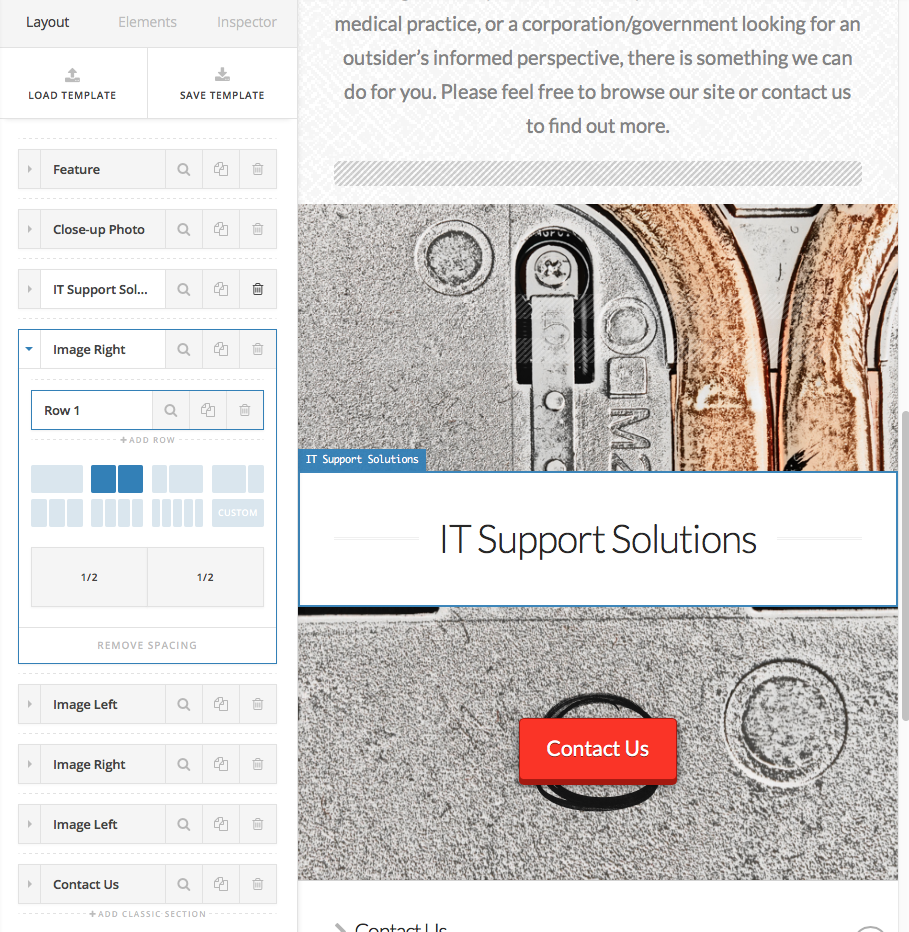
This was create by changing image and text from the demo.

Please help.
Thanks

Alice
Hi There,

Thanks for writing in!

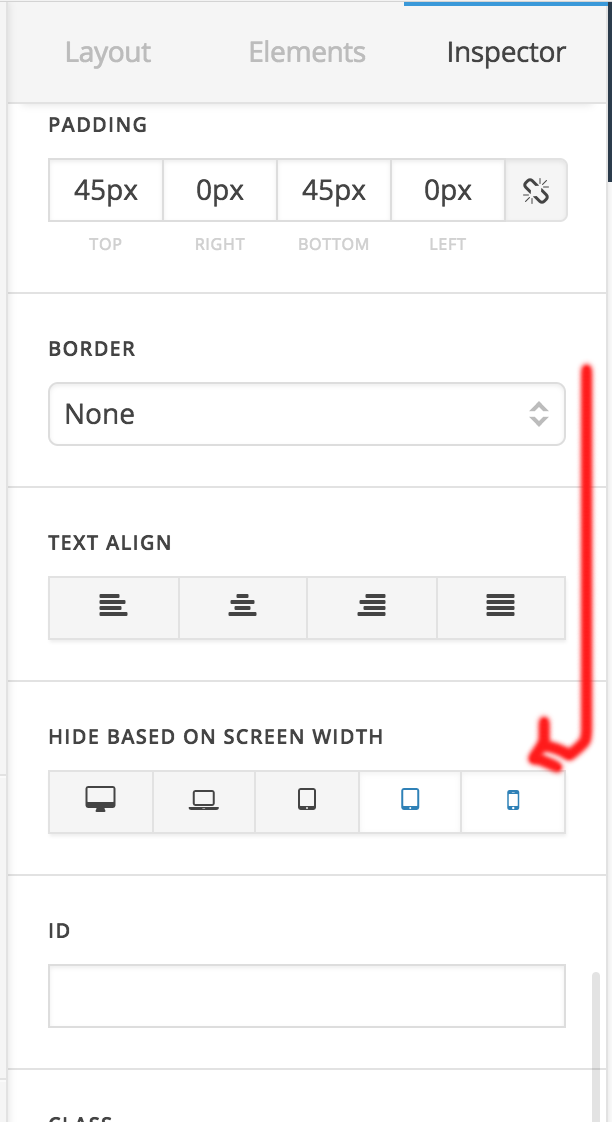
Please select the section in cornerstone editor, and scroll down to “HIDE BASED ON SCREEN WIDTH” section.
You will find the sections are marked has hidden in mobile screens. Please unmark it clicking on the mobile device icons, and save the page.

Hope this helps.

Thanks

Awesome! Thanks. That fixed the problem.

Glad we were able to help :slight_smile:

This topic was automatically closed 10 days after the last reply. New replies are no longer allowed.