hi, after i did a big resarch still didnt find out what to do.
i insteld the gym demo (if its make any sense), and im added blog page in the top menu, but have NO luck to insert all my posts there, also i want when push on the buttons its will lead to some of the post as well,
thanks
Hi Alina.
You will have to go to Settings > Reading then set the blog page you have as the Post Page.

Hope this helps.
its did thanks.
also i have no luck to put picture on the posts just like the demo ones
and how do i remove the demo posts from my blog?
https://fitnessmindset.ca/blog/
thanks
Hi Alina,
Please assign a Featured Image to your posts.

On your admin dashboard navigate to Posts > All Posts check all the demo posts and set the Action to Move to Trash, then apply.

Hope it helps,
Cheers!
thanks for quick reply…
i got couple more questions as i cant figured some stuff out.
-
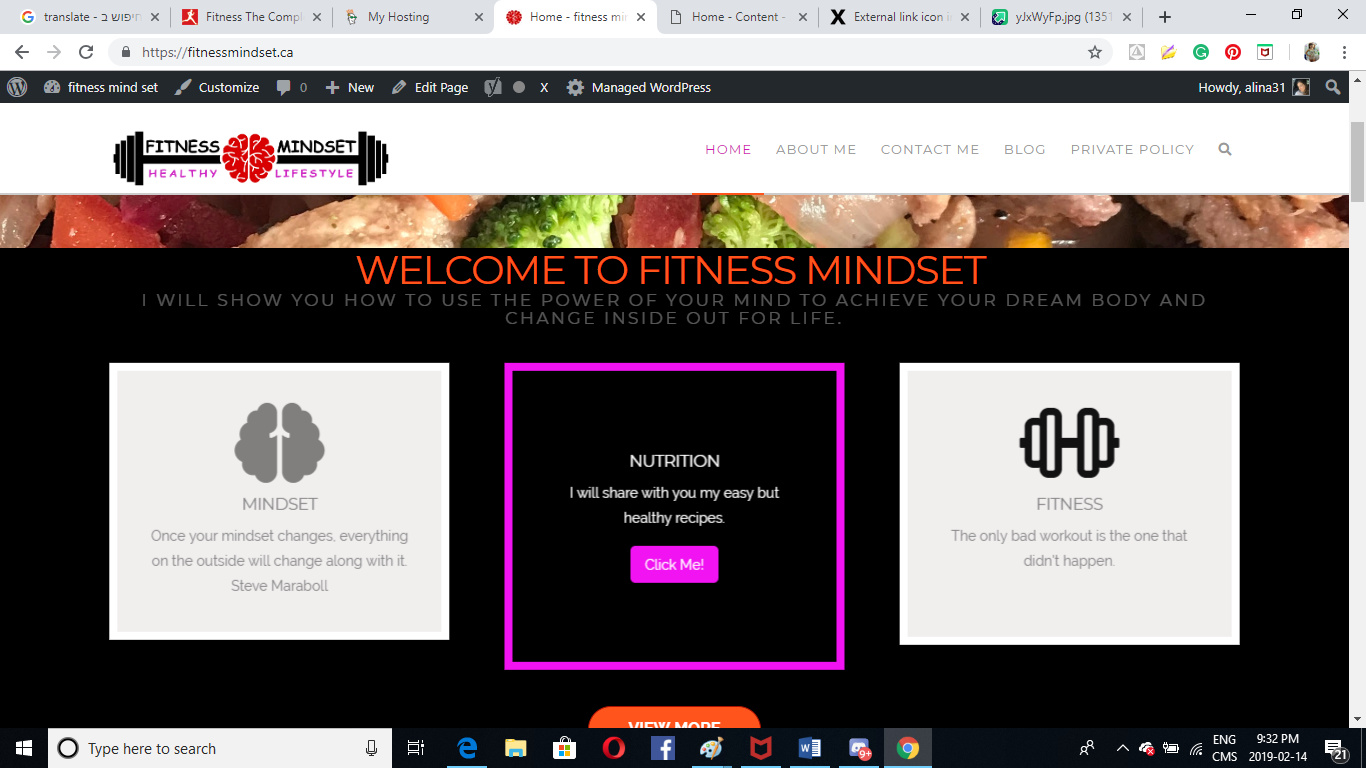
how can i insert blog post into this button (click me)
-
can i change the main website color? the orange text that was with gym theme i cant find how to dod that, and any option of change the font site?
thank you so much
Hi,
- You can add the link in
BACK BUTTON LINKfield of your card element

- You can change it under
Theme Options > Typography

Hope that helps
hi, i did change the color there but its didnt effect

Hi again,
To change the color of your titles, edit the homepage in Cornerstone, inspect your classic custom headline elements and remove the <strong></strong> tags from your titles (see screenshot)

Then you can change the color of your titles via Text Color option in the classic custom headline element (see screenshot)

To change the button colors, navigate to Theme Options > Buttons and change the colors as per your need (see screenshot)

If you want to change the colors in the “Getting Fit” section

Those are actually the images, you can remove those and use your own images or remove the image and use an icon instead.

Hope this helps!
This topic was automatically closed 10 days after the last reply. New replies are no longer allowed.