Increase visibility of tick form

Hi!!! :slight_smile:

As we are doing changes because of the GDPR, we need little change to avoid the confusion of the people :slight_smile:

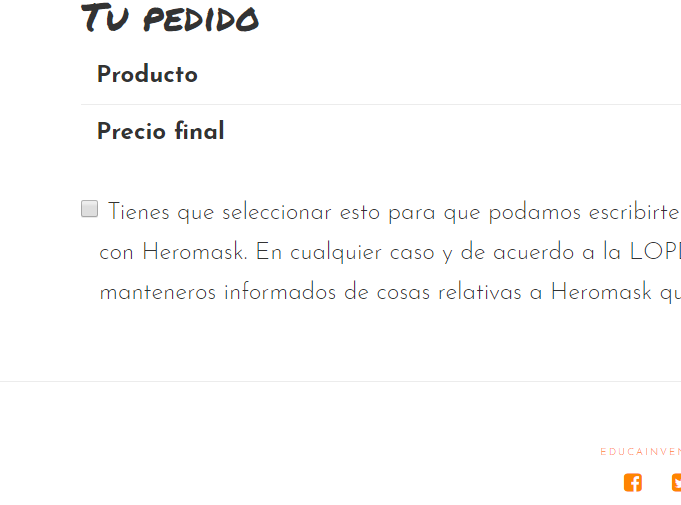
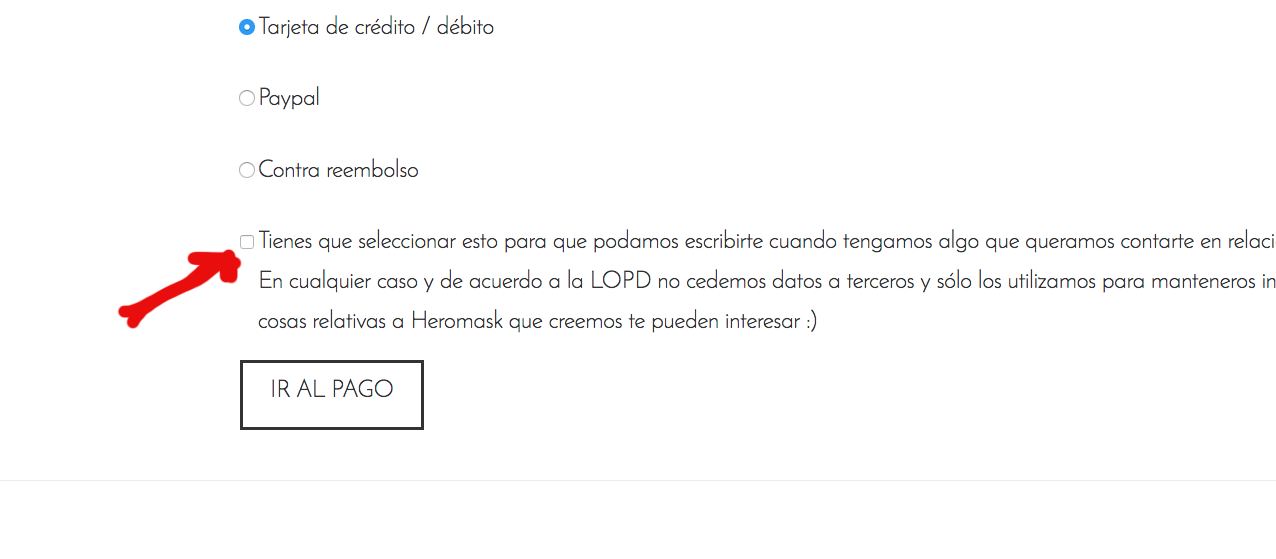
How could we underline the square to tick (see image attached)? Is it possible to do it bigger or fill it with a color?

The page is: https://www.edinventa.com/checkout/

Thank you!!!

Carlos
Hi there,

Please add this code in the Global CSS:

.checkbox input[type="checkbox"] {
    width: 18px;
    height: 18px;
    top: -3px;
    margin-right: 8px;
}

Hope this helps.

Hi! It’s weird: I have added it, and it’s bigger in mobile. But it does not seem to change on desktop! Do you have any idea why??

Thanks

Carlos

Hi Carlos,

I have just checked your site and the checkbox seems to display larger on desktop as well.

Please try to clear your browser cache.

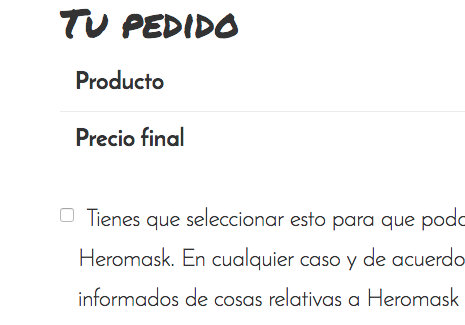
I have remove the cache in Safari, but it’s still small in Desktop. VERY weird! I’m attaching how it looks in Chrome:

Desktop (Chrome)

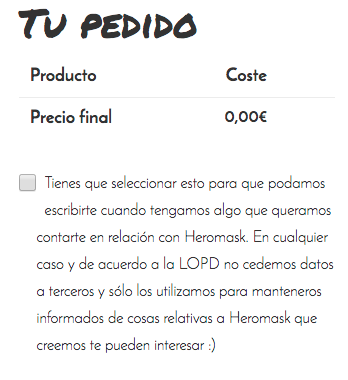
Mobile (Chrome inspector):

Hi,

I’m not sure if you are testing on Chrome or Safari browser, just make sure to clear cache on the browser you are testing on, I suggest trying Chrome Incognito mode, that’s how I can see the checkbox on Chrome:

Thanks.

Nice animation!

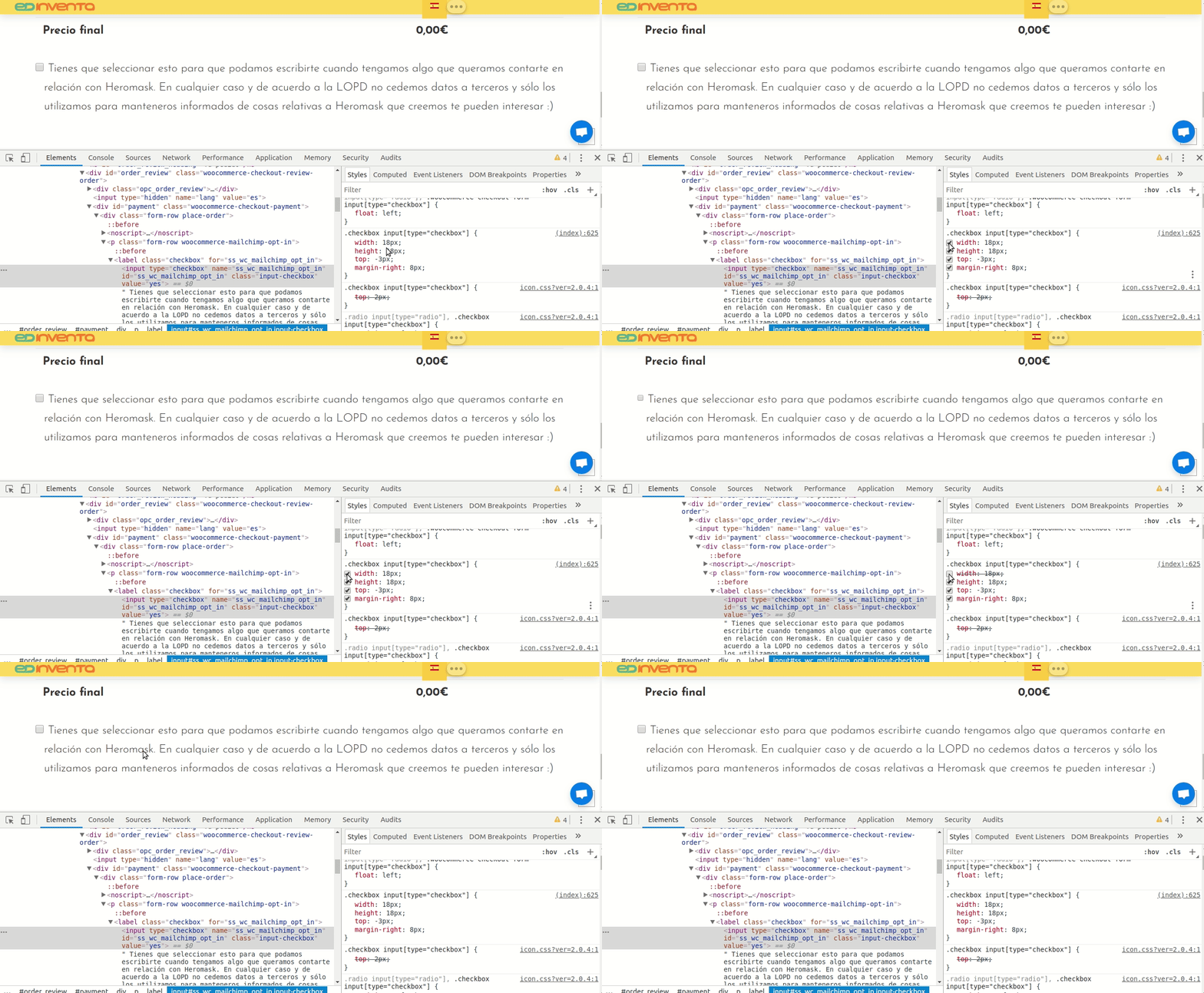
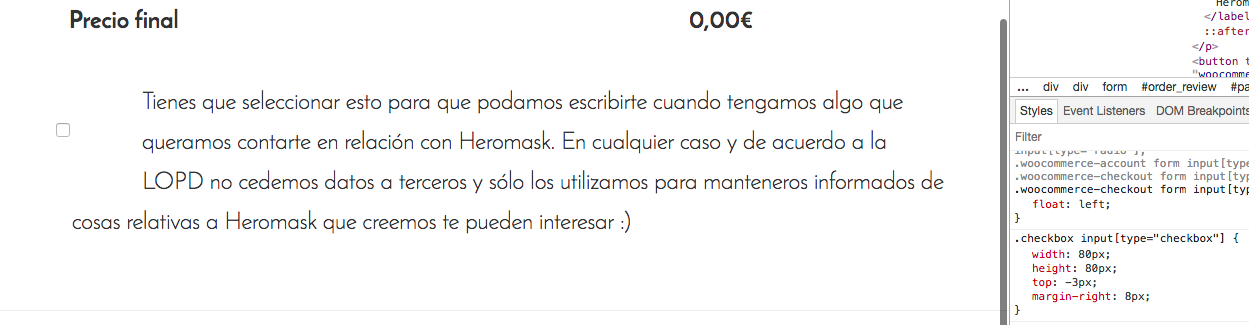
I have modified width and height in the Inspector in a Chrome Incognito Mode windows. It does seem to work. Please take a look of the screenshot of what happens with 80px width and height:

Maybe do you know a way to add a background color or a border color? :confused:

Thank you for your help in any case… :confused:

Try updating the code given by @Jade to this:

.checkbox input[type="checkbox"] {
    width: 18px;
    height: 18px;
    top: -3px;
    margin-right: 8px;
    -webkit-transform: scale(1.5,1.5);
    transform: scale(1.5,1.5);
    margin-right: 10px;
}

You’ll need to adjust the right margin as transform does not take up space.

Thanks.

It’s working!!! :slight_smile:

Do you know if it’s possible to set the sides of the square with a color like blue to make it more visible? :confused:

Thanks you for your help and knowledge!!! :slight_smile:

Hello @educainventions,

Thanks for updating the thread. :slight_smile:

Please add following CSS under Pro > Theme Options > CSS:

.checkbox input[type="checkbox"] {outline: 1px solid #0f93e0;}

If you would like to learn CSS, I am sharing few resources that you take a look to get started with CSS and an interesting tool that you can use to speed up the development process.

I recommend you to watch following video that will help you to get started with CSS.

https://www.youtube.com/watch?v=MFR4WXiLzpc

Sometimes it can get a bit difficult to find out the right selector to be able to write the required CSS codes. A handy tool that can help you in this is Google Chrome dev tools. I am sharing the resource that you can refer to get started with dev tools.

https://developers.google.com/web/tools/chrome-devtools/css/

https://developers.google.com/web/tools/chrome-devtools/

https://www.youtube.com/watch?v=tP_kXBJWPhQ&t=200s

Thanks.

Thank youuuu. I think it’s perfect now :slight_smile:

Thanks for the tutorials too. I’ll try to take a look during some chance :slight_smile:

You are most welcome. :slight_smile:

This topic was automatically closed 10 days after the last reply. New replies are no longer allowed.