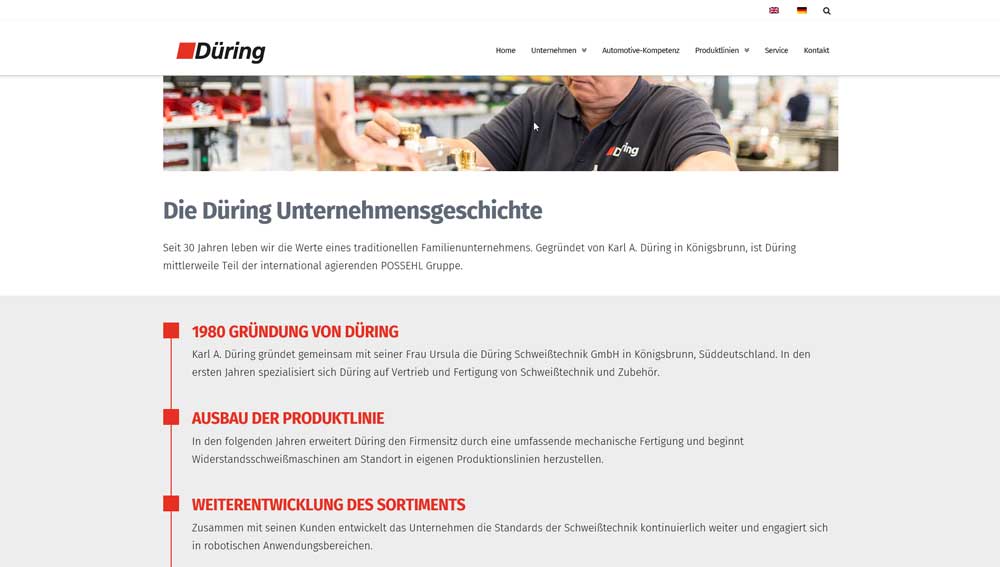
Images shift randomly to the right in IE 11 and Firefox, then shift back when scrolling

Hi guys,

we have encountered the following issue:

On the website www.duering-welding.com we have place an image as a first section on each page.
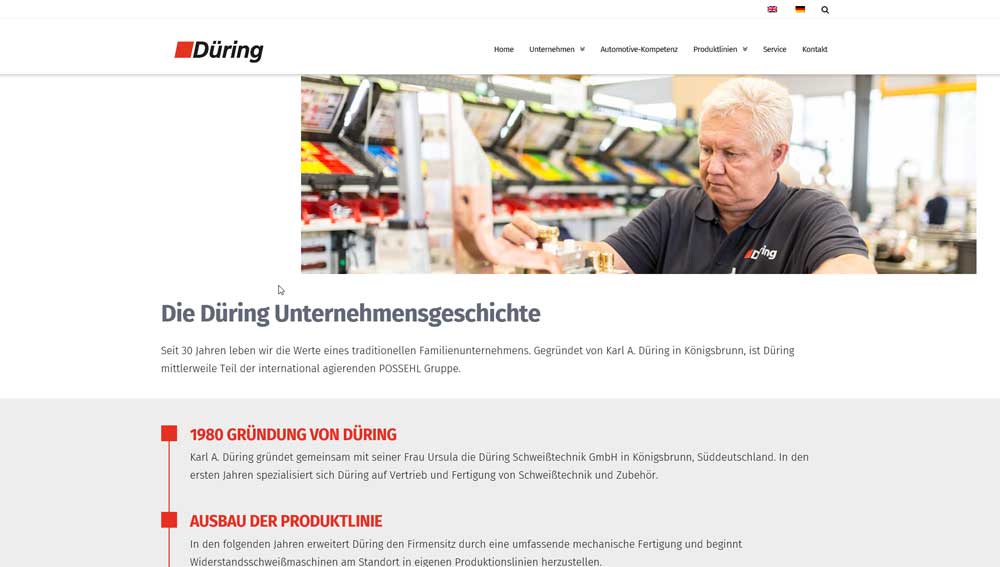
When opening pages by clicking through the menu, those images are shifted to the right (not always, but often).
Then when you start to scroll down, the image shifts back to the left. However, it is slightly cut off on top.

We see this in IE 11 and Firefox on Windows 10.

Can you please check and tell us how to fix this?

Thanks!
Lutz
Hi There,

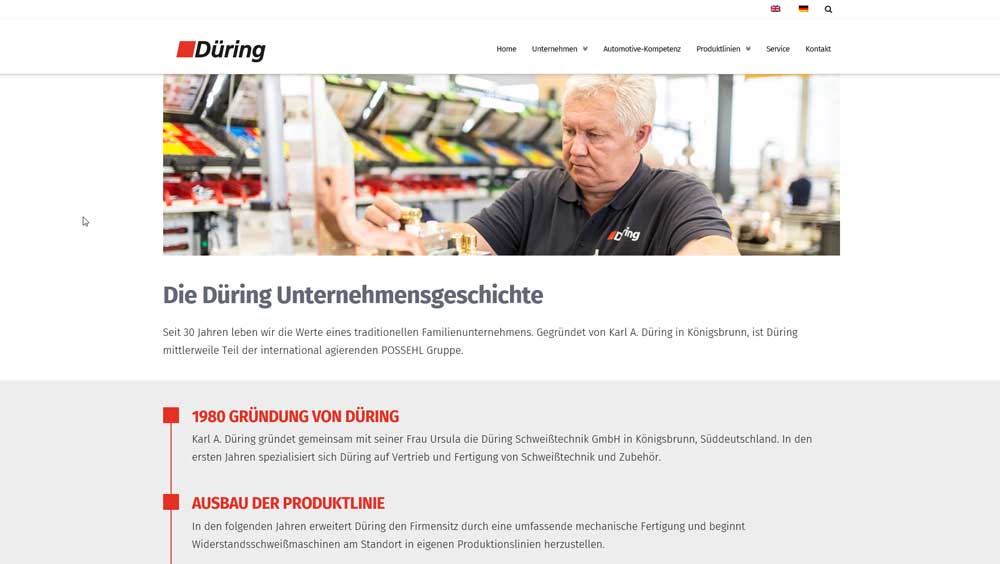
Please try adding this custom CSS under X > Theme Options > CSS:

.x-image img {
    width: 100%;
}

Hope it helps :slight_smile:

Thanks for the fast reply!
We have figured out 2 things:
The Section was wrongly configured as marginless columns - after deselecting that the error went away.
In addition your code is a good solution, too.

Issue solved!

You’re welcome! :slight_smile:

This topic was automatically closed 10 days after the last reply. New replies are no longer allowed.