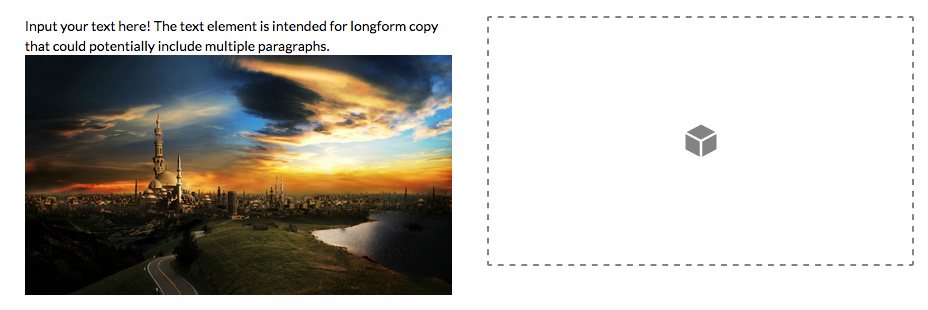
Images Pixelated in Text Element

Hi Themeco Team,

I am trying to add images inside an X Text element in a post. The original size of the images are 1920 x 1280, however, after adding them to the Text element and using the built in Wordpress image size selector to size them down to 300 x 200, etc., they appear very pixelated. Do you have a suggestion on how to correct this so images are sharp at all sizes?

Thank you!
Hi There @bartenderonduty

Thanks for writing in! One option would be use an image resize tool to properly resize your images, so that it won’t be pixelated. For example, if you resize 1920px width of image to 300px, the correct proportional height should be 169px.

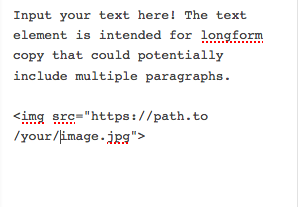
However if you just place an image to your text element without any width or height, it will be automatically resized correctly.

Hope that helps.

Thank you for your help, I will try resizing!

You’re welcome!
We’re glad we were able to help you out.

This topic was automatically closed 10 days after the last reply. New replies are no longer allowed.