I am trying to resize this image but nothing works. What am I missing?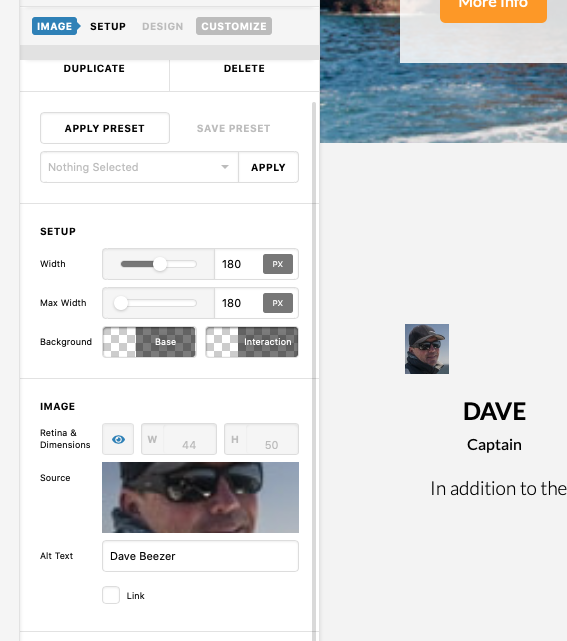
Hey Scot,
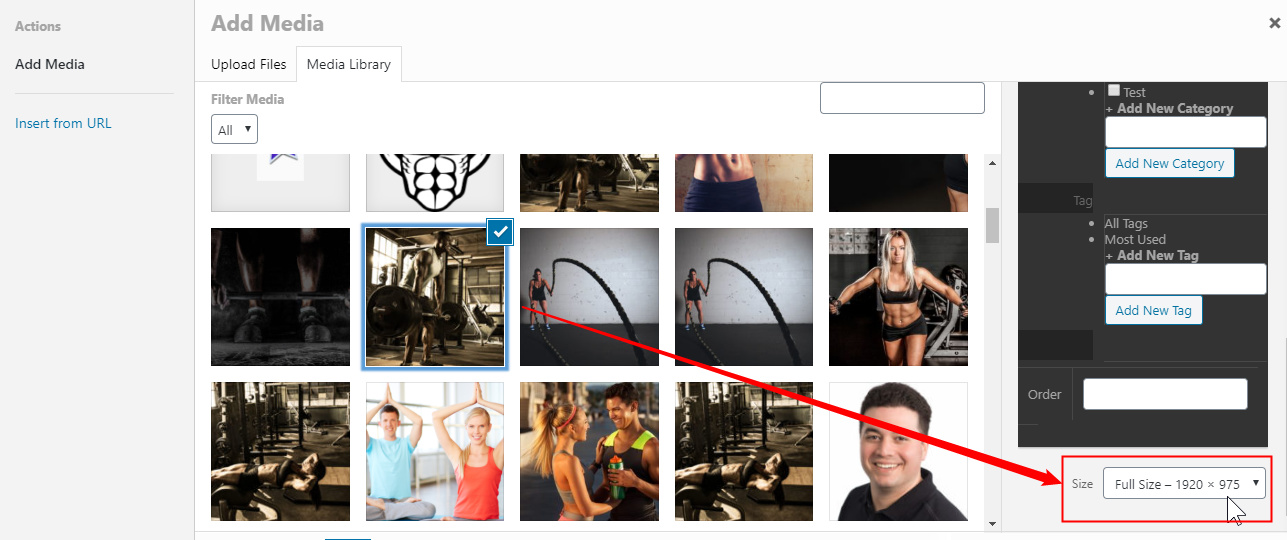
When choosing an image for the Image for the image element, you can choose the Image Size option in the right hand side. Scroll down til you see the option.
The Width option in the Image element is for the container of the image so be sure to upload the right image size for the area you’re adding the image to. For example, you want an image to span the full width of your screen and the width (in pixels) of your monitor screen is 1920. You need to use an image that is 1920px minimum. You must do that so that the image display would not be blurry or pixelated.
Hope that helps.
Thanks for the reply. What CSS can I use to expand the image size above the maximum size available? I realize the image may become blurry.
Hello @ScottM,
Please edit your page back in the builder. In the image element settings, find the “Customize” tab and insert this inline element css:
$el.x-image img {
  min-width: 100%;
}
This will make sure that the image will occupy any given width for the image container.
We would love to know if this has worked for you. Thank you.
This topic was automatically closed 10 days after the last reply. New replies are no longer allowed.