Image dimensions for the Cornerstone sections

Hello,
I am not able to find out the exact dimensions for images I want to upload for the sections I am creating in cornerstone.
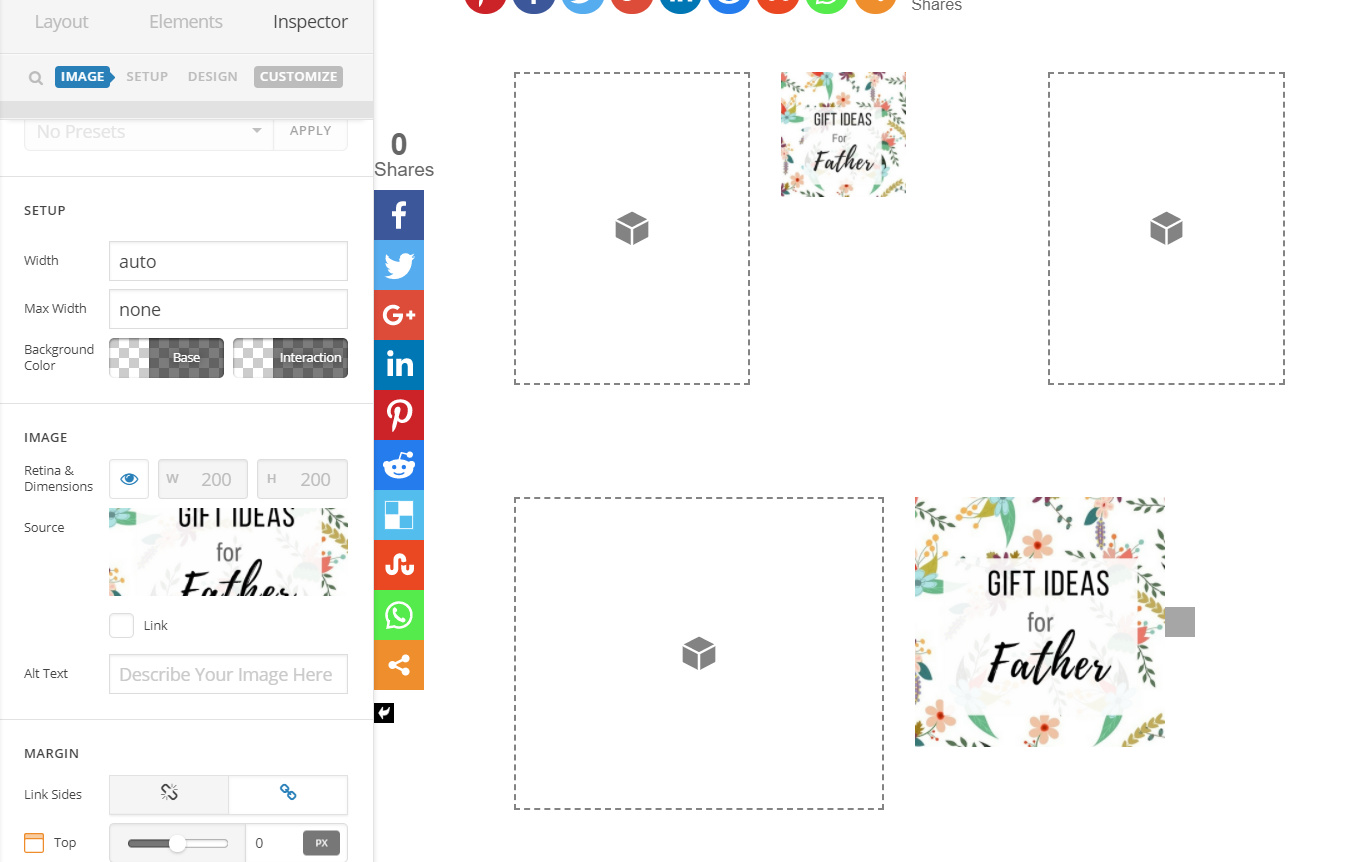
Can you pls provide me the exact image dimensions for the sections I am creating. Please refer to the attached image.

I tried uploading 200X200 and 400X400 image … it doesn’t look right as you can see in the attached.
Hello There,

How do you want the image to appear?
Image size will adjust in relation to image height and width proportion. For the image element, there is an option for Retina (eye icon). Retina has four times more pixels than standard screens. To understand retina, please see this: https://www.sitepoint.com/support-retina-displays/. Since your image is square it will always be square. Try to set retina settings on and off to see how it works. If you want the image to occupy the whole column, please try to use large image size.

Hope this helps.

1 Like

Got your point, thank you. I was able to design it exactly how I wanted it. Looks like these boxes are dynamic in nature, meaning they adjust to whatever image size I load. That is perfect!

Glad to hear that.

Thank you.

This topic was automatically closed 10 days after the last reply. New replies are no longer allowed.