Image as background

Hello.

Going crazy here… thanks for in advance for the help.

I’m trying to add an image as a background so that I can add other elements to it (buttons, text… etc.)

I just can’t figure out how to do it :frowning:

Can you please help? I’m including the link on a private note. Thanks!
Hello Jacko,

Thanks for writing in!

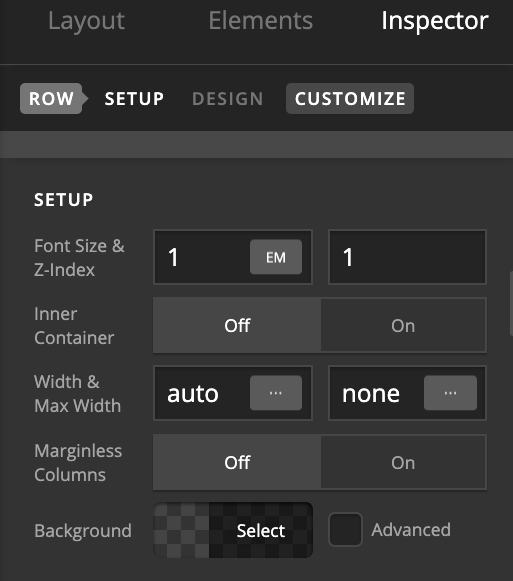
  1. Please inspect the Section > Row > Setup and turn off Inner Container option.

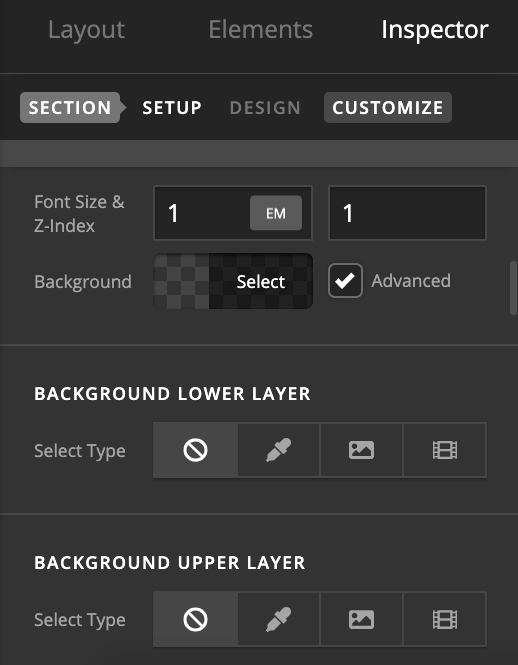
  1. Next, you can then assign Background to Section by inspecting the same and under Setup > Background select on Advanced and there you can add the background image.

Thanks.

Thank you very much for the help!

You’re welcome!
We’re glad @Prasant were able to help you out.

This topic was automatically closed 10 days after the last reply. New replies are no longer allowed.