Identical font settings not rendering same on two different Pro installs

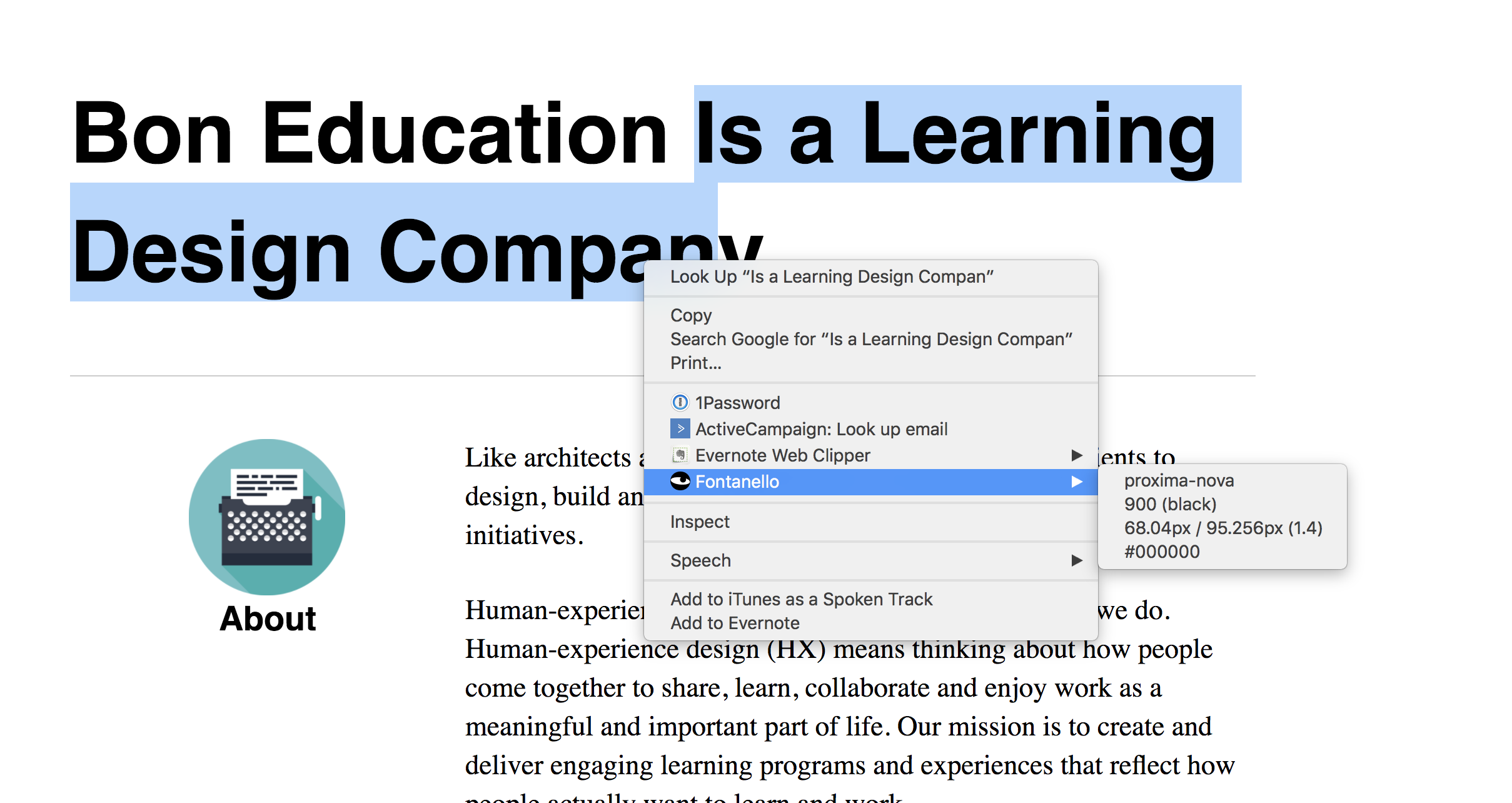
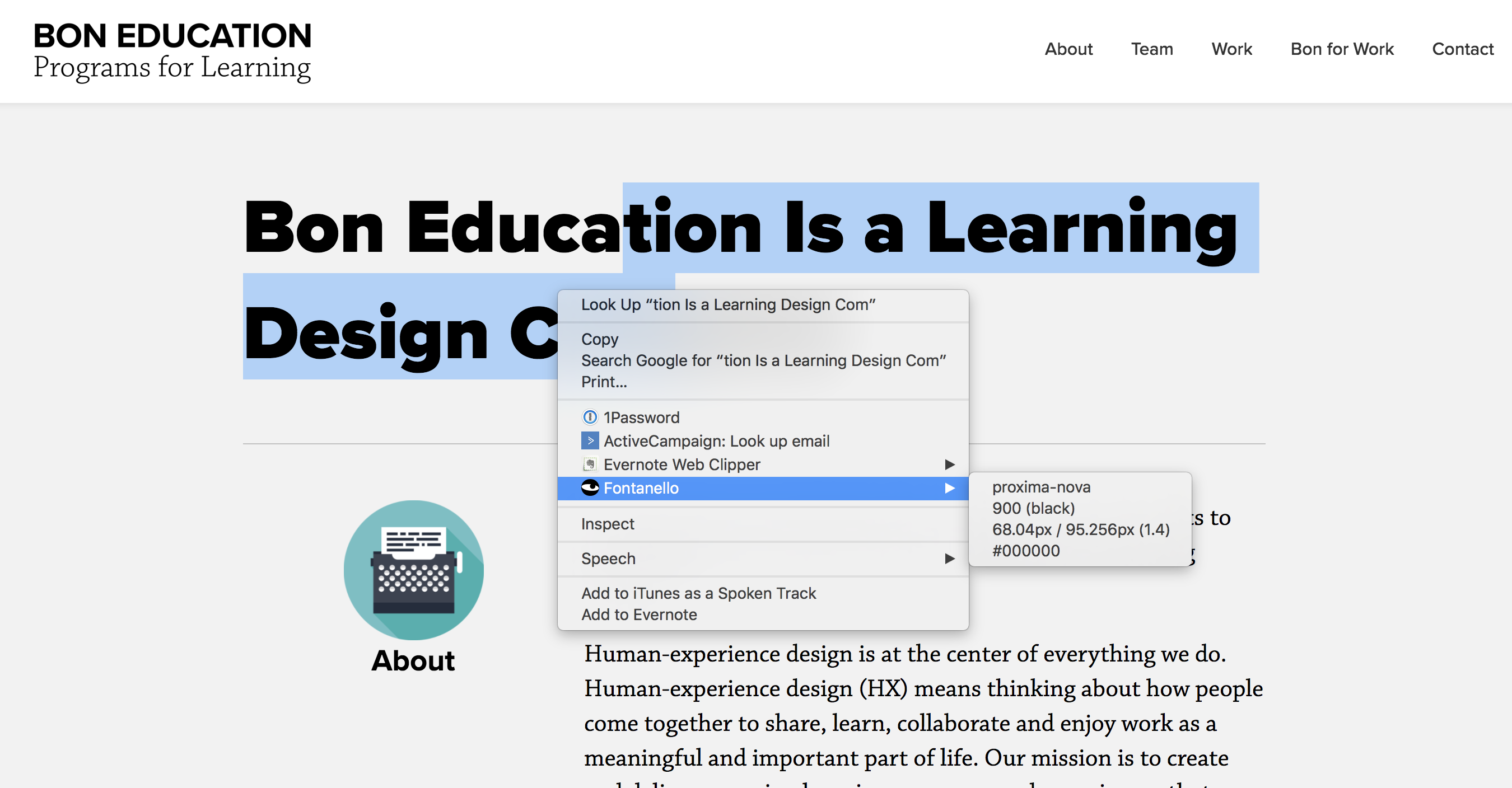
I have two sites that are sister sites and basically have the same settings, same theme. The browser even says the fonts are the same. But the same browser is rendering fonts differently. I’m really confused. Maybe there is a Pro setting I’m missing? See screen shots.

Many thanks for your support troubleshooting this confusing issue!

site1: boneducation.com
site2: bonforwork.com/new-home
Hi There,

Thank you for the screenshots. From the source code, I can see that proxima-nova is loaded via typekit. That font is not working here: http://bonforwork.com/new-home/ because this site domain is not on the list of published domains for that specific KIT ID. See this: https://screencast-o-matic.com/watch/cFeV04Di0h
On this domain: https://boneducation.com/ KIT ID is working so the font is loaded properly. Enable the other domain to work on that KIT ID.

Hope this helps.

Ok, great catch and many thanks for helping troubleshoot. I’m sure that’s the problem. I kept thinking there was a theme plugin issue.

Kind regards,

  • Chris

Actually, I’m not sure that resolves the issue. And I’m not sure why the browser would say it is rendering the same font.

I’m still experiencing that issue.

Hi there,

The tool you are using is showing what the CSS code is for the title but does not show which font is picked up actually. I used the WhatFont Google Chrome extension and it says the CSS has the name of the font included, but the actual font which is loading is the default sans-serif:

That shows you did not fix the domain issue my colleague mentioned. You need to double check your settings in the Typekit.

Thank you.

This topic was automatically closed 10 days after the last reply. New replies are no longer allowed.