I have a rather odd issue. Certain icons in the builder (e.g. Elements and the sidebar tool icons) are not showing inside of the builder for my website. While it hasn’t stopped me from being able to work, it is an odd issue that would be great to have solved. Trying to guess buttons hasn’t always been the most advantageous way to build. Thanks!
Hello Tim,
Thanks for writing in! I have logged in and investigated the issue. I tested for a plugin conflict and it seems that WP Rocket is causing the issue. I temporarily deactivated the plugin and now all the icons are displaying.
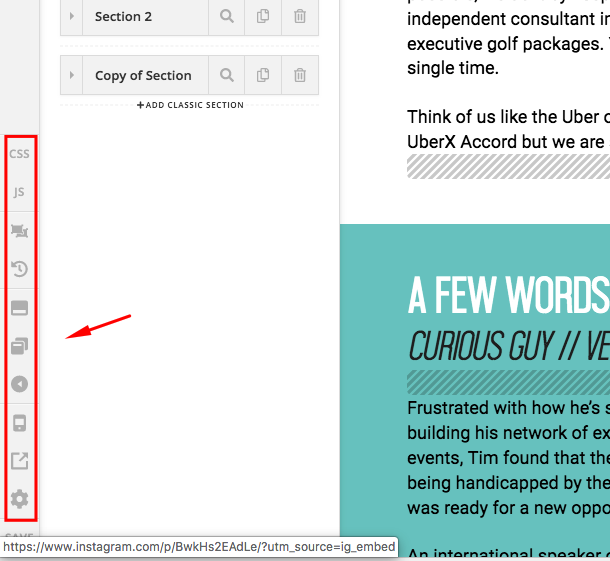
When you activate back the plugin, please make sure that you have cleared the plugin cache as well as the CDN cache.
Please let us know how it goes.
It appears to be the class “cs-custom-icon” that’s having the issue. Don’t suppose you have any tips on how to exclude that from whatever caching or something that is causing the issue.
NVM. I figured it out. I simply needed to exclude the image folder from the CDN and they are all revealing nicely. Thanks for the attention.
Glad you’ve figured it out.
Cheers!
This topic was automatically closed 10 days after the last reply. New replies are no longer allowed.