Icons Disappear, randomly turns HTTPS

On my website on random pages a few things happen

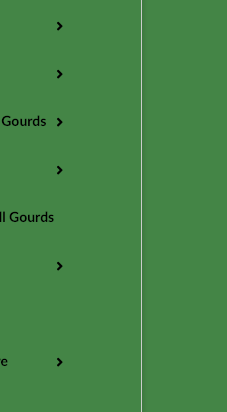
  1. The theme icons disappear on the product page. This means the arrow icons on the menu and the cart icon on the “add to cart” button

  2. On pages where this happens, when the item is added to cart, the cart page becomes https when it is not supposed to. The cart page should be http 100% of the time.

How can I fix this?
Hi Dan,

Thanks for writing in!
Please find my answer below!

1. Look like you are using uber menu and the arrow icons are working fine and the icon in the add to cart button also working fine.

I checked in different browsers and all are fine. You may have caching issue, please clear and check again.

2. I can see the cart page is not in HTTPS but the checkout page is HTTPS, that means your checkout page set to secure more and Comodo SSL has been configured.

There is nothing to do with the theme, if you don’t want HTTPS then you have to remove the SSL certificate from your site.

Hope this helps!

I still see this issue. Please try using Internet Explorer

Hello Dan,

The font awesome files were loaded via https while the page is not. This resulted to a CORS issue and the icons no longer displays. I would recommend that you enable https instead. Please go to Settings > General and change the site url and WordPress address url to https.

Hope this helps.

Right now I need to keep the site http only on pages besides checkout. How can I make the font awesome files load via http?

Hello Dan,

I have revisited your site to check your issue. I could not replicate it anymore. Did you do anything?

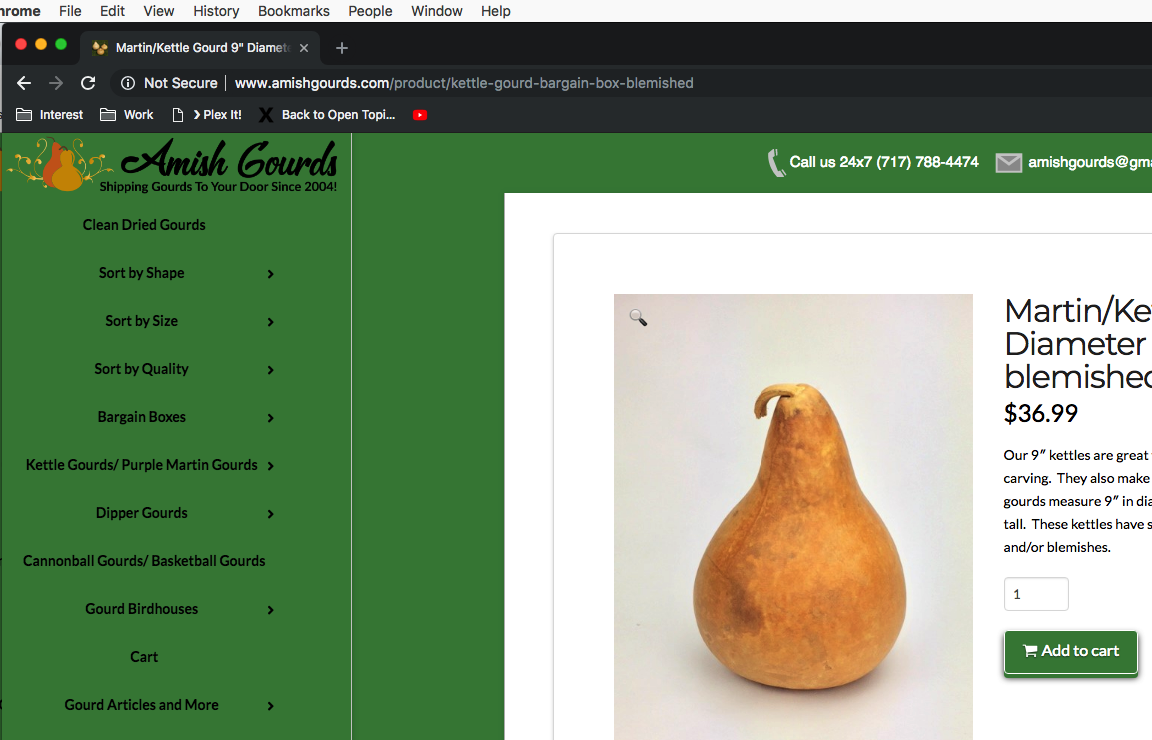
The product page:

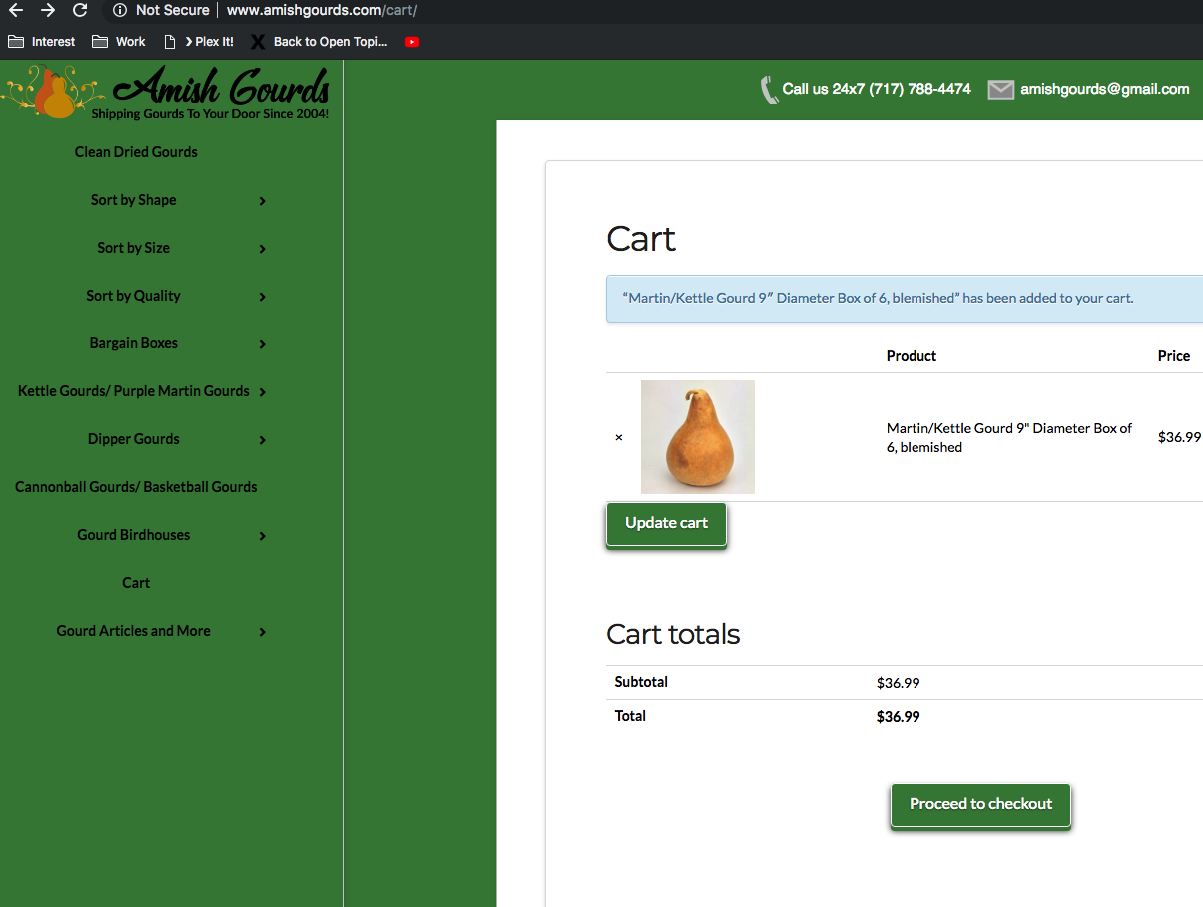
The cart page:

It seems that only the checkout page is using https and the icons are showing in the cart page.

Please check your site again.

This topic was automatically closed 10 days after the last reply. New replies are no longer allowed.