I am having problems with the ETHOS-1. I deleted the Demo-Homepage, and realize now that was a very bad mistake. This was on accident. I have tried to reinstall, but no luck. Now I am having problems getting the site indexed and it is not visible on mobile devices, nor can it be indexed on google.
Hi There,
Thanks for writing in! It seems that you have forgotten to include your site URL that you’re referring to. Could you please include that also, so that we can look into your issue.
Thanks!
Hi there,
I checked your site and there seems to be content that is loading on the homepage.
Were you able to get it sorted?
When I am on the site and I “visit site” via wordpress, it is fine. When I attempt to look at the site from another computer (i.e. not logged into wordpress), It does not load the home page. On a mobile device, also I cannot see the blog contents. Did I make a mistake in deleteing the homepage on the page menu? How do I restore the home page.
I get the below error when checking the site.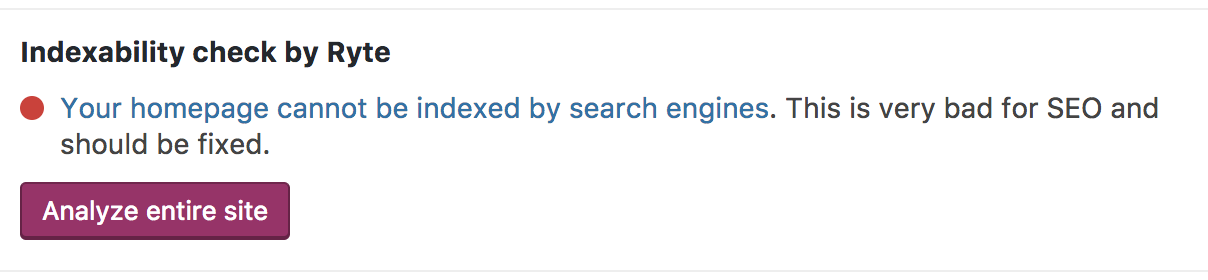
Also, please see the screen shot from my mobile device. That is not my home page, I dont even know what page that is showing. I am feeling like I made a big mistake deleting pages. I dont even rememeber how or why I did it. What I do know is that I cannot restore the default pages from Ethos-1, even after changing to another demo and reloading Ehtos-1. I have even unistalled the x-theme and no change

Hi There,
The site is working fine in my end. both in mobile and desktop.
Please check the screenshot.

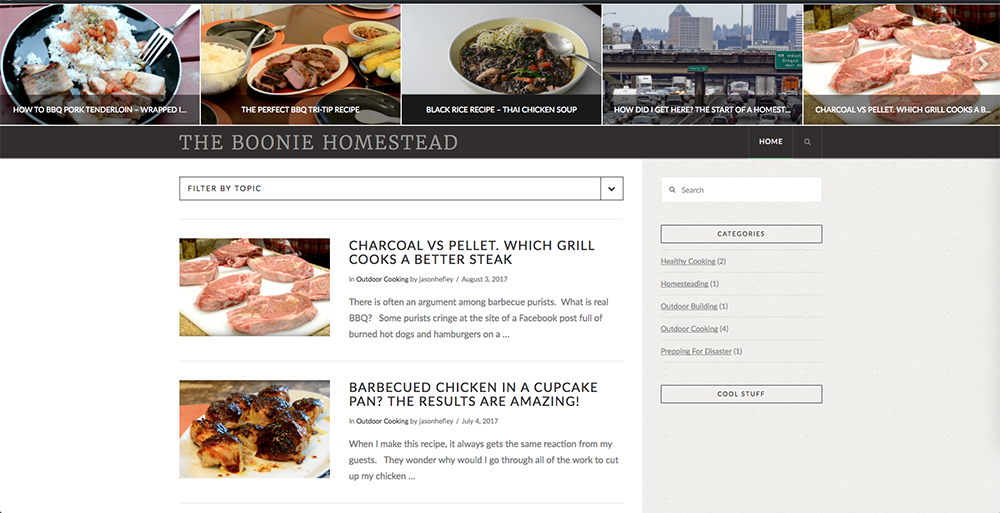
and the index issue may be fixed now.
Thanks
I dont know what is going on then, I have checked the status on my computer via chrome browser and I am now getting this:
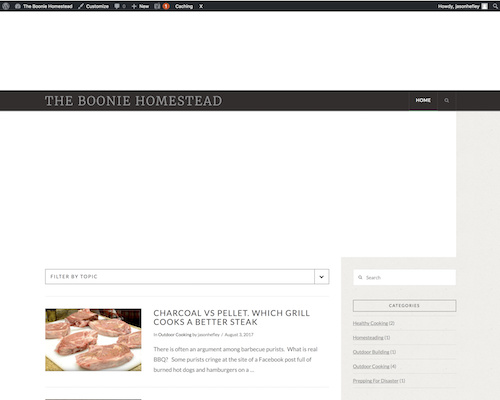
I then check on Safari, and I get something different:
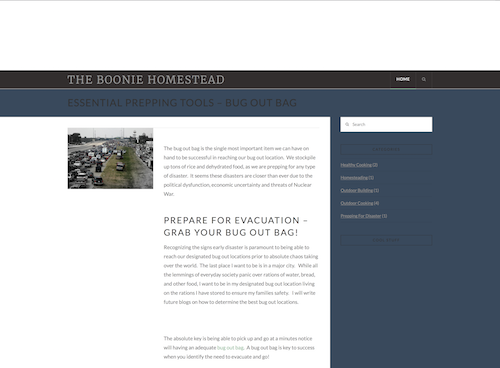
I then checked the site via Google Mobile Tester and received this error:
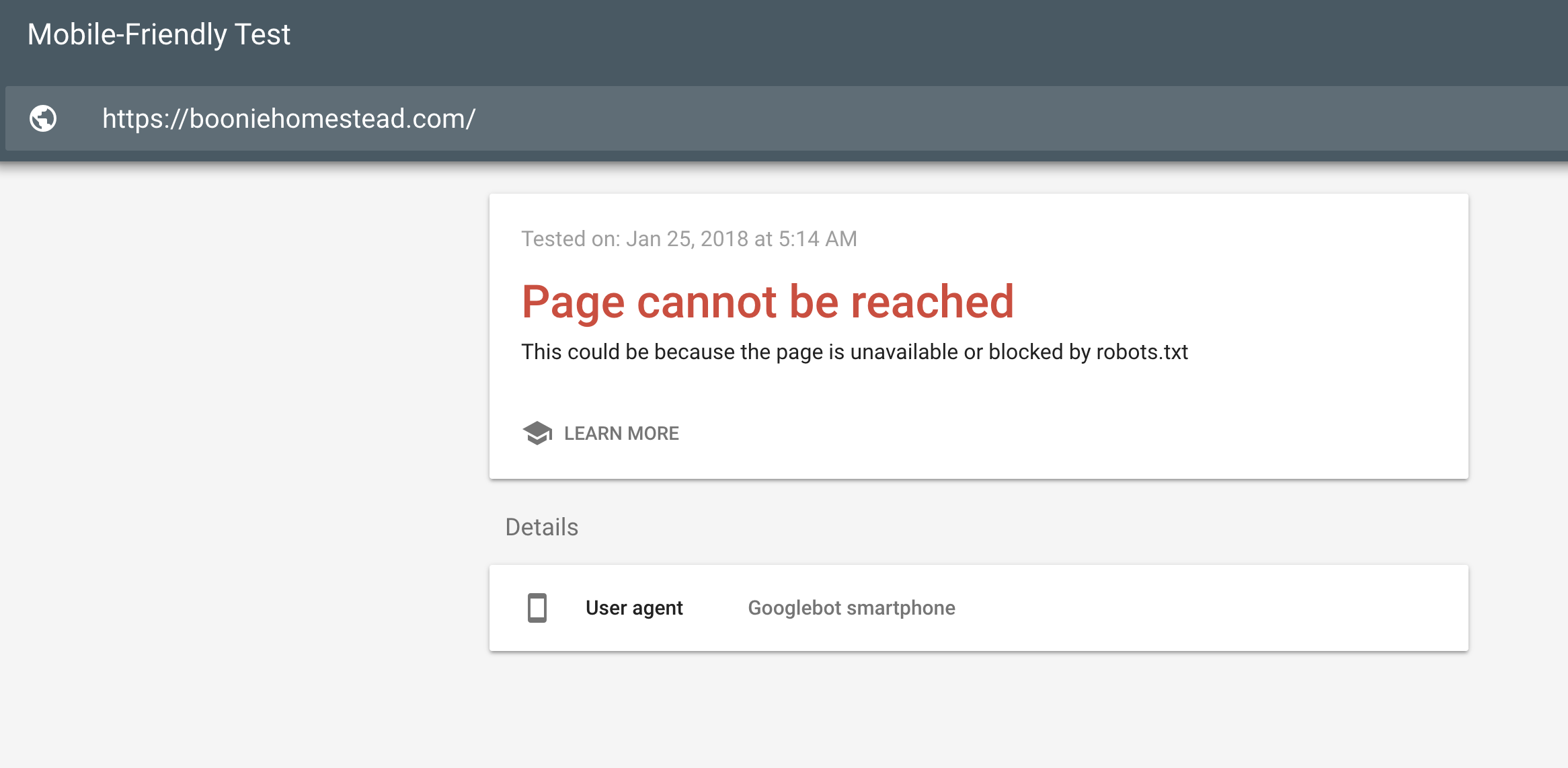
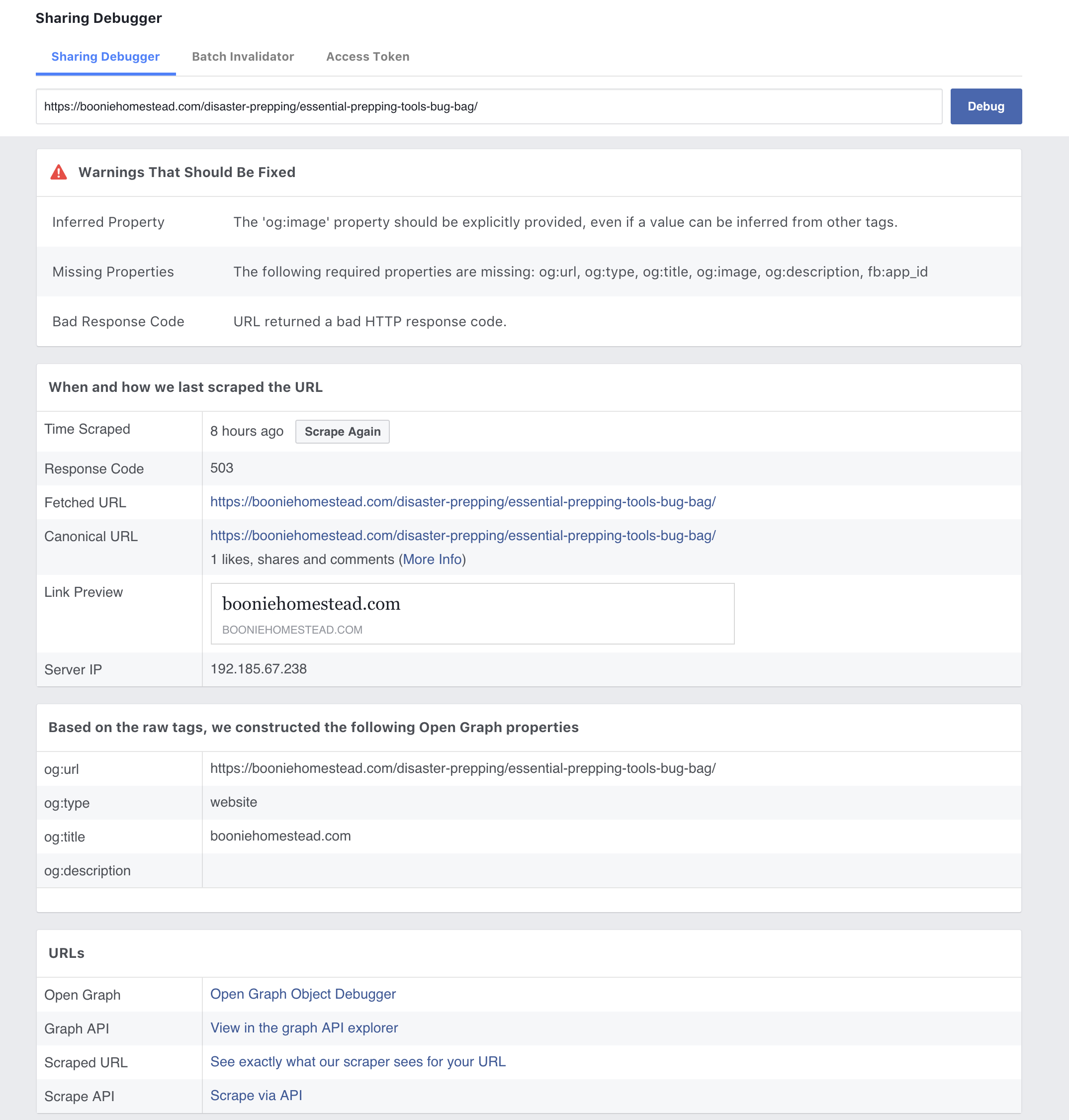
I checked a blog post using the facebook debugger tool and received all these errors:
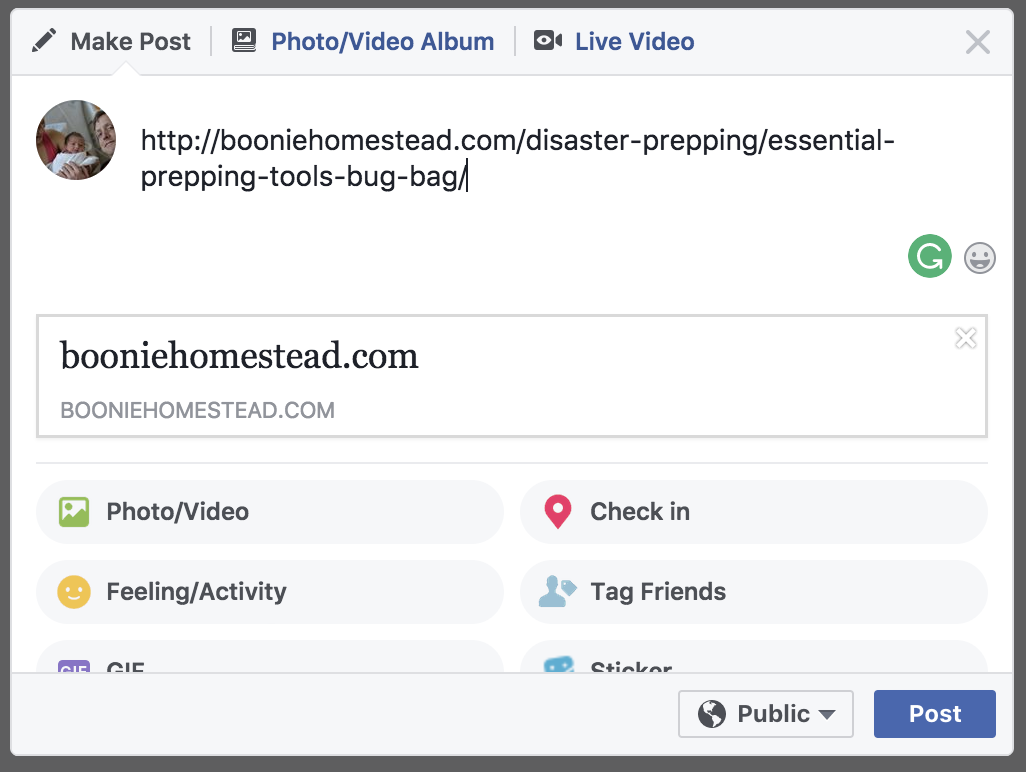
Using Yoast SEO, I edited the Facbook link to look like this:

When I post on Facebook it looks like this:
I just transferred this domain over from WIX, as I am new to wordpress. When I first installed the x-theme, for some reason I made a decision to delete all the standard page structure on the pages tab of the dashboard.
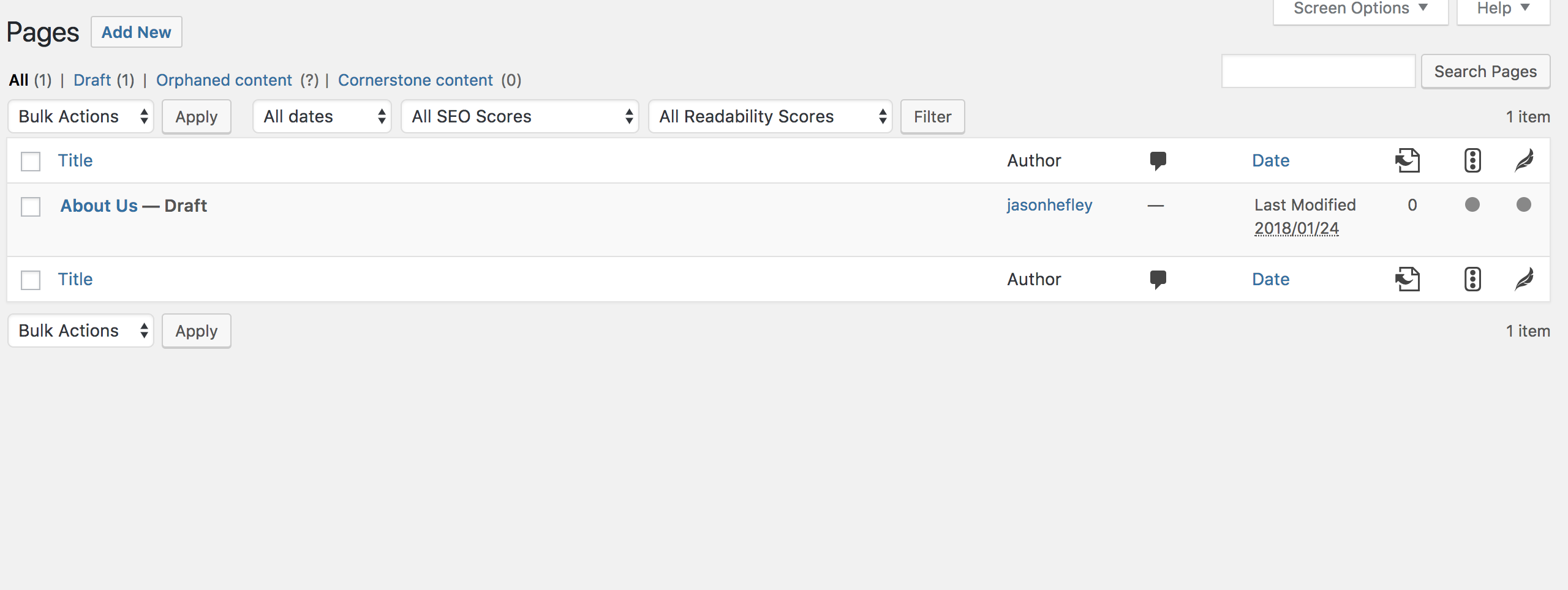
This is when all my problems started. I do not know how to restore the ETHOS-1 stack back to its default settings, and start over. I have tried to just change stacks - no luck. I have tried to uninstall the x-theme and re-install, no luck. I am getting close to just uninstalling wordpress, reinstalling my theme, and starting over. I really do not want to do this if possible. I cannot index my site on google in its current configuration, nor can I place ads on facebook to promote my site. I am getting desperate.
Hi There,
I can replicate the issue on my end.
The issue is hapenning because the content on your logged out live server is being served from the cache of your server and not from your website directly.
Upon investigating we found that that your page is being served from Endurer Page Cache.
The Endurance Page cache plugin is a plugin activated automatically by Bluehost. It may cause your visitors to see the mobile theme on their desktop browsers and vice versa. To resolve the issue, please contact Bluehost and ask if they can configure the plugin to ignore the WPtouch Pro user agent list below.
Please flush the cache of your website via your hosting dashboard or contact your hosting provider to help you with that.
Hope it helps
This topic was automatically closed 10 days after the last reply. New replies are no longer allowed.