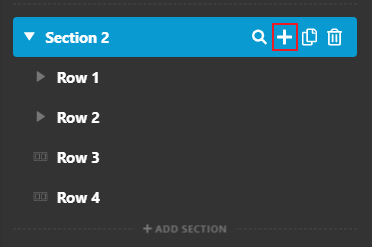
I need help with creating a static background image to a page

Hi there, I’m using pro and unfortunately I cant send a URL link as I’m developing on a local host.

I want to create something like this site here though. Static background image with scrolling content.

Is this possible?
I have tried a few different options. but cant seem to achive the right result.
setting a background for the entire site doesnt work as the sections dont apear to be able to made transparent.
Hi Peter,

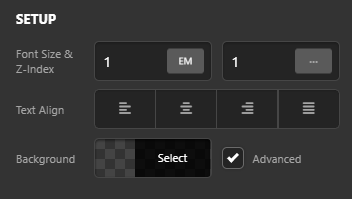
Thank you for reaching out to us. You can achieve the similar effect with parallax. To enable the parallax effect, inspect your section in content builder and turn on the Advanced settings for background:

image

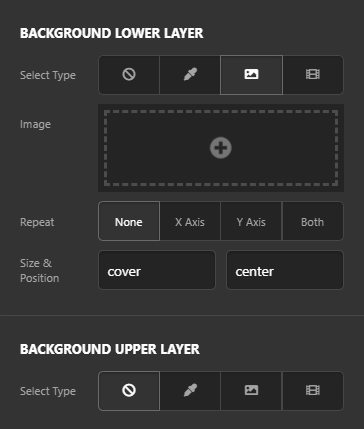
You’ll see some advanced background options, You can set the Background Image in the Background Lower Layer:

image

Now scroll down to find Background Parallax and enable it for the Lower Layer.

image

This will give you the static image with content scrolling effect. However if you need one static image for an entire page, this can also be done using a Background Parallax feature. This time you only add one section and set the Background Image with parallax effect enabled and add content using multiple Rows in a section:

image

Hope this helps!

1 Like

Thanks for that

You’re always welcome Peter!

Cheers.

This topic was automatically closed 10 days after the last reply. New replies are no longer allowed.