Hey Bryan,
Before giving you the code to override the post title design, I’d like to let you know first why the text is being clipped by design in the first place. The reason for that is that there is no way to take into account the lines of text the user will input.
For instance, if your text is long and it breaks into 2 lines, you’ll see that it will not look aligned…
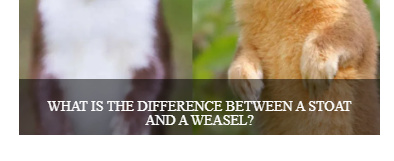
If you solve that, another problem will popup for single lines.
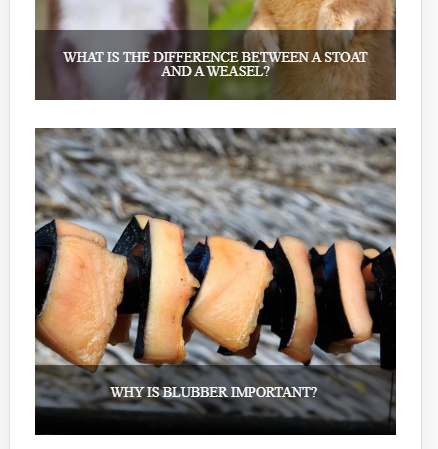
That is the limitation of the design. It’s best to use short text.
If you wish to continue with showing all the text using CSS, please make sure your titles would all fall into 2 lines and add this code in Theme Options > CSS.
.h-entry-cover span {
    white-space: normal;
}
By the way, the code Lely gave you in the other thread was for the Ethos Carousel.
I just like to let you know that this isn’t a problem if you’ll use Integrity. See http://demo.theme.co/integrity-1/blog/
Hope that helps.
