I searched through the container and the bar itself and can’t find an option to change this bar color.
Take a look at this image…

I searched through the container and the bar itself and can’t find an option to change this bar color.
Take a look at this image…
it’s a light gray need it to be white.
Hello Sasan,
Thanks for writing in!
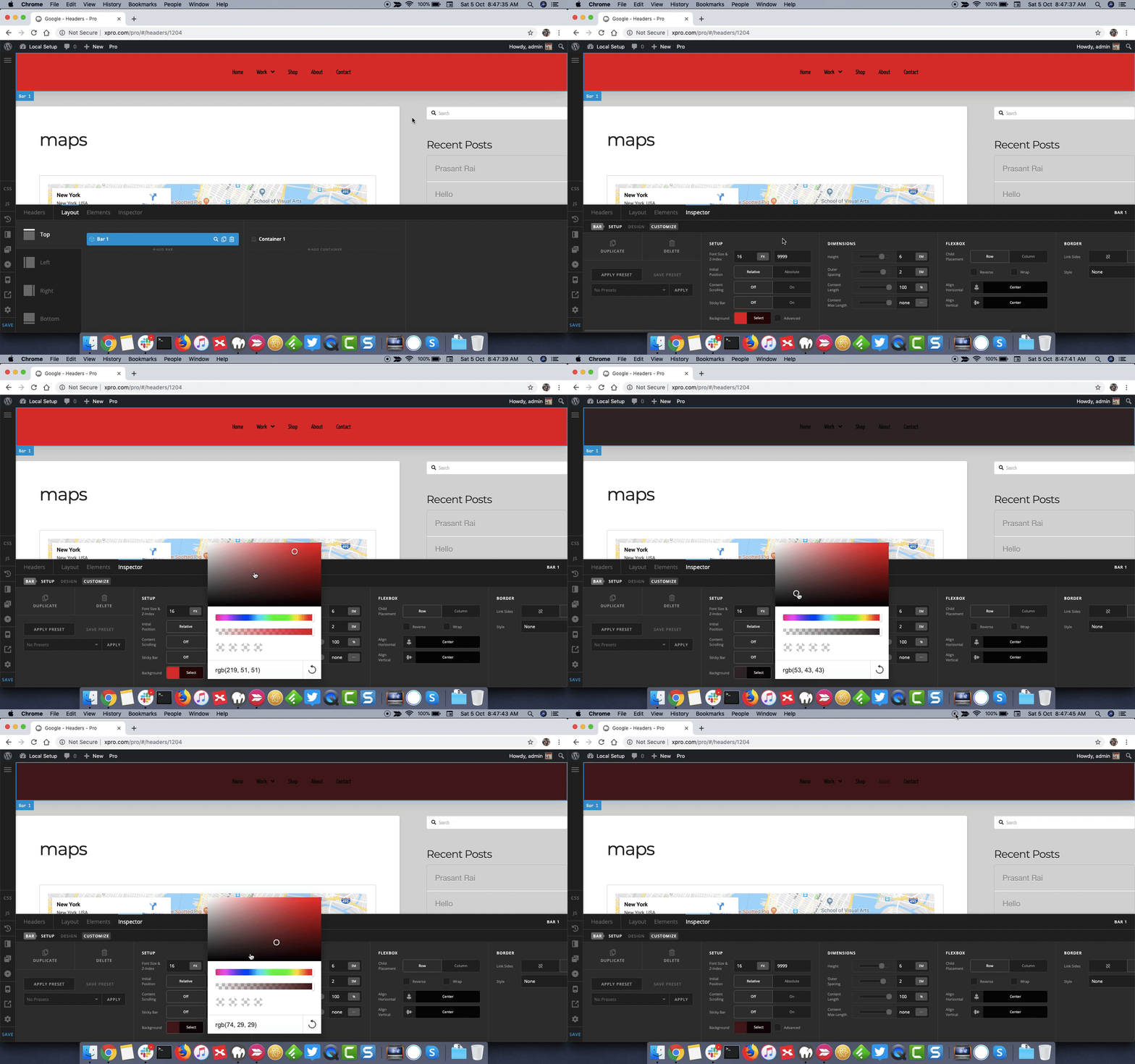
I checked the website and see you are using Pro Theme header builder. To change the color of area that’s shown in screenshot, please inspect the Bar and under Setup > Background select the color from color palette box.
Thanks.
I tried that but there is still a gray tone in the color that wont go away.
Hello Sasan,
Thanks for updating the thread. 
The grey tone that’s showing up is the shado effect of the following bar. Please see screencast.
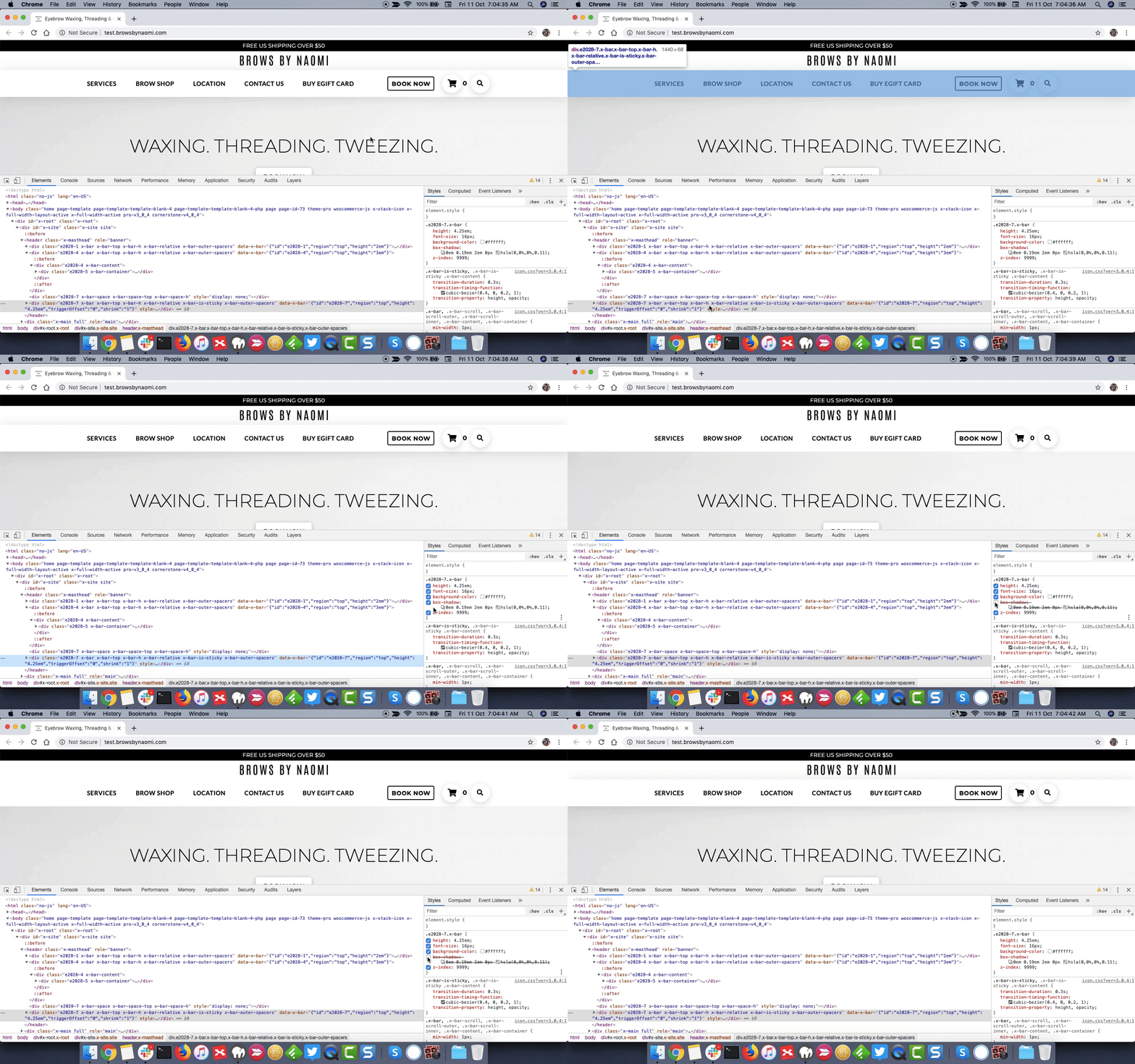
To remove the shadow from the follow up bar, please do following:
0 to remove the shadow effect.Thanks.
This topic was automatically closed 10 days after the last reply. New replies are no longer allowed.