Hubspot Form Cut Off Side Of Screen Because of Right Sided Header

Hello, I am having trouble relocating the hubspot popup on the bottom right corner of the screen. It is cut off and half of it is located behind the right sided bar header.

I am using the wordpress hubspot plugin but cannot for the life of me figure out how to move the popup fully into the page.

Any help would be greatly appreciated.

Thank you!

Hello There,

Thanks for writing in! To assist you with this issue, we’ll first need you to provide us with your URL. This is to ensure that we can provide you with a tailored answer to your situation. Once you have provided us with your URL, we will be happy to assist you with everything.

Best Regards.

Hi there! Posted my address above! Thank you :slight_smile:

Hello There,

Thanks for posting the url. Are you referring to this one?

Please edit your navbar and adjust the z-index. Instaead of using 9999, please use 9999 or something that will make sure that the hubspot form will be on top because it is using a 9999 z-index which is the same as the navbar default.

Hope this helps.

Hello thank you so much for your support and apologies for the delay in response.

What I am referring to is not on the live page because we have active visitors. The picture you sent is something different.

Essentially the hubspot plugin creates a small vertical banner in the bottom left corner of the page with the word “subscribe” on it. It is designed to stay in place where ever you navigate on the page - It looks like this:
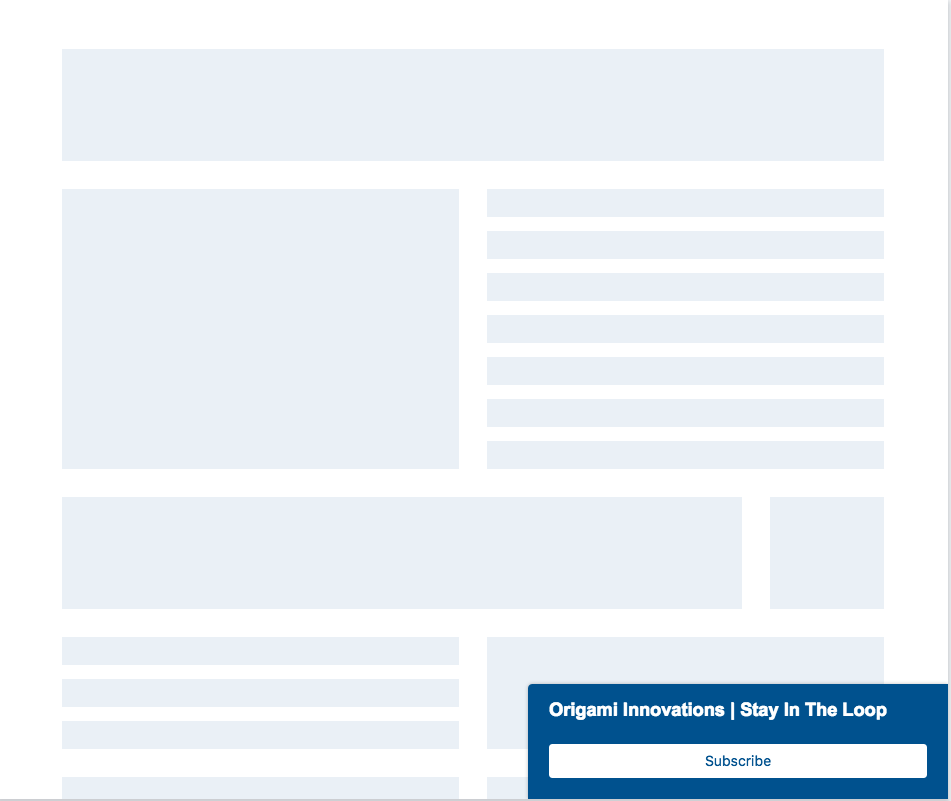
The issues is that the popup starts in the bottom left corner of the web browser and not the bottom left corner of the page (because I have a fixed right sided nav bar). Thus, half of the popup is hidden behind the fixed right sided nav bar.

Any help would be greatly appreciated. Thank you so much!!

Hey there,

Thanks for the detailed write-up, regretfully we can’t suggest any solution without seeing the issue as it may not work and that could lengthen the thread. I’d suggest you to setup a staging site and replicate the issue so we can take a look and suggest you the possible solution.

Thanks!