HTTP Error 500 - Cornerstone

Hi,

I have reviewed similar forum topics, but cannot find out how to fix this as I cannot login to wordpress on the back end.
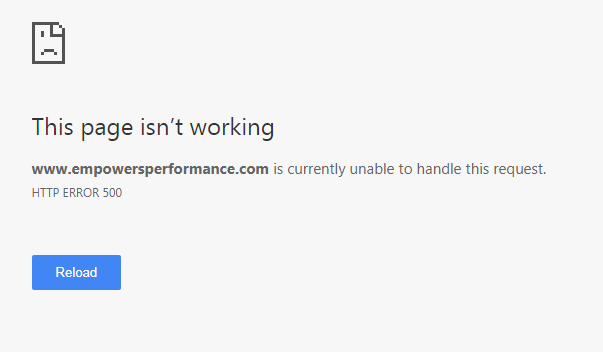
I contacted GoDaddy and they sent me the following screenshot asking for me to send another file for cornerstone as the one that is installed is corrupt.

I believe this error occurred when I was trying to change from X to PRO and deleted a piece of code in the child theme (for a YITH Quick View Button) editor. I have restored from backups and nothing has worked.

the website is: empowersperformance.com

Any help would be greatly appreciated.

https://www.screencast.com/t/gngepvzGow
Hi there @jimmyp04,

Thanks for writing in!

Do you have access to FTP or your cPanel file manager? If you’re using Pro. Login to FTP / Your file manager and navigate to wp-content/plugins. Make sure the “cornerstone” folder doesn’t exist. If it does delete it.

Then navigate to wp-content/themes and delete the “pro” folder. Once you’ve done this, you should be able to access your WP Admin again, once you can. Navigate to Theme.co/apex/dashboard and re-download Pro. Now upload that via your wp-admin > appearance > themes > add new > upload.

Everything should then work correctly, any issues let us know.

Thanks!

Hey Guys,

I just ran into this problem trying to move a staging site over a production site. Both sites are running Pro 1.2.3 and when I used the clone command in GoDaddy to overnight the production site with staging all heck broke loose. The site would not load or it would load but I couldn’t even get into the backend at all or I would get in but would get HTTP 500 errors.

This problem when on for over 5 hours attempting to do restores from backups of the production server to at least get the website back up and running. After numerous support calls with GoDaddy, the only thing they kept point back to me was it was an issue with Pro and Plugins. So they got the restore done manually turns off my theme and plugins and I then had to go in and delete the Pro Theme via FTP, than manually upload and activate. I then when in and activated plugins one at a time.

This is the first time I’ve run into not just being able to quickly clone a stating site on GD over to production and have a major problem. I’ve done many of these and had absolute no issue until now. Don’t know if this info helps but thought I would share since I saw this HTTP 500 thread and GoDaddy.

Skeeter

Thanks a lot everyone for the support and info. This helps a lot.
I am currently running the X theme as I was just about to activate the PRO version and make the switch.
So currently it is running X.

Should I still go into File Manager and do the same?

Hello There,

Error 500 could mean a fatal error. We need to find out what is this error about. Could you please enable the debug mode? You can do this by opening wp-config.php and adding define( 'WP_DEBUG' , true ); just above /* That's all, stop editing! Happy blogging. */

When you revisit the page, you should have some error output describing the issue in more detail.

@jimmyp04:
If everything is already in order and working correctly, it is no longer needed. If not then, please do @Jack’s suggested solution.

Please let us know how it goes.

Thanks all for the information.
I fixed the issue by following Jack’s suggestion.
redownloading the themes and then re-activating the plugins worked.
Thanks again.

Glad to hear that :slight_smile: