Hi there,
The layout you see is the list of the portfolio items. You will need to add portfolio items with proper description and featured images, then add a new page and from the Page Templates settings select the Portfolio Layout one:
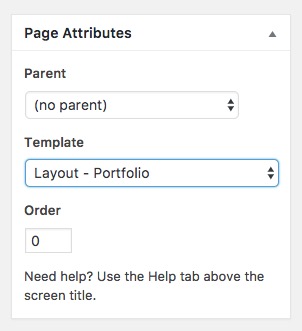
After you selected that page template, check the lower part of that very same page and you will see options to set the columns for the portfolio listing:
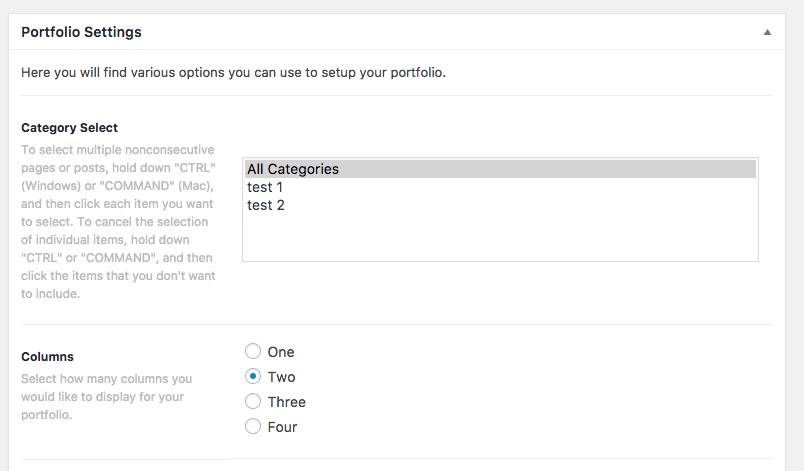
That is how that section is created, needless to say, that there is some extra Customization going on that page you mention and the look and feel of the original theme out of the box layout may be different.
Thank you.

