Hi support.
Yeah, it think the headline says it all.
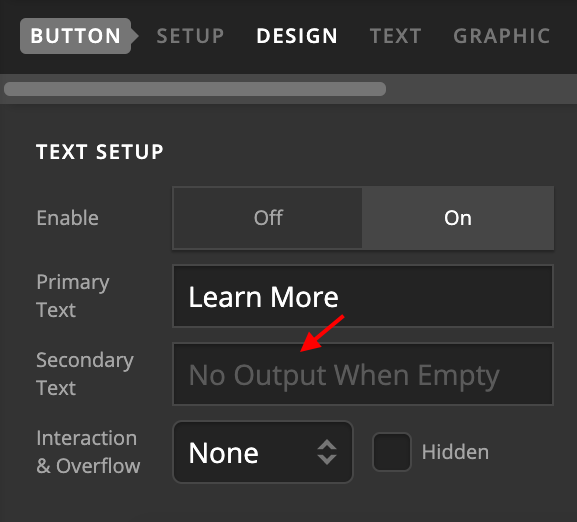
How to use the secondary text in button shortcodes?
I’m using this shortcode, but i would like to add the secondary text also:
[button size="regular" style=" margin-top: 16px; font-size: 20px; padding-top: 18px; padding-left: 45px; padding-right: 45px; font-family: proxima-nova-condensed, sans serif;" href="javascript:;"]Prøv 7 dage gratis[/button]
Best,
Christian