Hello,
I’ve hidden a section on all devices.
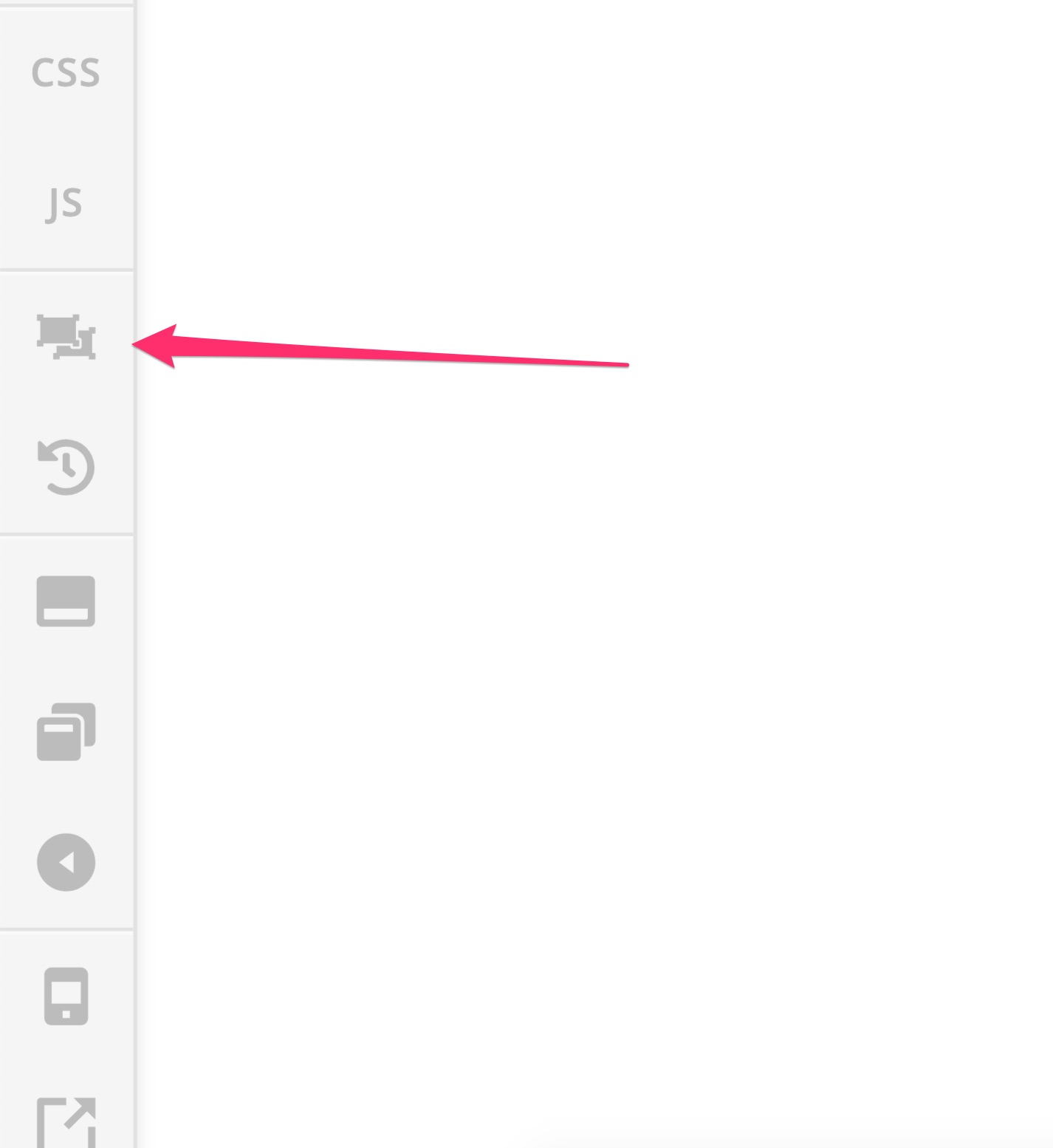
But now my problem is, I cannot un-hide it in Cornerstone because I cannot access the section settings (only accessible when you actually click in the section or a element in the page)
I cannot click inside the page because everything is hidden ! I just have access to the Layout Menu but I cannot access the settings of the section from there
How can I access the section settings in this situation?