how can I turn off page link in menu, im doing a site that has a food menu but I dont want the menu page to be clickable only have the drop down as choices to click on. how can I turn that page off?
Thanks
how can I turn off page link in menu, im doing a site that has a food menu but I dont want the menu page to be clickable only have the drop down as choices to click on. how can I turn that page off?
Thanks
Hi there,
Please add the menu item as a Custom Link then set the URL to javascript:void(0);.
Hope this helps.
Im not sure what you are saying is there a article about this
Thanks
Hi There,
Please navigate to Apprearance > Menus add the menu item as a Custom Link
Put a javascript:void(0); on the URL field, and the label of your menu item on the Link Text field.

Hope it helps,
Cheers!
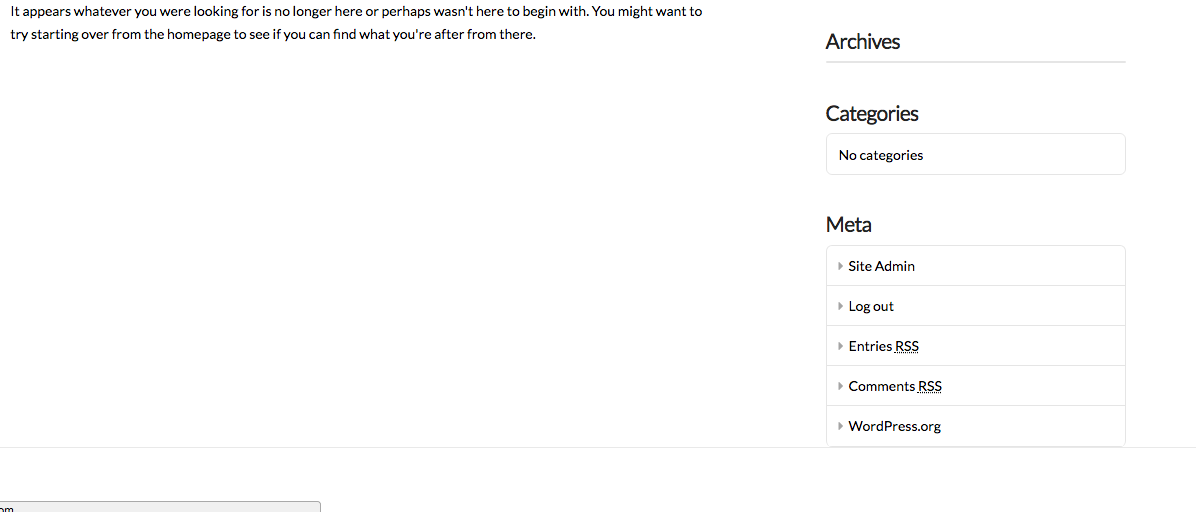
That just broke my site - page and all the subpages , How do I undo this?
Hi There,
The menu has nothing to do with that notice. In any case please provide us the site URL and login credentials in a secure note, so we can take a closer look.
Thanks,
Ok I tried to delete the pages and remake them and same thing and any new page I put under menu, This is directly after I put that code from last staff person @friech, After I put the code I checked the menu link to see if it was still clickable. The site was broken and links were totally messed up. Is what the last staff person said the correct way to turn off a page so its not clickable?
I just added a new page name Menu’s not Menu that fixed it so please take a look lets find out why this fixed it and confirm that code was the problem and how can we reverse the effect that code had on the site
I made a user account so you can take a look
Thanks
Hi @rotation,
The code given cannot have any effect as it is a void javascript one which does nothing and that is the whole point to cause the menu not linked.
Now please consider that you can not have a drop-down functionality inside the footer. The footer of the website only can have linear menu and not drop-down based one.
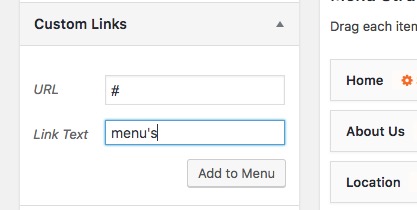
If you are interested in having none linked item in the header section you will need to change the menu and use the custom menu item and set the link to #:
Please forget about the code given as it seems to be not working for you.
If you still have problems please get back to us with the exact link and screenshots and description of the problem so that we can understand the issue to be as helpful as we can.
Thank you for your understanding.
This topic was automatically closed 10 days after the last reply. New replies are no longer allowed.