How to to split a column with a line?

Hello Pro Team!

I wanted to split my column with one line, but I can’t do it properly.
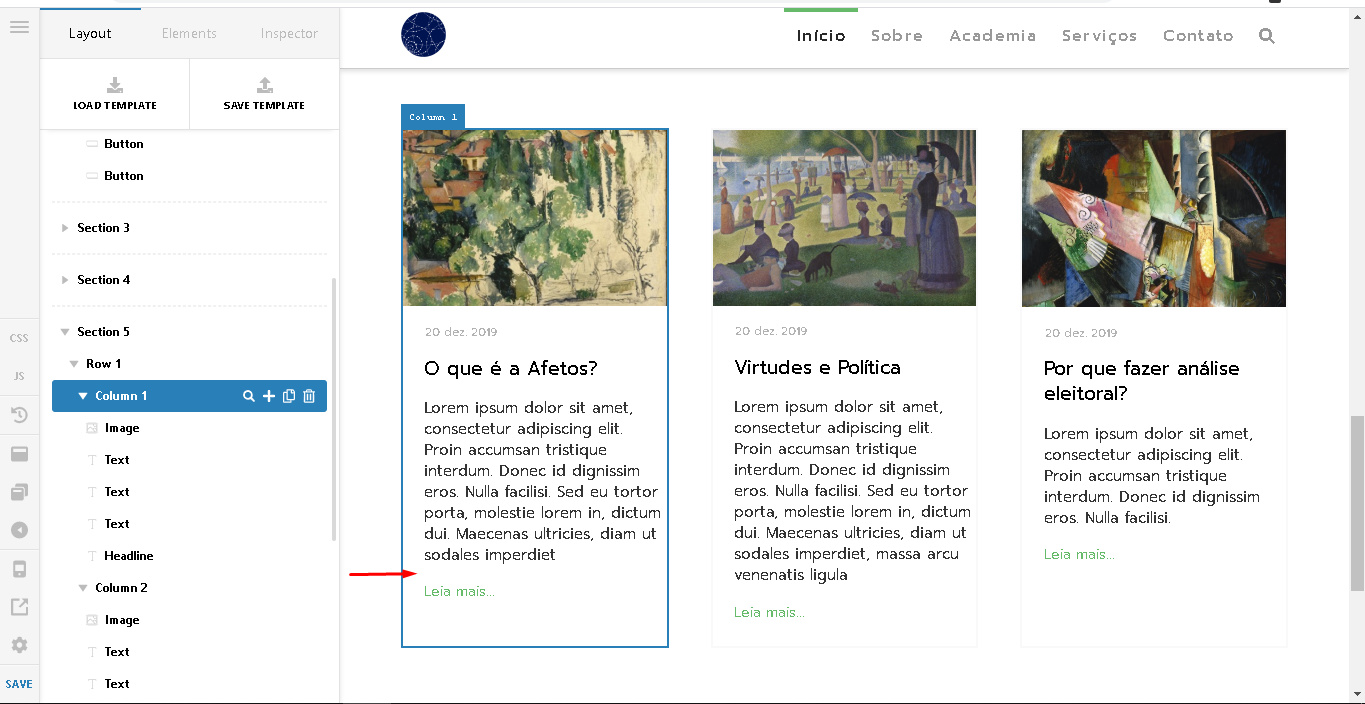
I thought about adding just a margin-top, but I couldn’t do it in the dashboard because it sets the margin to all sides. Are there any dashboard settings that allow me to do this only for margin-top? I would like to make a partition similar to this image:
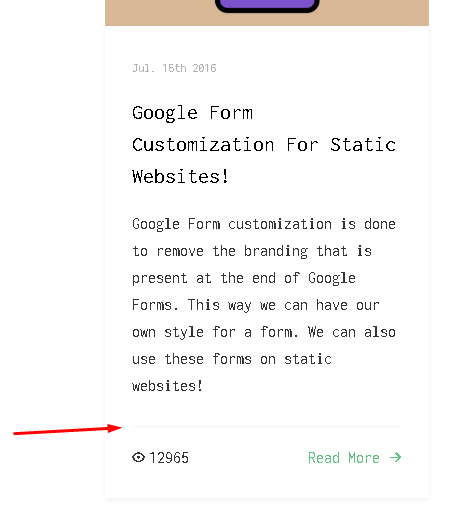
Thank you in advance.

Hello Aline,

Thanks for writing in!

If you want to split your column with a line, please use the line element instead. You can then apply a margin to the line so that it will be consistent especially if you want to have all your columns be split with lines. To align the lines or the learn more, you may need to check out this video tutorials:

And please do not forget to check out videos:

Subscribe to our channel for more updates, tips and how to videos.

1 Like

Thanks for your help. I was able to do what I wanted.

We are delighted to assist you with this.

Happy holidays, Cheers!

This topic was automatically closed 10 days after the last reply. New replies are no longer allowed.