How to take sections offline but retain them for later use

Hi.
I’d like to know how to take a section or element offline but keep it in Cornerstone to use later. Say for example, I have a section I’d like to display only at a certain time of year, and hide it from public view at other times. Is there a function to switch an item on or off?

I have a feeling you’ll tell me to just ‘display:none’ in CSS but I’d like to know if there’s a cleaner way.

Many thanks.
Hi there,

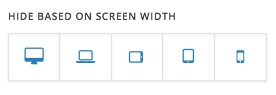
You can go to the section of which you are interested in and in the options of that section set the section to hide on all viewports:

That way it will hide.

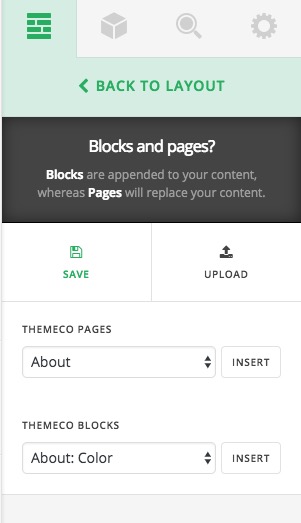
Another way is to click on layout options inside the Cornerstone and add a template:

That way you will have a version saved which you can use later. It is more of a backup like the option.

Thank you.

1 Like

Those are useable options, thank you. It may be worth taking this opportunity to request a feature allowing scheduling of sections. Thanks again.

Hello There,

Your feedback sound a good idea! This is something we can add to our list of feature requests. This way it can be taken into consideration for future development.

Cheers.