Hey Saswata,
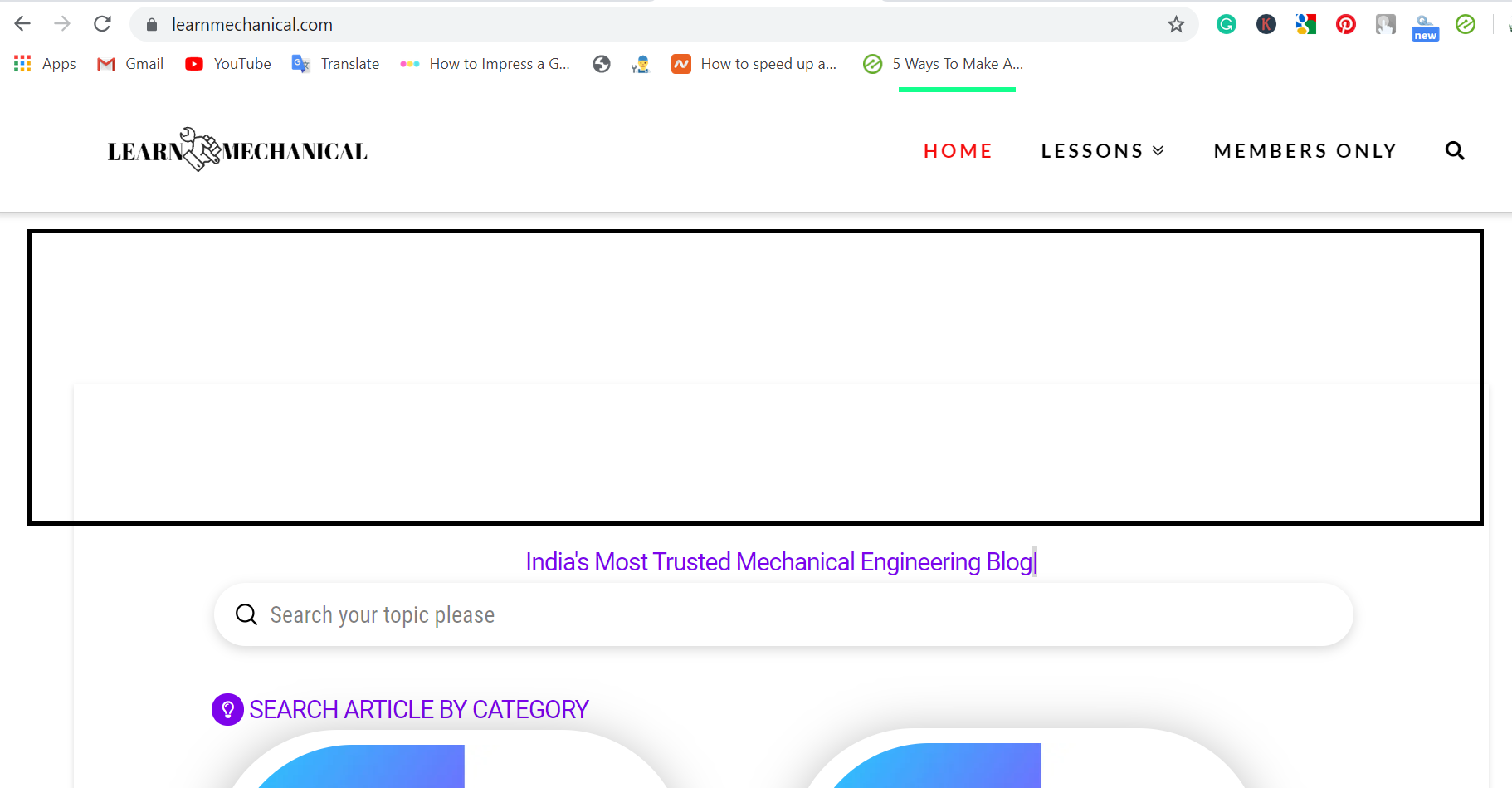
I don’t see a very big gap like in your screenshot. Here’s what I see on my end.

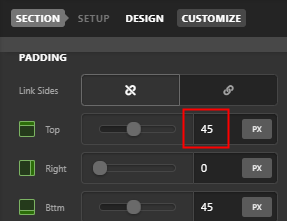
The gap in my screenshot is coming from the Section’s default padding. Set the Top Padding to 0 to reduce the gap in your page.
Hope that helps.
1 Like
Thnks 
Actually, that big gap was created by Ezoic for serve ad. However, I reduce that padding and it looks good 
Glad you sorted things out,
Cheers!
This topic was automatically closed 10 days after the last reply. New replies are no longer allowed.