How to place elements or contents right from top of page with menu being overlaid and to remove gap between elements

Hi All,

Am a newbie to X Pro and facing a few problems:

  1. How can i remove the space in between the elements? have tried inserting pbn or relevant but it doesn’t seem to fix the layout.

  2. and also, how can i place the image / background - positioned right from the top of the page with the sticky menu being an overlay over it? my elements are now being placed after the menu component and also with a gap from menu to the first element.

reference can be viewed from the below screenshot link:
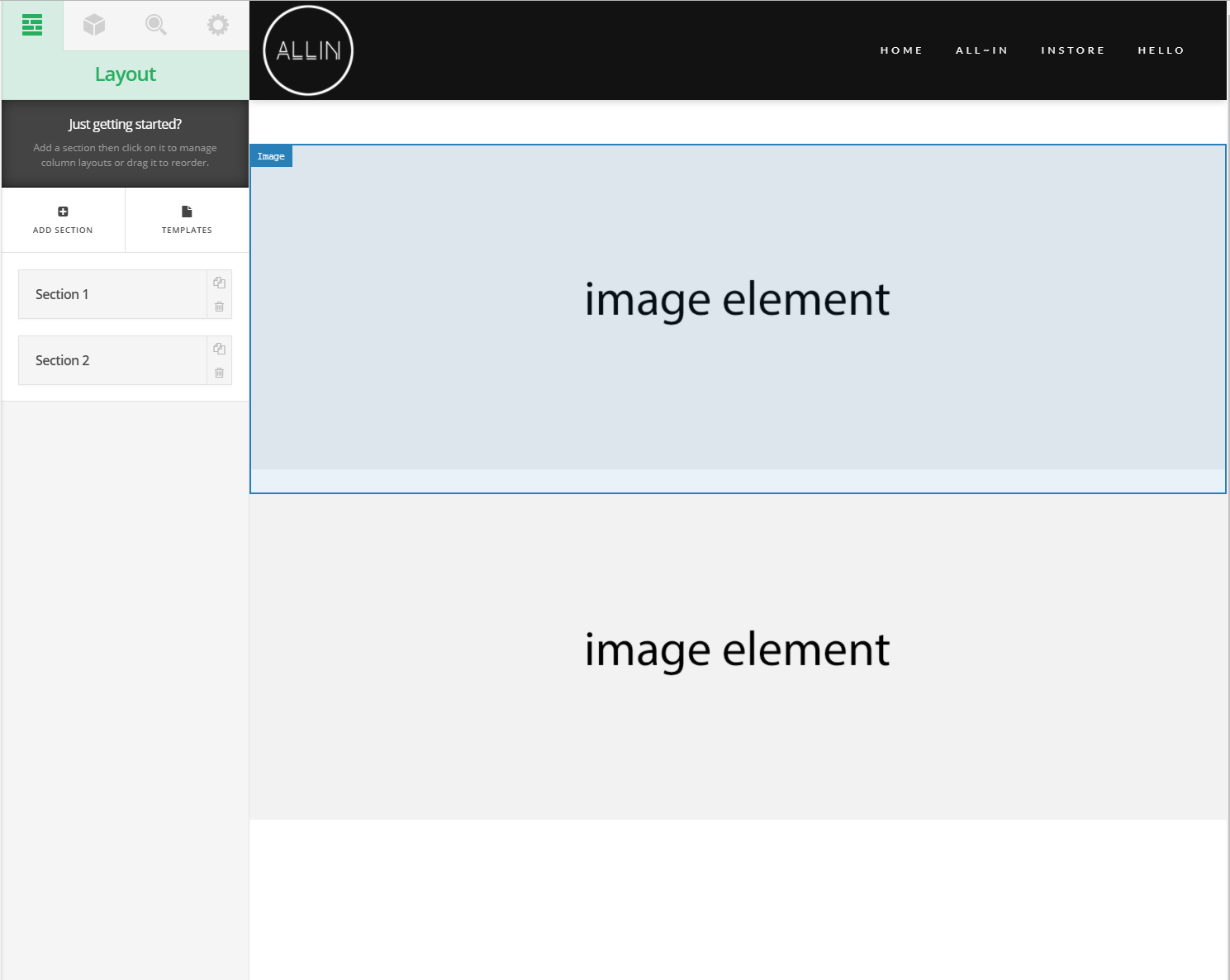
alternatively, it can be viewed at http://partoflife.sg

Hi There,

Thank you for writing in, 1) Normally the man or pan and other Spacing Helper Classes should do the trick. Can you place an actual elements on your page so we can understand or please clarify what spaces that you are referring to?

  1. On your first Section, place a background-image on it, and then set the margins around it to 0. On your header builder set the first Bar initial position to Absolute and set it to have transparent background-color.

Hope it helps,
Cheers!