How to Make Quote Look Like This

At the very bottom of this page, there is a quote and I cannot seem to figure out how to make my page look like that. I know that they are using some type of Feature Box to do that, but I can’t seem to get it figured out exactly. How did he get the 5 Stars in the middle of the top and bottom box?

Additionally, how did he make that photo a small circle? Thanks!
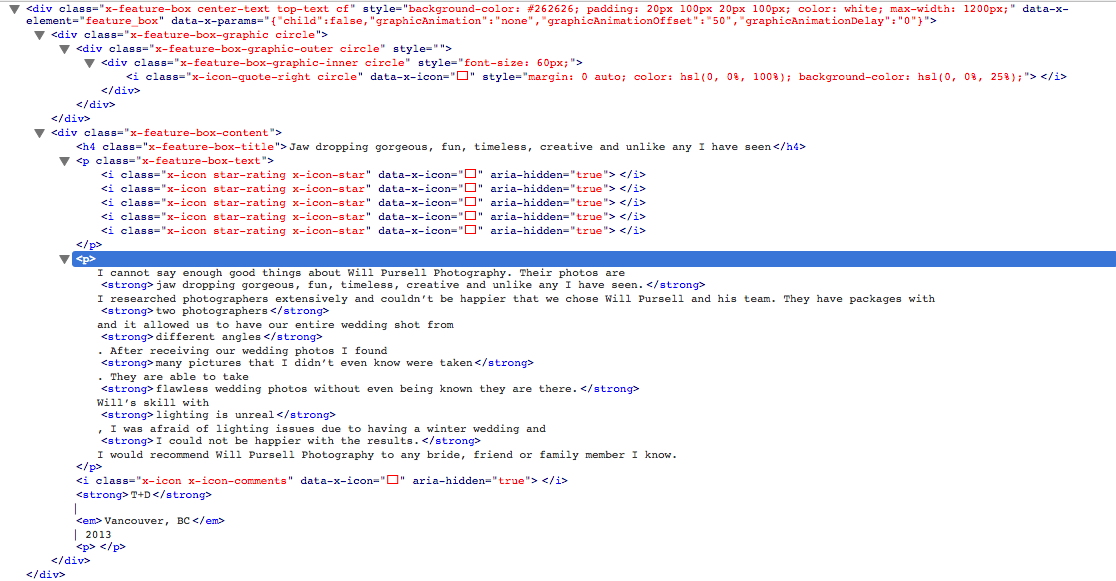
Use Firebug to see how certain things are made up. I’ve attached a screenshot of the quote. Should give you an idea.

1 Like

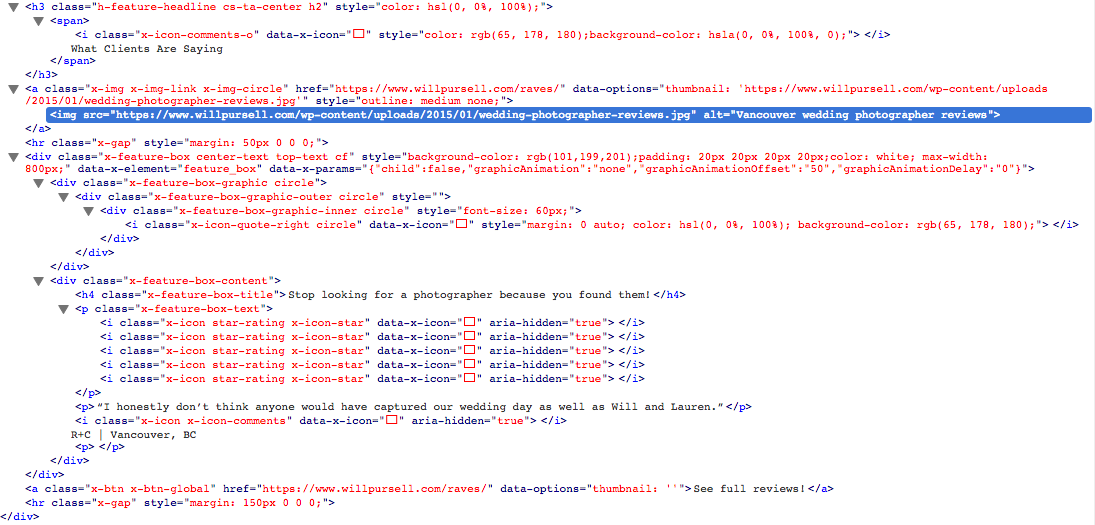
This image is of the review page the quote links to.

1 Like

Hey There,

He created a feature box and the whole feature box was centered by adding the custom class “center-text”. Once done so he simply used the icon shortcode or the markup of it and placed them to each other by adding the custom css:

.star-rating {
  font-size: 30px;
  padding: 0px 5px 0px 5px;
  color: white;
}

This topic was automatically closed 10 days after the last reply. New replies are no longer allowed.